The internet is a world of its own, filled with incredible resources and hidden dangers. As a parent, you teach your child to look both ways before crossing the street, but do you know how to guide them through the digital crossroads? The most common mistake I see in my decade of work in child online safety is relying solely on website blocks. The modern threat is more granular; it lives in the language of search bars, social media feeds, and private messages. The most effective defense is a proactive one, built on a carefully selected set of keywords to block for parental control.
Short answer: block the obvious categories first — self-harm, violence, drugs and alcohol, sexual content — then add the slang variants children actually type. A keyword list alone cannot see inside Snapchat, TikTok or Instagram, so pair it with app-level controls.
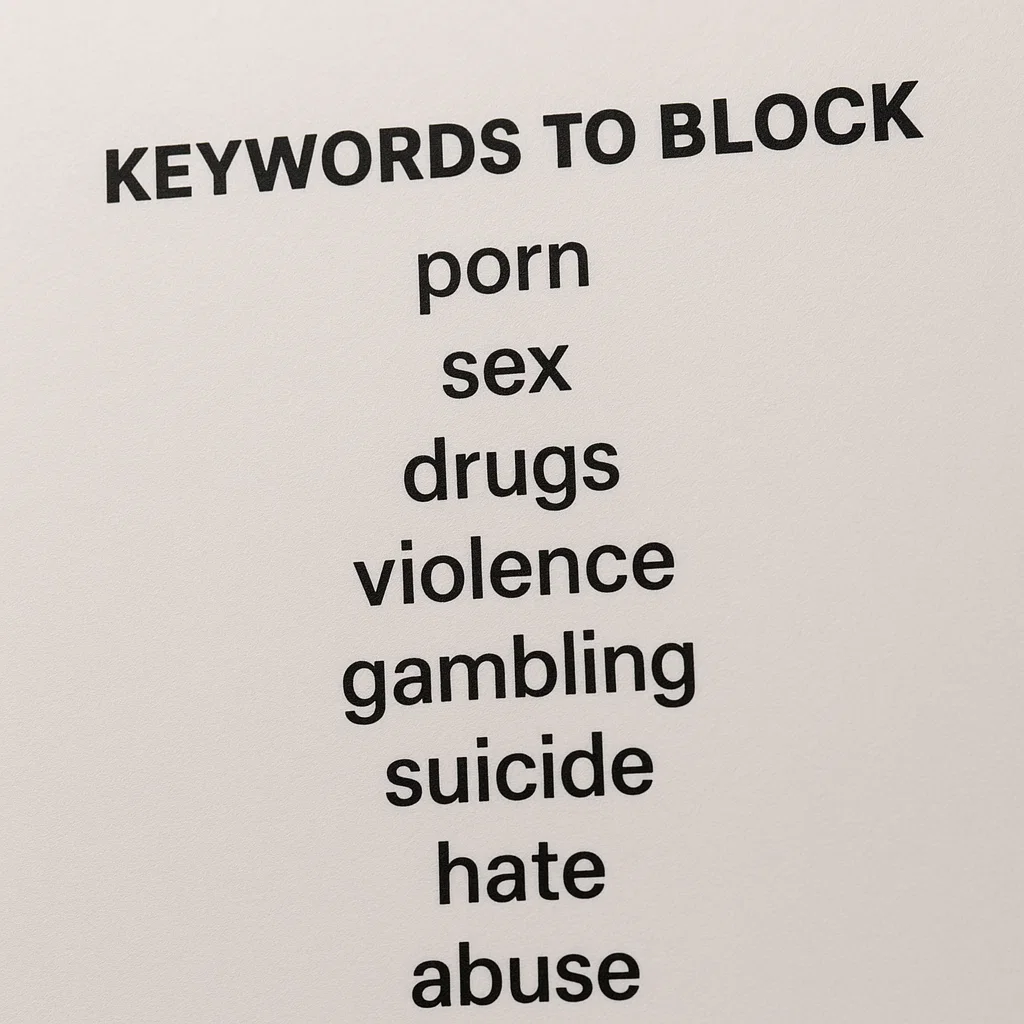
This guide is designed to move you from feeling overwhelmed to being in control. We will not only provide a foundational, categorized list of the most critical keywords to block for parental control, but we will also explain the strategy behind them. You will learn how to implement this list using both basic tools and powerful third-party applications that offer a comprehensive and tamper-resistant safety net for your child.
Why Keyword Filtering is Your Most Powerful Tool
Blocking specific websites is like building a fence around a known dangerous area. Keyword filtering, however, is like giving your child a guide who can spot danger in any environment. New websites and apps appear daily, making it impossible to blacklist them all. A dynamic list of keywords to block for parental control works at a deeper level, filtering content based on language across search engines, social media, and in-app browsers. This proactive approach is essential for protecting children from:
Explicit and Pornographic Content: Shielding them from sexually explicit material.
Self-Harm and Pro-Eating Disorder Content: Blocking access to communities that promote dangerous and life-threatening behaviors.
Violence and Extremism: Preventing exposure to graphic violence, weapons instructions, and hate groups.
Substance Abuse: Filtering content that glorifies or provides instructions on obtaining drugs and alcohol.
Cyberbullying and Hate Speech: Limiting exposure to harmful language and slurs.
Building Your Foundational Keyword Block List
A successful strategy involves categorizing terms. This is not about spying, but about setting healthy digital boundaries. Use this categorized list as a starting point, adapting it to your child's age and maturity level.
Category 1: Explicit Adult Content and Pornography
This category requires being specific and including common slang and misspellings that children might encounter or use.
Core Terms: porn, xxx, adult, sex, sexy, nude, nudes, onlyfans, hookup, dating, hook up
Specific Acts: Include explicit terms for sexual acts.
Slang and Misspellings: pron, p0rn, secs, only fans, OF
Category 2: Self-Harm, Suicide, and Pro-Eating Disorder
This is a critical category for mental health protection. It requires sensitivity and comprehensiveness.
Self-Harm & Suicide: suicide, kill myself, self harm, cutting, cutting myself, anorexia, bulimia, thinspo, bonespo, pro-ana, pro-mia
Specific Methods: Include terms related to common methods of self-harm or suicide.
Community Terms: edtwt (Eating Disorder Twitter), sh (self-harm)
Category 3: Violence, Weapons, and Gore
Protect your child from graphic and violent content that can normalize aggression or cause fear and anxiety.
Weapons: gun, guns, ammunition, bomb, how to build a bomb, knife fight, shoot
Graphic Violence: murder, gore, torture, terrorist attack, mass shooting
Extremist Groups: List names of known violent extremist organizations.
Category 4: Drugs, Alcohol, and Substance Abuse
Block content that glorifies or provides instructions on obtaining and using illegal substances.
Illegal Drugs: cocaine, heroin, meth, ecstasy, how to buy drugs, weed, psychedelics (use specific drug names)
Prescription Drug Abuse: oxy, xanax, percs, vikes (use common slang for prescription medications)
Inhalants & Paraphernalia: huffing, bong, pipe
Category 5: Hate Speech and Cyberbullying
Filter out language that promotes discrimination, hatred, or harassment.
Racial & Homophobic Slurs: All common racial, ethnic, and homophobic slurs.
General Hate Terms: hate group, white power, kill all [group]
Implementation: From Basic Tools to Advanced Solutions
Creating the list is the first step; enforcing it is the second. The effectiveness of your strategy depends entirely on the tools you use.
The Limitations of Built-in Browser and Platform Controls
Most major platforms have some level of parental control:
Google SafeSearch: Can be enabled in Google Search settings to filter explicit results.
YouTube Restricted Mode: Helps screen out mature content on YouTube.
The Critical Problem: These tools are often easy to bypass, limited to specific platforms, and lack the granularity needed for a custom list of keywords to block for parental control. A child can use a different browser, a VPN, or switch to mobile data to circumvent them entirely.
The Superior Solution: Dedicated Parental Control Applications
For robust, cross-platform, and tamper-resistant keyword filtering, dedicated parental control apps are the only way to achieve comprehensive coverage. They apply your custom block lists across search engines, social media, and sometimes even in private messaging apps.
1. mSpy: For Granular Control and Proactive Alerts
mSpy is a powerful application known for its extensive monitoring and control features. Its keyword alert system is particularly effective for proactive parental oversight.
Key Features for Keyword Blocking:
Keyword Alerts: Receive instant notifications when a specified keyword is used or searched for on the target device.
Social Media Monitoring: Track keywords across popular platforms like Instagram, Facebook, and Snapchat.
Web Filtering: Block websites based on your keyword list and categories.
App Blocking: Remotely block access to apps where inappropriate content is often shared.
Best For: Parents who need detailed insights and real-time alerts about their child's digital activity.
How to Get Started with mSpy:
For the highest level of oversight and proactive keyword monitoring, mSpy is an industry leader.
TRY NOW
2. Scannero: Location Intelligence with Safety Features
Scannero offers a unique approach by integrating location-based features with its safety tools. While its primary focus is location, it provides essential monitoring that complements a keyword strategy.

Key Features for Safety:
Number Lookup & Alerts: Identify unknown callers and receive safety alerts.
Location Tracking & Geofencing: Set up safe zones and receive alerts when your child enters or leaves a specific area.
User-Friendly Interface: The app is designed for simplicity and ease of use.
Best For: Parents who want a straightforward tool for location safety and basic monitoring to use alongside other protections.
How to Get Started with Scannero:
For smart, location-aware safety features, Scannero is a great option.
BUY NOW
3. Moniterro: All-in-One Monitoring and Insights
Moniterro positions itself as a complete digital wellness suite, offering both monitoring and detailed analytics into your child's device usage.
Key Features for Keyword Blocking:
Social Media & Message Monitoring: Track interactions and keywords across multiple platforms.
Web Activity Filtering: See browsing history and block harmful websites.
Screen Time Management: Set limits and view detailed reports on app usage.
Location Tracking: Keep tabs on your child's whereabouts for added peace of mind.
Best For: Data-driven parents who want a comprehensive view of their child's digital habits and interactions.
How to Get Started with Moniterro:
For comprehensive insights and robust monitoring, Moniterro is an excellent all-in-one choice.
BUY NOW
Maintaining an Effective and Evolving Strategy
Your list of keywords to block for parental control is not a static document. It must evolve as your child grows and the online landscape changes.
Communicate Openly: Have age-appropriate conversations about online safety and the reasons behind certain blocks.
Review and Update Quarterly: Every few months, review the list. Add new slang and remove terms that may no longer be relevant.
Leverage App Reports: Use the insights from apps like mSpy and Moniterro to identify new terms or concerning trends.
Conclusion
Creating and implementing a strategic list of keywords to block for parental control is one of the most powerful and proactive steps you can take for your child's digital safety. It builds a dynamic defense that adapts to the hidden risks of the online world.
You now have the foundational knowledge and a concrete list to begin. Don't leave your child's online safety to chance. Start by customizing your keyword list today. For the most robust and reliable protection, invest in a dedicated parental control app like mSpy, Scannero, or Moniterro to ensure your boundaries are consistently enforced across all digital spaces.
Frequently Asked Questions (FAQs)
1. Will keyword blocking affect my child's school research?
It might, which is why communication is key. Some educational terms might overlap with blocked keywords (e.g., "breast" in health class). Many advanced parental control apps allow you to pause protections temporarily or create "allow lists" for trusted educational sites. Reviewing the device's search history within these apps can also help you adjust the list to be more precise.
2. Is it better to be transparent with my child about the keyword blocking?
For younger children, it can be framed as a universal safety tool. For teenagers, transparency is generally recommended. Explain that it's a safety measure, not a sign of distrust, similar to having rules about wearing a seatbelt. This can prevent them from feeling spied on and open a dialogue about responsible online behavior.
3. How do I keep up with new slang and evolving keywords?
This is a common challenge. Stay engaged with your child's online world, ask them about new apps and trends (in a non-confrontational way), and use the monitoring features of your parental control app. The reports from mSpy or Moniterro can show you the actual terms being used, helping you identify new slang to add to your block list.


