It’s 10 PM. You’ve said goodnight, but a faint blue glow still seeps from under your child’s door. When you check an hour later, they’re still scrolling. If this scene feels familiar, you’re not alone. After a decade of advising families on digital wellness, I’ve found that disrupted sleep due to late-night phone use is one of the most common—and concerning—issues parents face. The National Sleep Foundation confirms that the blue light from screens can suppress melatonin, the hormone essential for sleep, making it harder for kids to wind down.
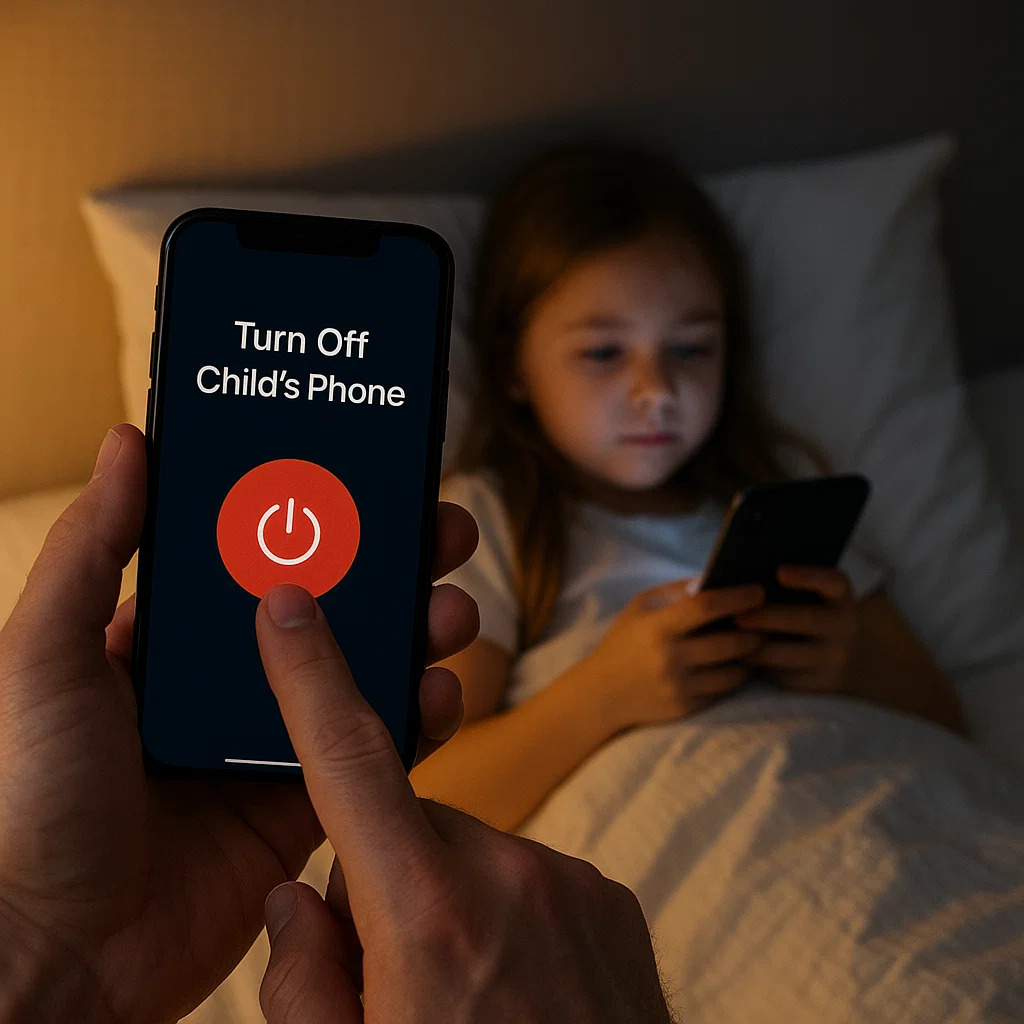
The nightly struggle doesn't have to be a battle of wills. Modern technology, which creates the problem, also offers the solution. Learning how to turn off your child's phone at bedtime remotely is a practical, effective strategy that removes the temptation and enforces a healthy sleep routine. This guide will provide you with a clear, step-by-step plan, from using free built-in features to implementing powerful parental control apps that guarantee your child’s phone is off when it should be.
The Critical Link Between Phones and Poor Sleep in Children
The desire to turn off your child's phone at bedtime remotely isn't about control; it's about health. Sleep is not a luxury for a developing brain; it's a biological necessity. Studies have consistently shown that adolescents need 8-10 hours of quality sleep per night for proper cognitive function, emotional regulation, and physical health.
A phone in the bedroom sabotages this in three key ways:
Blue Light Emission: This light tricks the brain into thinking it's daytime, disrupting the natural sleep-wake cycle.
Mental Stimulation: Social media alerts and engaging content keep the brain active and alert, the opposite of the calm state needed for sleep.
Sleep Interruption: Even if a child falls asleep, a single notification can fragment their sleep cycle, reducing sleep quality.
By remotely managing the phone, you are protecting your child’s health, mood, and academic performance.
Method 1: Leveraging Built-in "Digital Bedtime" Features
Your first and easiest line of defense is already on the device. Both iOS and Android have robust, free tools designed to create a "digital bedtime."
For iPhones: Using Screen Time & Downtime
Apple’s Screen Time feature is a powerful tool for creating automated schedules.
How to Set Up a Remote "Bedtime" Lock:
On your child's iPhone, go to Settings > Screen Time.
If it's not on, tap "Turn On Screen Time." Proceed and select "This is My Child's iPhone."
Tap "Downtime."
Set a schedule for every day (e.g., 9:00 PM to 7:00 AM). During Downtime, only apps you explicitly allow and phone calls will be available. You can block everything except the phone app.
Crucially, set a secure Screen Time passcode that your child does not know. This prevents them from extending the time or changing the settings.
To manage this remotely if you have a family Apple ID setup, you can adjust these settings from your own device, but for true, one-tap remote control, third-party apps are more direct.
For Android Phones: Using Google Family Link
Google’s Family Link app provides excellent remote bedtime controls for Android devices.
How to Set a Remote Bedtime:
Download the Google Family Link app on your phone (the parent device).
Follow the setup to link it to your child's Android phone.
In the Family Link app, select your child's device.
Tap "Bedtime" and set a daily schedule. You can even set different times for weekdays and weekends.
When bedtime arrives, the child's phone will automatically lock, showing only a "Time for bed" message. You can also manually lock it instantly from your own phone at any time.
The Limitations of Built-in Bedtime Controls
While these free tools are a fantastic starting point, they have weaknesses that tech-savvy children can exploit.
They Can Be Bypassed: A child who knows the device passcode can often override Downtime or Bedtime mode.
Lack of True "Off": The phone isn't truly "off"; it's just locked, and notifications can still accumulate.
No Usage Insight: You don't know if your child was trying to use their phone past bedtime or if they simply went to sleep.
For guaranteed results and deeper insight, dedicated parental control applications are the next step.
Method 2: Using Dedicated Parental Control Apps for Guaranteed Sleep
For parents who need an ironclad solution, third-party apps are designed to be more tamper-resistant and offer a holistic view of your child's digital habits. They are the most reliable way to turn off your child's phone at bedtime remotely.
Let’s examine three of the most effective tools for enforcing digital bedtime.
mSpy: The Comprehensive Solution for Unbreakable Schedules
When parents need the most powerful and reliable control, mSpy is a top-tier choice. It’s built for situations where you cannot afford for the rules to be broken.
Key Features for Bedtime:
Remote App Blocking: Instantly lock the entire phone or just specific apps (like social media and games) with one tap from your dashboard.
Custom Scheduling: Create a precise, automated schedule that locks the phone every night at a set time. The block is robust and difficult to bypass.
Website Blocker: Prevent access to distracting websites through the browser, ensuring a complete digital wind-down.
Usage Reports: See if your child attempted to use their phone after bedtime, giving you valuable insight for conversations.
Who it's for: Parents who need a powerful, all-in-one solution and want to ensure their child's bedtime is non-negotiable.
Eyezy: The User-Friendly Manager for Smart Families
Eyezy excels at making powerful controls simple and intuitive. Its clean interface is perfect for parents who want to set up a digital bedtime quickly and effectively.

Key Features for Bedtime:
Screen Time Scheduler: Visually create a schedule to block the phone during bedtime hours. It’s straightforward and easy to manage.
One-Tap "Panic" Lock: Instantly lock your child's phone from your own device if you see they're still using it after lights out.
App Blocker: Quickly find and block distracting apps in the evening to help with the wind-down process.
Magic Alerts: Get notified if your child uses specific keywords related to stress or anxiety at night, which might explain why they're having trouble sleeping.
Who it's for: Parents who want an effective, straightforward tool to enforce bedtime without technical complexity.
Parentaler: The Balanced Approach for Building Healthy Habits
Parentaler takes a thoughtful approach, combining strong technical controls with a philosophy that encourages communication about digital wellness.
Key Features for Bedtime:
Reliable App Blocking & Scheduling: Set a dependable schedule that locks the phone at bedtime.
Usage Reports: View clear reports showing phone activity, which can be used for morning check-ins about sleep habits.
Location-Based Rules: A unique feature that can automatically enforce stricter limits when the phone is in your child's bedroom at night.
Focus on Dialogue: The app helps you use technology as a starting point for conversations about the importance of sleep.
Who it's for: Parents who want to enforce boundaries while using the data to build trust and educate their children about the importance of rest.
Creating a Healthy Pre-Bedtime Routine
Technology can enforce the "lights out," but a good routine makes it easier for your child to actually fall asleep. The goal isn't just to turn off your child's phone at bedtime remotely, but to help them transition to sleep.
Establish a "Phone Curfew": Set a time 30-60 minutes before bed when all devices are put down. This allows melatonin levels to rise naturally.
Create a Central Charging Station: Have all family members, including parents, charge their phones overnight in a common area like the kitchen. This removes the temptation entirely and reinforces that sleep is a family priority.
Offer Alternatives: Encourage reading a physical book, listening to calm music, or a quiet conversation as part of the wind-down routine.
How to Talk to Your Child About the New Rules
Introducing remote controls works best when it's framed as a health initiative, not a punishment.
Explain the "Why": Talk about the science of sleep and how it affects their mood, growth, and performance in school and sports.
Involve Them: Ask for their input on a reasonable bedtime and what a good wind-down routine looks like.
Be a Role Model: Commit to your own pre-bedphone rules. When they see you prioritizing sleep, they are more likely to follow suit.
Troubleshooting Common Bedtime Resistance
"I need it for my alarm!" Solution: Buy a simple, inexpensive alarm clock. This removes the number one excuse for having a phone in the bedroom.
"But my friends are still talking!" Solution: Explain that everyone needs sleep, and healthy boundaries are important. The world will still be there in the morning.
They bypass the controls. Solution: This is where a more robust app like mSpy becomes essential. Its tamper-resistant design makes it much harder to disable.
Conclusion
The ability to turn off your child's phone at bedtime remotely is more than a technical trick; it's a profound act of care. You are safeguarding their mental and physical health, improving their school performance, and teaching them a vital life skill: the ability to disconnect to recharge.
You have a clear path forward. Start with the free built-in tools, and if you need more robust control, invest in the guaranteed results of a dedicated app like mSpy, Eyezy, or Parentaler.
Frequently Asked Questions (FAQs)
1. Is it safe to completely lock my child's phone overnight?
Yes, it is safe and recommended. By using the remote lock features in these apps, essential functions like emergency calls are typically still available. For absolute peace of mind, you can provide your child with a simple, charged landline or ensure they know they can always come to you in an emergency. The benefits of uninterrupted sleep far outweigh the minimal risks.
2. My teen says they need their phone for homework. What should I do?
This is a common excuse. The solution is to establish a clear homework schedule that ends well before bedtime. If genuine late-night work is occasionally required, most parental control apps (like Eyezy or mSpy) allow you to grant temporary, limited access to specific apps (like a calculator or document viewer) while keeping social media and games locked.
3. Can my child disable these remote controls?
Built-in controls can sometimes be bypassed if a child knows the device's passcode. However, dedicated parental control apps like mSpy are specifically engineered to be tamper-resistant. They run in stealth mode, prevent deletion, and will send an alert to your phone if someone tries to disable them, making them the most reliable option for enforcement.


