You've meticulously blocked the usual suspect websites, but your child, or your own willpower, finds a workaround. A new social media platform emerges, a proxy site is shared, or a simple search leads down a rabbit hole of inappropriate content. The traditional approach to online safety is fundamentally reactive. As a cybersecurity specialist with a decade of experience in digital wellness, I've witnessed a pivotal shift. The most effective, forward-thinking strategy is not to block websites, but to block the very ideas that lead to them. This is the power of website blocking by keyword list.
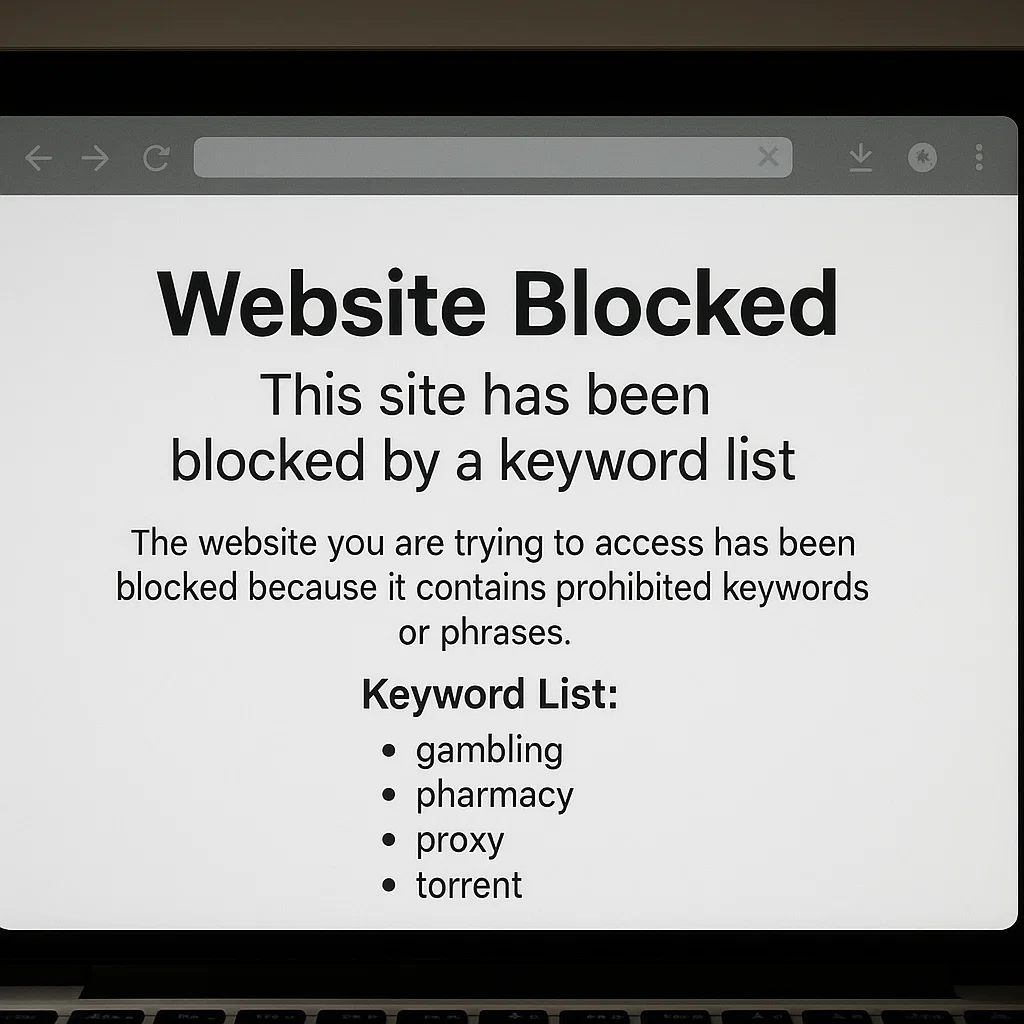
This guide is your manual for implementing this advanced layer of defense. We will move beyond the basics of blacklisting URLs and delve into the strategic process of building, maintaining, and enforcing a dynamic keyword list. You will learn not only which words are critical to include but also how to leverage both native tools and powerful third-party applications to achieve true website blocking by keyword list that adapts to the ever-changing internet.
Why Traditional Website Blocking is No Longer Enough
The internet's landscape is fluid. New websites are created every minute, and dangerous content can be hosted on seemingly benign platforms. Blocking specific URLs is like playing a perpetual game of whack-a-mole. A strategy centered on website blocking by keyword list is different. It operates on a principle of content intelligence, filtering the web based on language and context. This approach is essential because it:
Closes Loopholes: Prevents access to dangerous content on new or lesser-known sites that haven't made it onto a standard blocklist.
Filters Dynamic Content: Works within social media feeds, search engine results, and comment sections where harmful material can appear unexpectedly.
Provides Proactive Protection: Stops threats before they are fully realized by intercepting the search queries that lead to them.
Adapts to New Trends: A well-maintained keyword list can be updated to include new slang and terminology associated with emerging risks.
Building Your Foundational Keyword Block List
A successful list is not a random collection of words; it is a categorized, strategic filter. Organizing your list by category makes it easier to manage and update. Here is a foundational framework to begin your website blocking by keyword list.
Category 1: Explicit Adult Content
This category requires directness and an awareness of slang.
Core Terms: porn, xxx, adult, sex, sexy, nude, nudes, onlyfans, hookup
Specific Acts: Include explicit terms for sexual acts.
Slang & Misspellings: pron, p0rn, secs, only fans, OF
Category 2: Self-Harm and Eating Disorders
This is a critical category for mental health protection.
Self-Harm & Suicide: suicide, kill myself, self harm, cutting, cutting myself
Eating Disorders: anorexia, bulimia, thinspo, bonespo, pro-ana, pro-mia
Community Terms: edtwt (Eating Disorder Twitter)
Category 3: Violence and Extremism
Protect against content that can desensitize or radicalize.
Weapons: gun, guns, ammunition, bomb, how to build a bomb
Graphic Violence: murder, gore, torture, terrorist attack
Extremist Groups: List names of known violent organizations.
Category 4: Drugs and Alcohol
Block content that promotes or instructs on substance abuse.
Illegal Drugs: cocaine, heroin, meth, ecstasy, how to buy drugs, weed
Prescription Drug Abuse: oxy, xanax, percs, vikes (common slang)
Paraphernalia: bong, pipe, huffing
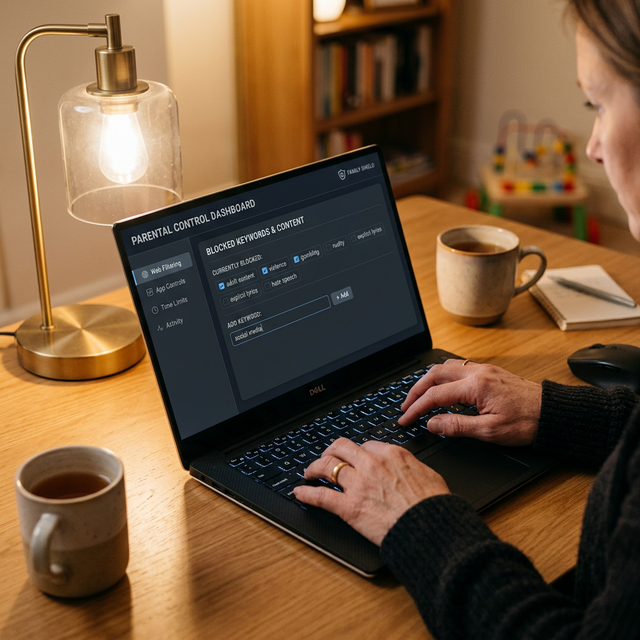
A well-built keyword block list is your first line of defense for precision online safety.
Block Dangerous Content Automatically
Set up keyword-based blocking that catches harmful content across every app and browser — even incognito mode.
Set Up Keyword BlockingImplementation: How to Enforce Your Keyword Block List
Creating the list is the first step; activation is the second. The level of protection you achieve is entirely dependent on the tools you use for enforcement.
The Limitations of Basic Browser and Router Settings
Some home routers and web browsers offer basic keyword filtering options.
The Critical Problem: These solutions are notoriously easy to bypass. A user can switch to a different browser, use a VPN, or access the internet via mobile data, completely circumventing your network-level blocks. They also lack the sophistication to effectively scan and filter content within complex web pages and social media platforms.
The Professional Solution: Dedicated Apps for Keyword Enforcement
For robust, cross-platform, and tamper-resistant website blocking by keyword list, dedicated parental control and productivity applications are the only reliable method. These tools are engineered to implement your custom filters deeply within the device's operating system and browsers.
1. mSpy: For Granular Control and Proactive Alerts
mSpy is a powerful application known for its extensive monitoring and control features. Its systems are designed for users who need detailed oversight and the ability to intervene based on specific linguistic triggers.

Key Features for Keyword Blocking:
Keyword Alerts: Receive instant notifications when a blocked word is used in searches or appears in content on the device.
Social Media Monitoring: Tracks activity and filters content based on your keyword list on platforms like Instagram and Facebook.
Web Filtering: Actively blocks websites that contain or are reached through your listed keywords.
App Blocking: Remotely disable apps where risky content is often shared, complementing the keyword filter.
Best For: Parents and individuals who need the highest level of oversight and real-time intelligence.
How to Get Started with mSpy:
For comprehensive oversight and proactive keyword enforcement, mSpy is an industry leader.
BUY NOW
2. Parentaler: Streamlined and User-Friendly Filtering
Parentaler offers a clean, intuitive interface that makes implementing robust parental controls straightforward, without sacrificing power.

Key Features for Keyword Blocking:
App and Web Blocker: Easily block inappropriate apps and websites, with the ability to set broad category filters that work in tandem with a keyword strategy.
Screen Time Management: Set healthy limits on overall device use to reduce exposure time.
Panic Alert: A vital safety feature for your child to use in emergencies.
Remote Management: Control all settings from your own phone.
Best For: Parents who want an effective, no-fuss solution for creating a safer digital environment.
How to Get Started with Parentaler:
For a user-friendly and powerful tool, Parentaler is an excellent choice.
TRY NOW
3. Eyezy: All-in-One Monitoring and Intelligent Alerts
Eyezy blends powerful monitoring with an intelligent alert system, making it ideal for data-driven parents who want to be informed about specific activities.
Key Features for Keyword Blocking:
Magic Alerts: Get notified based on specific keywords found in messages, searches, and social media activity.
Social Media Tracker: Monitor interactions and posts across multiple platforms for flagged terms.
Invisible Shield: Operates discreetly for uninterrupted protection.
Web Magnifier: See the full browsing history, allowing you to refine your keyword list based on actual usage.
Best For: Parents who want to combine broad monitoring with specific, customizable keyword alerts to guide conversations and interventions.
How to Get Started with Eyezy:
For a blend of powerful monitoring and customizable alerts, Eyezy provides a complete solution.
BUY NOW
Maintaining an Effective and Evolving Keyword Strategy
Your website blocking by keyword list is a living document. To remain effective, it must evolve.
Communicate Openly: Discuss online safety with your child. For personal use, reflect on your digital habits.
Review and Update Quarterly: Every few months, review the list. Add new slang and emerging trends.
Leverage App Data: Use the reports from mSpy or Eyezy to identify new terms or concerning patterns, turning your monitoring tool into an intelligence asset for refining your list.
Conclusion
Implementing a strategic website blocking by keyword list is the most sophisticated step you can take toward achieving genuine digital safety and focus. It moves you from a defensive posture to an intelligent, proactive one.
You now have the foundational knowledge, a concrete list, and an understanding of the tools required for success. Don't let another day be compromised by unwanted content. Begin customizing your keyword list today. For complete peace of mind and robust, cross-device protection, invest in a dedicated application like mSpy, Parentaler, or Eyezy to ensure your digital boundaries are actively and intelligently enforced.
Frequently Asked Questions (FAQs)
1. Will keyword blocking affect my ability to do legitimate research?
It might, which is why precision and periodic review are essential. A medical student researching "suicide prevention" might be blocked by a broad filter. Advanced apps like mSpy and Eyezy allow you to review triggered alerts, helping you refine your list to be more accurate. Some systems also allow for "allow lists" of trusted research sites.
2. How is this different from the content filters my internet provider offers?
ISP-level filters are often broad, unreliable, and easy to bypass with a VPN. They also only work on your home network. A dedicated app-based strategy for website blocking by keyword list works on the device itself, regardless of network, and offers much more granular, customizable control based on your specific needs.
3. Can a tech-savvy teenager bypass these keyword blocks?
While no system is 100% unbreakable, dedicated apps like mSpy, Parentaler, and Eyezy are designed to be tamper-resistant. They often use device profiles that are difficult to remove without a password and can operate in stealth mode. This makes them significantly more robust than basic router or browser settings, providing a formidable barrier against circumvention.


