For ten years, I’ve worked with families struggling to find balance in the digital world. The most common frustration I hear is, "We know we need to do something, but we don't know where to start." The world of social media can feel like a maze of hidden settings, new apps, and ever-changing risks, leaving parents feeling overwhelmed and reactive.
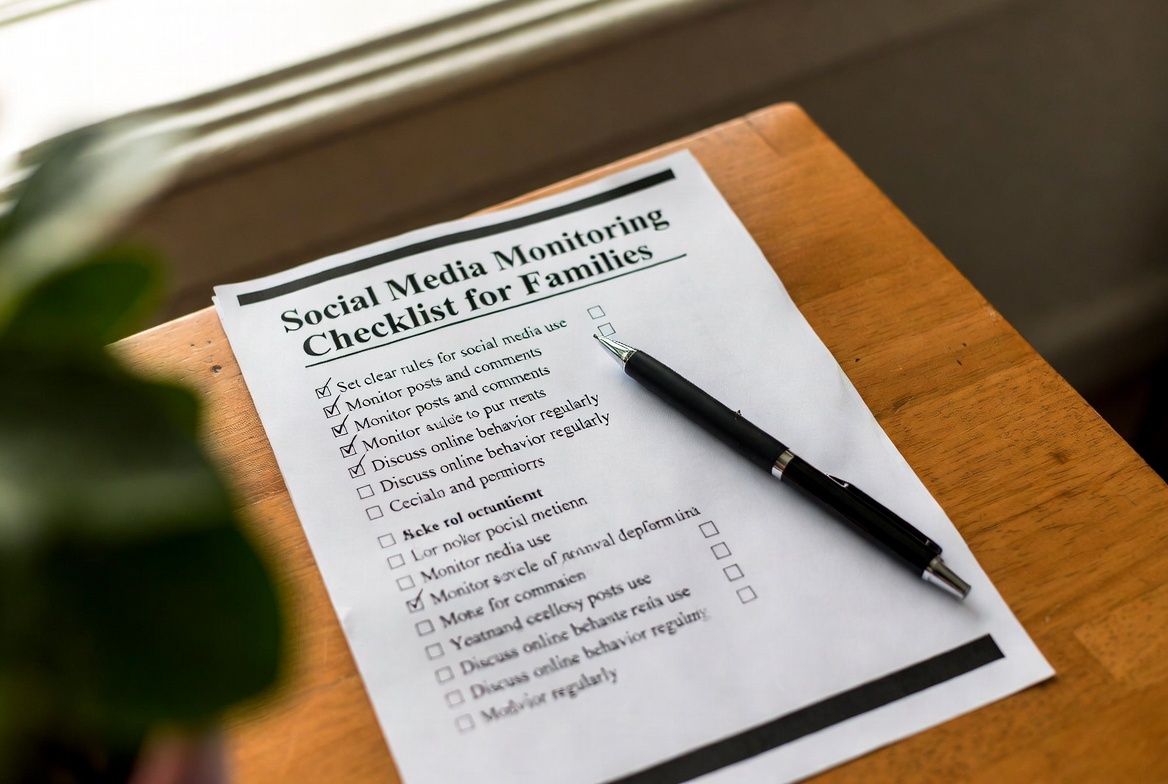
It doesn't have to be this way. The key is a structured, proactive approach. After a decade of guiding parents, I've developed a proven, step-by-step social media monitoring checklist for families. This isn't about creating a culture of mistrust; it's about building a framework for safety, open communication, and responsible digital citizenship. Follow this actionable plan to move from anxiety to confidence.
The Foundation: Why a Family-Centric Approach is Crucial
Before we dive into the checklist, it's vital to understand the "why." Monitoring is not synonymous with spying. Its purpose is twofold: to protect your child from external threats like cyberbullying, predators, and inappropriate content, and to guide them in developing their own internal compass for online behavior.
A study by the Pew Research Center found that a majority of parents are concerned about their child's online exposure. A structured social media monitoring checklist for families transforms this worry into a positive, organized effort. It ensures you're not just focusing on one app or one type of risk, but are creating a holistic safety net that grows with your child.
Phase 1: The Conversation Starter Checklist
Technology is a tool, but conversation is the foundation. Complete these steps before installing any software.
Schedule a "Digital Family Meeting": Set a calm, dedicated time to talk, free from distractions.
Define "Why" Together: Explain that monitoring is about safety, not suspicion. Use analogies they understand, like learning to drive with a instructor before getting a solo license.
Co-create Ground Rules: Involve your child in setting rules for screen time, appropriate posting, and which platforms are allowed. When they have a voice, they have more ownership.
Establish Yourself as a Safe Harbor: Promise that they can come to you with any problem they encounter online without fear of losing device privileges, opening a crucial line of communication.
Phase 2: The Privacy & Built-in Settings Checklist
Your first line of defense is the free tools already at your disposal. Work through this list with your child.
Review Phone-Wide Controls:
iOS: Enable
Screen Timeto set app limits, communication limits, and content & privacy restrictions.Android: Set up
Family Linkto manage apps, set time limits, and monitor activity.
Activate Platform-Specific Parental Controls:
Snapchat: Set up
Family Centerto see your teen's friends and contact list.Instagram: Use
Supervisionto set time limits and monitor followers and DMs.TikTok: Enable
Family Pairingto manage screen time, restrict content, and set messaging controls.
Audit Privacy Settings on Each App: For every platform, ensure account settings are set to "Private" and that location sharing is disabled or limited to "Friends Only."
Phase 3: The Technical Monitoring & Tool Selection Checklist
Built-in controls are a great start, but they have blind spots. They don't show you the content of messages, which is where dedicated apps provide essential context. This is a critical part of any modern social media monitoring checklist for families.
When selecting a tool, look for these features:
Cross-Platform Social Media Monitoring (Snapchat, Instagram, WhatsApp, etc.)
Message Content Access (Seeing the actual text, images, and videos shared)
Keylogger Functionality (To capture typed messages, even deleted ones)
Location Tracking & Geofencing
A User-Friendly Dashboard
Here are my top recommendations based on a decade of evaluation:
mSpy: The Comprehensive Oversight Powerhouse
When families need the most powerful and detailed overview, mSpy is the solution I recommend most often. It’s designed for situations where maximum visibility is necessary.

Key Strengths:
Deep Social Media Insight: Tracks messages, images, and videos across all major platforms, including hard-to-monitor apps like Snapchat.
Advanced Keylogger: Captures every keystroke, providing a complete record of conversations.
All-in-One Dashboard: Includes GPS tracking, geofencing, and call/SMS monitoring.
Who it's for: Families who need a powerful, no-compromise solution for comprehensive oversight.
Eyezy: The User-Friendly and Insightful Choice
Eyezy has earned a top spot by making powerful monitoring simple and accessible. Its clean interface is perfect for parents who want clarity without a technical headache.

Key Strengths:
Social Spotlight: A brilliant feature that consolidates social media activity from all platforms into one easy-to-read feed.
Intuitive Design: The dashboard is straightforward, making it easy to find and understand the information you need.
Plans Detector: A unique tool that alerts you to potential plans or risky activities mentioned on the device.
Who it's for: Families who want an effective, straightforward tool that provides clear insights without complexity.
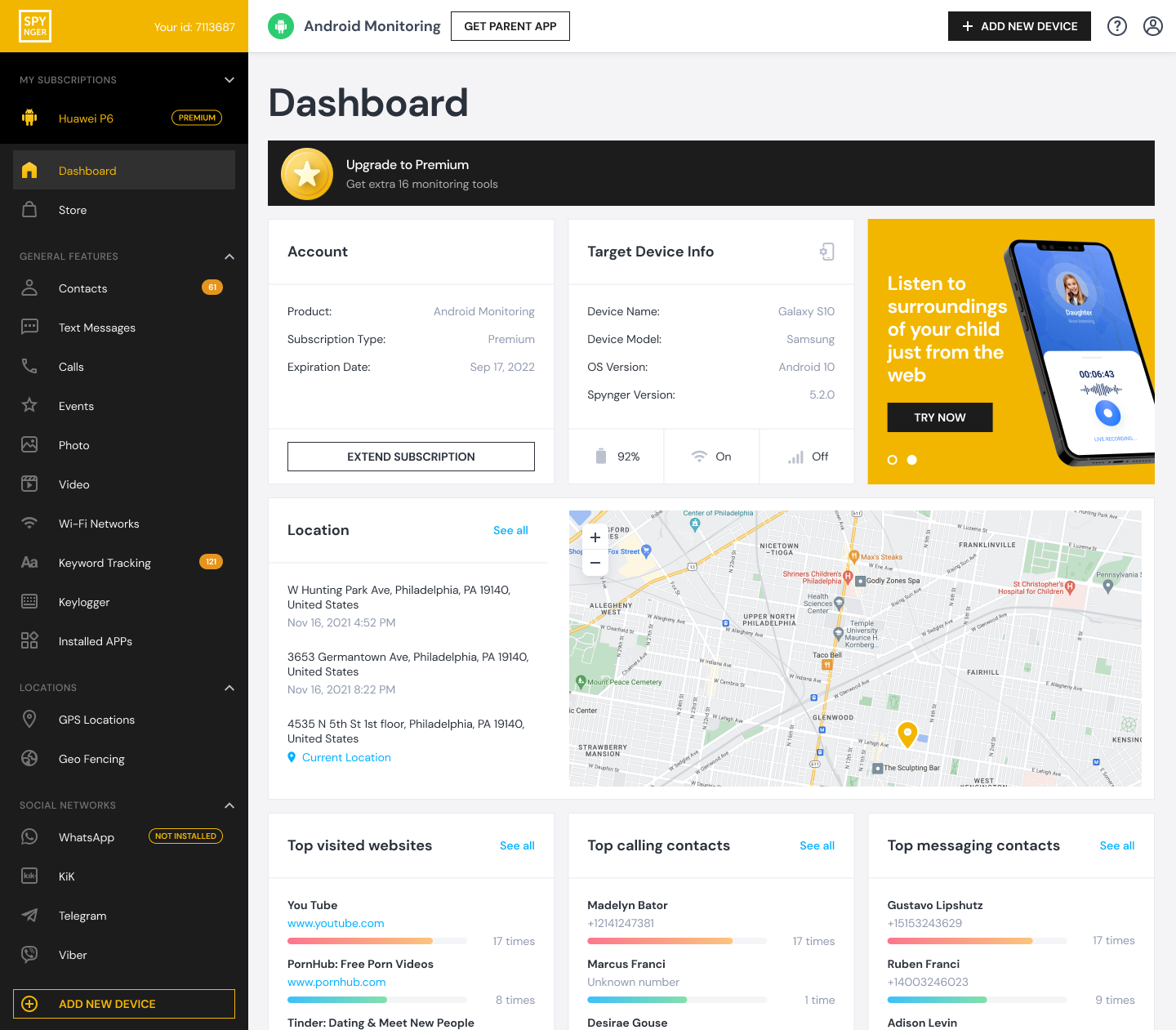
Spynger: The Reliable and Streamlined Specialist
Spynger has built a strong reputation for its reliability and focus on core features. It delivers consistent performance without unnecessary extras.
Key Strengths:
Reliable Social Media Tracking: Effectively monitors messages and media on key platforms.
Efficient Location Tracking: Provides accurate, real-time location data and geofencing.
Stealth Operation: Runs discreetly in the background, providing peace of mind.
Who it's for: Families looking for a dependable, no-fuss monitoring tool that focuses on the essentials.
Phase 4: The Ongoing Maintenance & Relationship Checklist
Monitoring is not a "set it and forget it" task. It's an ongoing process that requires regular attention.
Schedule Monthly Check-ins: Review the monitoring dashboard together. Use it as a conversation starter, not an inquisition.
Spot-Check, Don't Snoop Constantly: For older teens, demonstrate trust by checking in periodically rather than watching every activity in real-time.
Stay Informed: Make a habit of learning about new apps and online trends. Ask your child what new platforms their friends are using.
Revisit and Adjust Rules: As your child matures and demonstrates responsibility, adapt your rules and level of monitoring accordingly.
Phase 5: The Red Flag Awareness Checklist
Even with the best tools, be aware of behavioral changes that might indicate a problem.
Secrecy: Hiding the screen or becoming defensive when you're near.
Emotional Shifts: Appearing anxious, angry, or depressed after being online.
Sleep Changes: Staying up unusually late or being tired from late-night app use.
Social Withdrawal: Losing interest in real-world activities and friendships.
Conclusion
This social media monitoring checklist for families is your roadmap out of the digital fog. By following these phases—from open conversation and built-in settings to selecting a powerful tool like mSpy, Eyezy, or Spynger—you are not building a prison of surveillance. You are building a scaffold of safety that supports your child as they learn to navigate the digital world independently and wisely.
You have the plan. You have the tools. The power to create a safer digital environment for your family is now in your hands.
Frequently Asked Questions (FAQs)
1. At what age should we stop monitoring our child's social media?
There's no specific age. The goal is to gradually reduce oversight as your child demonstrates consistent responsibility, sound judgment, and open communication about their online experiences. For many families, monitoring evolves into occasional check-ins during the later high school years, with the aim of full independence by the time they leave home.
2. How do we handle a teen who says monitoring is an invasion of privacy?
Acknowledge their feelings, but explain the distinction between privacy and safety. Privacy is about personal thoughts and a diary; safety is about protection from external threats. Reassure them that your role is to be their safety coach, not to intrude on their personal world. Involving them in setting the monitoring boundaries can also help.
3. Can't we just use the built-in phone and app controls?
Built-in controls are an excellent first step and should always be used. However, they have significant limitations. They often don't show you the content of messages, can be easily disabled by tech-savvy teens, and provide a fragmented view across different apps. A dedicated monitoring tool provides a unified, more comprehensive picture and captures the context of conversations that built-in controls miss


