As a parent, you’ve likely childproofed your home, taught your kids to look both ways before crossing the street, and had countless conversations about stranger danger. But in today’s digital age, one of the most significant threats to our children’s well-being can come from a device that fits in the palm of their hand. The internet is a vast, wonderful resource, but it’s also home to serious dangers, and among the most insidious are online gambling websites.
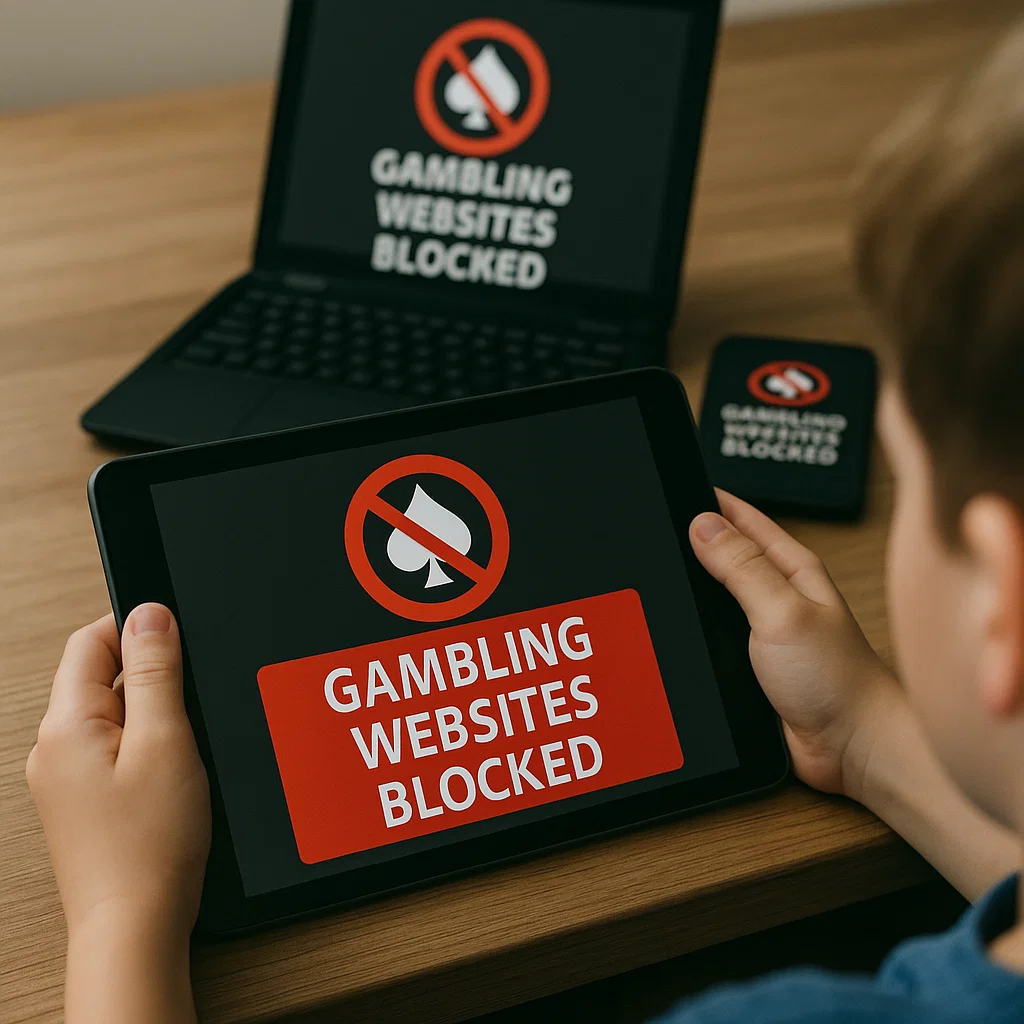
You might think, "My child wouldn't be interested in that." However, the line between harmless gaming and simulated gambling has become dangerously blurred. Many popular mobile games use mechanics that mimic slot machines and casinos, normalizing the thrill of betting for a generation of young, impressionable minds. A stray click on a deceptive ad, a challenge from a friend, or simple curiosity can lead them down a path that is difficult to reverse. The goal of this guide is to provide you with a clear, actionable strategy, honed over a decade of experience, to effectively block gambling websites on kids devices and protect them from this hidden risk.
Understanding the Threat: Why Gambling Sites are a Danger to Kids
Before we discuss the solutions, it's crucial to understand the problem. Children and teenagers are uniquely vulnerable to the lure of gambling for several reasons. Their brains are still developing, particularly the prefrontal cortex, which is responsible for impulse control and evaluating long-term consequences. This makes them more susceptible to the immediate rewards and excitement that gambling simulations provide.
Furthermore, the design of many online platforms, including social media games and "free-to-play" apps, intentionally uses variable rewards—the same psychological principle that powers slot machines. This can create a powerful habit-forming loop. The transition from spending virtual coins to real money is often just a single password away, especially if a payment method is already stored on the device. Proactive protection is not an overreaction; it's a necessary layer of modern parenting.
The Multi-Layered Defense: A Proactive Strategy for Online Safety
Relying on a single method to protect your child online is a gamble in itself. The most effective approach is a multi-layered one, combining communication, built-in device controls, and powerful third-party software. Think of it as a series of fences around your child’s digital playground.
Open Communication: The first and most important layer is an ongoing, honest dialogue with your child about online risks, including gambling.
Built-in Parental Controls: The second layer utilizes the free tools provided by Apple, Google, and Microsoft.
Dedicated Monitoring & Filtering Software: The third, and most robust, layer involves installing specialized applications designed to give you comprehensive oversight and control.
Leveraging Built-In Device Controls: Your First Line of Defense
Every major operating system has parental controls, and they are a great starting point.
For Apple iOS and macOS:
Use Screen Time within the Settings app. You can create a passcode and set "Content & Privacy Restrictions." Under "Content Restrictions," you can limit adult websites and add specific gambling URLs to a "Never Allow" list. You can also block app installations and deletions to prevent them from downloading gambling apps.
For Android and Google Chrome:
Use Google Family Link. This app allows you to manage your child’s account, approve or block apps from the Play Store, and manage the sites they can visit on Chrome. You can set the site filter to "Try to block mature sites" or manually add gambling sites to a blocked list.
For Windows and Xbox:
Use Microsoft Family Safety. This lets you set up web and search filters to block inappropriate content across Edge browsers and even set spending limits on the Microsoft Store to prevent unauthorized purchases in game-related gambling.
While these native controls are helpful, they can sometimes be circumvented by a tech-savvy child or may not catch every new gambling site that pops up. This is where dedicated software becomes essential.
The Power of Specialized Monitoring Software
When you need more than just a basic filter, specialized parental control applications offer a deeper level of protection. These tools are specifically designed to give parents peace of mind by providing detailed activity reports, real-time location tracking, and powerful website blocking capabilities that go far beyond standard settings. They are the most reliable way to comprehensively block gambling websites on kids devices.
Let's examine three leading options in the market, detailing their features and how they address the specific threat of online gambling.
1. mSpy: Comprehensive Monitoring and Control
mSpy is one of the most well-known names in the parental control space, and for good reason. It provides a wide array of features that allow you to see exactly what your child is doing on their device.

Key Features for Blocking Gambling:
Website Blocker: You can remotely block access to specific websites or entire categories, including gambling and betting sites.
App Blocker: Prevent the installation or use of specific apps, targeting any gambling applications directly.
Social Media Monitor: Track activity on various social media platforms where they might encounter gambling ads or links.
Keylogger: See every keystroke typed, which can alert you if they are searching for gambling-related terms.
Browser History Tracking: Monitor which websites they have visited, even if they try to delete the history.
mSpy is an excellent choice for parents who want a high level of oversight and the ability to intervene based on detailed information.
2. Scannero.io: Real-Time Location and Safety Focus
While Scannero.io is renowned for its powerful location-based services, it also includes critical features for online safety. Its strength lies in its simplicity and real-time alerts, making it ideal for parents who are concerned about both physical and digital well-being.
Key Features for Blocking Gambling:
Geofencing: Get instant notifications when your child arrives at or leaves a specific location. While not directly related to gambling, this helps manage their overall environment and routine.
Web Monitoring: Keep an eye on the browsing habits on your child’s phone.
Sim Card Change Notification: Be alerted immediately if your child changes their phone's SIM card, a potential tactic to circumvent controls.
Comprehensive Dashboard: A user-friendly interface that gives you a clear overview of your child's device activity.
Scannero.io is a strong option for parents who value real-time location tracking and straightforward, effective monitoring tools.
3. Moniterro: A Balanced Approach to Digital Parenting
Moniterro offers a robust suite of features that strikes a balance between powerful monitoring and respectful parenting. It provides the data you need to have informed conversations with your child without feeling overly intrusive.

Key Features for Blocking Gambling:
Advanced Web Filter: Actively block inappropriate websites, including gambling and betting portals, across all browsers on the device.
Application Blocking: Manage which apps your child can use and for how long.
Screen Time Management: Set healthy limits on overall device usage to discourage excessive screen time, which can include time spent on risky sites.
Call and Text Monitoring: See who your child is communicating with, which can be an indicator of outside influence or peer pressure related to risky online behaviors.
Moniterro is perfect for parents seeking a comprehensive tool that promotes healthy digital habits while providing a strong defense against specific threats like gambling sites.
Beyond Technology: The Critical Role of Parental Conversation
No software can replace the influence of a caring and involved parent. Technology is a tool, not a substitute. Use the insights you gain from these apps not as "gotcha" moments, but as conversation starters. Explain to your child why you are concerned about gambling websites. Discuss the risks, the manipulative design of these platforms, and the real-world consequences of addiction. By fostering an environment of trust and open communication, you empower your child to make smarter decisions even when you're not actively monitoring them.
Creating a Sustainable and Safe Digital Environment
Protecting your child from online gambling is an ongoing process, not a one-time setup. It requires a combination of the right tools, consistent communication, and a willingness to adapt as your child grows and technology evolves. Start by implementing the built-in controls on their devices. Then, seriously consider investing in a dedicated monitoring solution like mSpy, Scannero.io, or Moniterro to close any security gaps. These tools provide the concrete data and powerful blocking capabilities you need to be truly effective.
Your child’s digital safety is too important to leave to chance. By taking these proactive steps today, you are not just restricting their access; you are building a foundation of trust and teaching them the critical thinking skills they need to navigate the online world safely for years to come.
Frequently Asked Questions (FAQs)
1. Can't I just use the free parental controls that come with the phone?
Yes, you should absolutely use the built-in controls as a first step. They provide a good basic level of protection. However, they can be limited, and a determined teen may find ways around them. Dedicated software offers more granular control, stealth operation, and detailed reporting, making it a much more robust solution.
2. My child is mostly playing games on a console like PlayStation or Xbox. Are they at risk?
Yes. Modern gaming consoles have web browsers, and many games, especially sports titles, now include "loot boxes" or "player packs" that function almost identically to gambling. Use the console's built-in parental controls to restrict browser access, disable in-game purchases, and set spending limits.
3. Will my child know that I've installed monitoring software on their device?
This depends on the software and your preferences. Some apps can be set to run in "stealth" mode, making them invisible to the user. However, many child safety experts recommend being transparent with older children and teenagers. Frame it as a safety measure, not a spying tool, to maintain trust. Explain that it's a condition for having the device, much like having a driver's license requires following the rules of the road.


