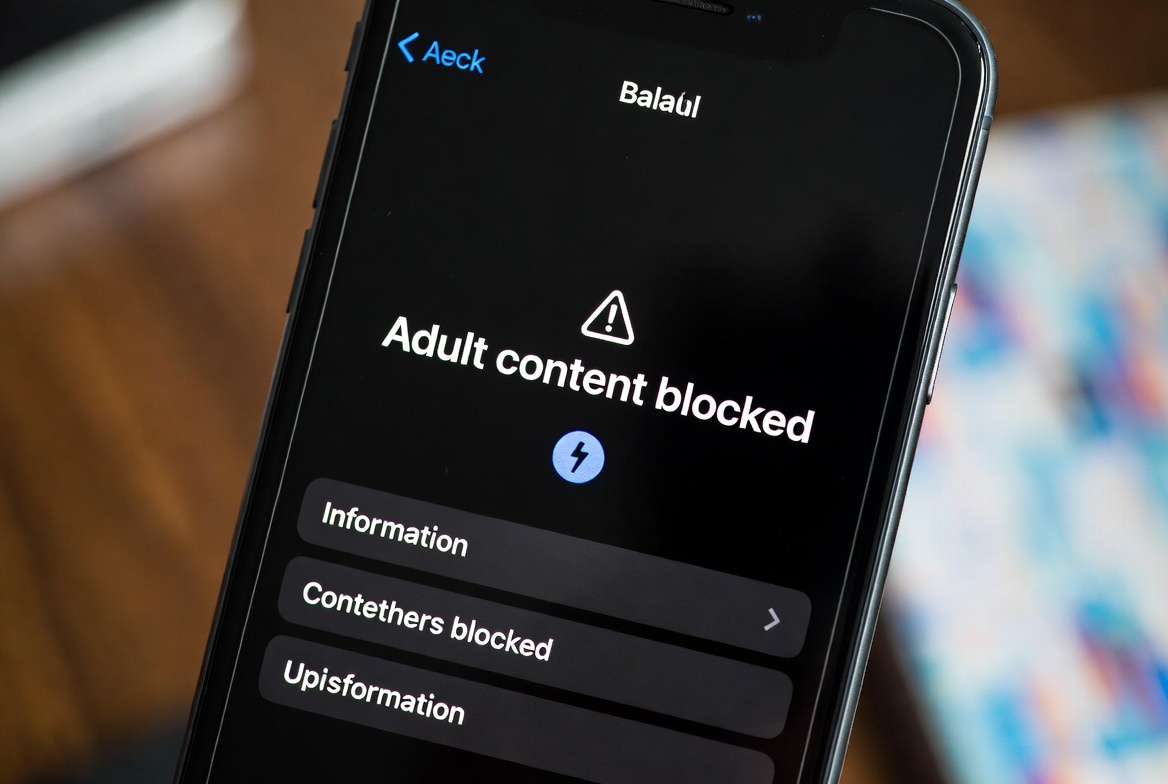
The moment your child gets their first smartphone is a milestone filled with mixed emotions. It’s a tool for connection, learning, and fun. But it’s also a gateway to the entire internet—the good, the bad, and the explicitly inappropriate. As a parent, your mind races with questions. How do I protect them from content they're not ready to see? The answer isn't to take the phone away, but to implement smart, effective strategies to create a safe digital space. The most urgent task for many parents is learning how to block adult websites on kids phones.
With over a decade of experience in digital safety, I've helped countless families navigate this challenge. The landscape of online threats has evolved, but the solutions have become more powerful and accessible. This guide will walk you through a multi-layered approach, from built-in phone settings to dedicated parental control apps, giving you the confidence and knowledge to protect your child.
Understanding the "Why": The Risks of Unfiltered Access
Before we discuss the "how," it's crucial to understand the "why." Unrestricted internet access exposes children to significant risks. Accidental or curious clicks can lead them to hardcore pornography, violent content, or sites promoting harmful ideologies. The impact isn't trivial; early exposure to adult content can shape a child's understanding of relationships and sexuality in unhealthy ways, lead to anxiety, and desensitize them to extreme material. Proactive protection is not about mistrust; it's a fundamental aspect of modern parenting, similar to teaching them to look both ways before crossing the street.
Your First Line of Defense: Built-in Parental Controls
Every modern smartphone comes with robust, free tools designed to help you manage your child's online experience. This is the best place to start.
On Apple Devices (iOS):
Apple’s Screen Time feature is incredibly powerful. To set it up, go to Settings > Screen Time. You can set it up for your child's device or use "Family Sharing" to manage it from your own phone.
Content & Privacy Restrictions: Enable this toggle.
Content Restrictions: Tap on this and then select "Web Content." Here, you can choose "Limit Adult Websites" to automatically filter out known adult sites. For even stricter control, select "Allowed Websites Only," which creates a whitelist of sites your child is permitted to visit.
Privacy Settings: Within the same menu, you can restrict apps from accessing location services, contacts, and the microphone.
On Android Devices:
Android’s system varies by manufacturer, but the most consistent method is using the Google Family Link app. You install this on your phone and link it to your child’s device.
Manage Apps and Games: You can approve or block apps your child wants to download from the Play Store.
Web Filtering: In the Family Link settings, you can manage the websites your child can visit on Chrome. You can block all sites, only allow approved sites, or try to filter out mature sites automatically.
Screen Time Management: Set daily time limits and a bedtime for the device.
While these built-in tools are excellent, they are not infallible. They primarily work by blocking known websites, and they may not catch every new or obscure site. This is where third-party applications provide a significant advantage.
Going Beyond the Basics: The Power of Dedicated Parental Control Apps
For comprehensive protection that monitors more than just web browsing, dedicated parental control apps are the gold standard. These apps offer a suite of features that give you a much clearer picture of your child's digital activity. Here are three top-tier options I have extensively tested.
1. mSpy: For Detailed Monitoring and Alerts
mSpy is one of the most feature-rich applications available. It’s designed for parents who want a deep understanding of their child's phone use, going far beyond just website blocking.

Key Features:
Website Blocker and History: You can remotely block specific websites or entire categories (like adult content, gambling, violence). It also logs the entire browsing history, even if it's been deleted.
Social Media Monitoring: Tracks activity on platforms like Instagram, Facebook, Snapchat, and TikTok, including direct messages.
Keylogger: Records every keystroke made on the device, which can reveal search terms and messages you need to be aware of.
GPS Location Tracking: Knows your child's whereabouts in real-time.
mSpy is ideal if you have specific concerns and need detailed insights. It works discreetly in the background, providing reports directly to your personal dashboard.
2. Eyezy: A User-Friendly Option with Comprehensive Oversight
Eyezy strikes a great balance between powerful features and an intuitive, easy-to-use interface. It’s perfect for parents who want robust control without a steep learning curve.
Key Features:
Invisible Shield: Operates invisibly on the target device.
Social Spotlight: Monitors over 30 social media apps, giving you a window into your child's social world.
Magic Alerts: Receive instant notifications if specific keywords (like "drugs," "bullying," or adult terms) are typed or received in messages.
Web Magnifier: Provides a complete record of all visited websites and bookmarks, allowing you to easily see and block inappropriate sites.
Eyezy’s strength is its clean dashboard and the way it presents complex data in an easily digestible format.
3. Parentaler: Focused on Simplicity and Core Protection
Parentaler is an excellent choice for parents who want a straightforward solution to block adult websites on kids phones and monitor core phone functions without being overwhelmed by data.

Key Features:
Call and SMS Tracking: See all incoming and outgoing calls and text messages.
Web Filtering: Actively blocks access to inappropriate websites across all browsers on the device.
App Blocker: Restrict the use of specific applications you don't want your child using.
Location Tracking: Keep tabs on your child's location for safety.
Parentaler is less about social media deep-dives and more about providing essential peace of mind regarding calls, texts, and web browsing.
The Human Firewall: Combining Technology with Conversation
No app can replace open and honest communication. Technology is a tool, but you are the most important line of defense. Use these apps as a starting point for conversation, not as a spying device.
Set Clear Expectations: Explain to your child why you are setting up these controls. Frame it as a safety measure, much like a seatbelt, not a punishment.
Create a Family Media Agreement: Outline rules for screen time, appropriate apps, and what to do if they encounter something scary or confusing online.
Foster Trust: Assure your child they can always come to you with questions or if they see something that makes them uncomfortable, without fear of getting in trouble.
A Multi-Layered Approach is Your Strongest Strategy
The most effective digital safety plan uses multiple layers. Start with the built-in iOS or Android controls as your foundation. Then, supplement with a dedicated app like mSpy, Eyezy, or Parentaler for more granular control and monitoring. Finally, and most importantly, top it all off with ongoing, open dialogue with your child. This combination of technology and conversation creates a resilient shield that protects your child while teaching them responsible digital citizenship.
Conclusion
The digital world is a vast and wonderful place for a child to explore, but it requires guidance and protection. Waiting until after an incident occurs is waiting too long. By taking proactive steps now to block adult websites on kids phones, you are not limiting your child's freedom—you are empowering them to explore safely.
Your child's digital well-being is worth the investment. Review the tools discussed, choose the solution that best fits your family's needs, and start the conversation today.
Frequently Asked Questions (FAQs)
1. Can my child bypass these website blocks?
While no system is 100% unbreakable, a combination of methods makes it very difficult. Using both the phone's built-in restrictions and a robust third-party app like mSpy or Eyezy covers most avenues a child might use to bypass blocks, such as using a different browser or a VPN. Regular check-ins on the app's dashboard will alert you to any attempts.
2. Is it wrong to monitor my child's phone without them knowing?
This is a personal parenting decision. For younger children, it's generally seen as a protective measure. For teenagers, many experts recommend transparency. Hiding the monitoring can damage trust if discovered. A good middle ground is to tell them the phone is being monitored for their safety, without necessarily revealing the full extent of the features. The goal is safety, not secrecy.
3. Will these apps work if my child uses incognito or private browsing mode?
Yes, the dedicated parental control apps mentioned—mSpy, Eyezy, and Parentaler—are designed to track and filter web activity even in incognito mode. They operate at a system level, which allows them to monitor all internet traffic regardless of the browser or mode used. The built-in phone controls (like iOS Screen Time) also restrict web content across all browsers.


