It starts innocently enough. A quick check of a notification, a brief scroll through a feed to pass the time. But then, you look up and thirty minutes—or an hour—has vanished. You feel distracted, unproductive, and a little frustrated with yourself. You’re not alone. The average person spends over two hours a day on social media, time that fragments concentration and pulls us away from our real lives and goals.
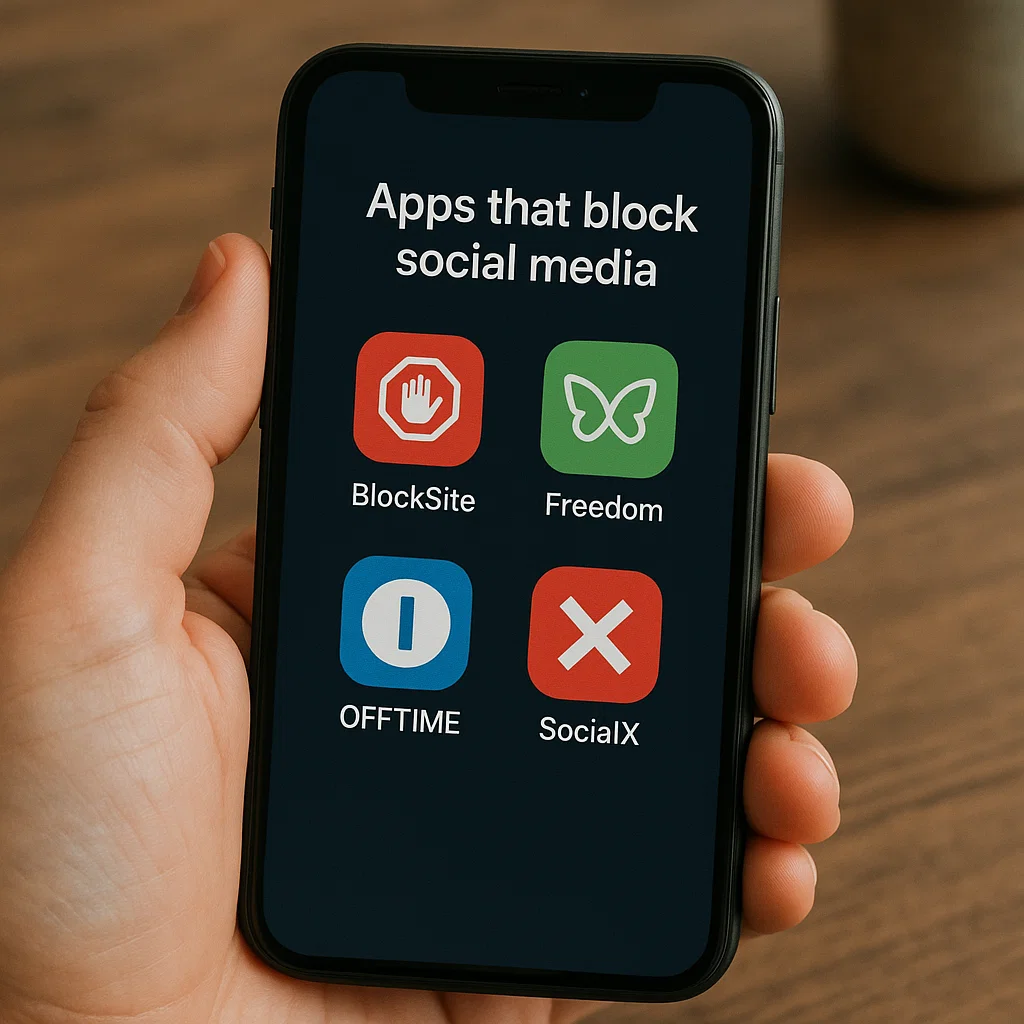
The desire to break this cycle is strong, but willpower alone is often not enough against platforms engineered to capture and hold our attention. This is where technology can offer a powerful solution. As someone who has spent a decade helping individuals and families build healthier relationships with technology, I have seen firsthand the transformative impact of using apps that block social media. This article will guide you through the different types of blocking apps, review leading options, and provide a framework for using them to build lasting, positive habits.
Why Willpower Isn't Enough: The Case for Blocking Apps
Social media platforms are not neutral tools; they are products designed to be addictive. They employ variable rewards (the "pull-to-refresh" mechanism), infinite scroll, and personalized notifications to trigger dopamine releases in the brain, creating a compulsive loop of checking and scrolling.
Relying solely on self-control to resist these designs is like trying to diet while keeping junk food on your desk. It’s a constant, exhausting battle. Blocking apps act as your personal accountability partner. They create friction between the impulse to open an app and the action itself, giving your conscious brain a moment to catch up. They are not about punishment; they are about creating a space where focus and intentionality can flourish.
Understanding the Different Types of Blocking Solutions
Not all apps that block social media work the same way. They generally fall into three categories, each suited to different needs:
Focus Timers (Pomodoro Technique): These apps, like Forest or Focus Plant, use timed sessions (e.g., 25 minutes of work followed by a 5-minute break). During the work session, accessing blocked sites or apps results in a penalty, such as killing a virtual tree you were growing. They are excellent for building focus stamina in short bursts.
System-Wide Blockers: These are powerful applications that block access to selected websites and apps across your entire device. You can schedule blocks (e.g., no social media during work hours) or activate them on demand. This is the most comprehensive approach for eliminating distractions.
Parental Control Suites: While designed for parents to manage children's screen time, these tools are equally effective for adults seeking to self-impose strict boundaries. They often offer robust scheduling, app-specific blocking, and monitoring features.
A Review of Powerful Tools for Blocking Social Media
Having tested dozens of applications, I've found that the most effective ones combine robust blocking capabilities with a user-friendly interface. Here are three top-tier options that cater to different needs.
1. mSpy: For Comprehensive Control and Accountability
While often categorized as a parental control app, mSpy's feature set makes it one of the most powerful apps that block social media for personal use, especially if you need a strong, non-negotiable barrier.

Key Features for Blocking:
App Blocker: Remotely block any application on the target device, including Instagram, Facebook, TikTok, Twitter, and more. Once blocked, the app icon typically becomes grayed out and cannot be opened.
Website Filter: Block access to specific websites or entire categories, ensuring you can't simply bypass the app block by using a browser.
Scheduling: Set a schedule for when the blocks are active. For example, you can block all social media from 9 AM to 5 PM on weekdays.
Keylogger & Activity Reports: Provides insight into your device usage patterns, helping you understand your triggers and habits.
mSpy is best for individuals who have struggled significantly with self-control and need a system that imposes strict, pre-defined limits with deep monitoring to build self-awareness.
2. Eyezy: The User-Friendly Dashboard for Digital Wellness
Eyezy offers a clean, intuitive interface that makes managing your digital habits straightforward. Its "Screen Time" control feature is a direct and effective tool for blocking distracting applications.

Key Features for Blocking:
App Blocker (Invisible Shield): Easily select from a list of installed apps and block them with a single tap. This feature can be activated instantly or put on a schedule.
Phone Schedule: Create custom schedules to automatically block apps during certain times of the day or night, perfect for protecting your work focus or wind-down time before bed.
Magic Alerts: Set up custom notifications for specific keywords or activities, which can serve as a reminder of your goals if you attempt to bypass your own rules.
Social Media Overview: See a summary of your activity across platforms, providing data that can motivate you to stick with your blocking schedule.
Eyezy is an excellent all-around choice for someone who wants a balance of powerful blocking features and an easy-to-use system that doesn't feel overwhelming.
3. Parentaler: For Scheduled Boundaries and Family Use
Parentaler is designed with family safety in mind, but its robust scheduling tools are perfect for anyone looking to establish clear, automated digital boundaries. It excels at creating a structured digital environment.
Key Features for Blocking:
Screen Time Scheduler: This is Parentaler's standout feature. You can set precise time limits for overall device use or for specific apps, and create recurring schedules that automatically lock you out of social media during designated hours.
App Blocker: Instantly block any app you find distracting.
Web Filter: Block inappropriate or time-wasting websites to complement your app-blocking efforts.
Geofencing: While primarily a location feature, it can be used to trigger specific blocking rules when you arrive at a location like work or the library.
Parentaler is ideal for individuals and families who want to establish rhythm and routine, using schedules to automatically enforce distraction-free periods throughout the day.
How to Integrate Blocking Apps into a Healthier Digital Lifestyle
Simply installing an app is not a magic bullet. To achieve lasting change, you must use these tools as part of a broader strategy.
Start with a "Digital Audit": Before you block anything, spend a few days observing your habits. Your phone's built-in screen time tracker can show you exactly which apps are consuming your time. This data will inform your blocking strategy.
Define Your "Why": Are you blocking social media to be more productive at work? To improve your sleep? To spend more quality time with family? A clear purpose will strengthen your commitment when the urge to disable the block arises.
Begin Gradually: Instead of blocking everything indefinitely, start with a focused 2-hour work block each morning. Success with small wins builds the confidence to implement broader restrictions.
Fill the Void: Social media often fills moments of boredom. Prepare a list of alternative activities for when you have a free moment: read a book article, listen to a podcast, do a few stretches, or simply let your mind wander.
Conclusion
The goal of using apps that block social media is not to live a life devoid of digital connection. It is to transition from being passively consumed by technology to actively using it with purpose. These tools provide the structure needed to break the cycle of compulsive use and rediscover the time and mental space for what truly matters to you.
Your call to action is this: Choose one app from this list that resonates with your specific challenge. Download it and commit to a one-week experiment. Block your most distracting social platforms during your most productive hours. Notice the difference in your focus, your stress levels, and the quality of your work. Take the first step today to move from distraction to deliberate action.
Frequently Asked Questions (FAQs)
1. Can't I just use the built-in screen time features on my iPhone or Android?
You absolutely should start there! Built-in features like Screen Time on iOS and Digital Wellbeing on Android are excellent for monitoring usage and setting basic app limits. However, their blocking can often be easily overridden with a single tap, making them less effective for those with strong impulsive habits. Dedicated third-party apps that block social media typically offer more robust, harder-to-bypass blocking and more sophisticated scheduling.
2. Is it ethical to use these apps on another adult's device?
No, it is both unethical and potentially illegal to install monitoring or blocking software on another adult's device without their explicit knowledge and consent. These tools are designed for use on your own devices or, in the case of parental control apps, on the devices of your minor children with the goal of guidance and protection, not secrecy.
3. What happens if I need to access a blocked site for work?
The best blocking apps offer flexibility. Most allow you to create "allow lists" for specific websites that are always accessible. Features like "Pause Blocking" for 5, 10, or 15 minutes are also common, giving you a sanctioned break without completely derailing your focus session. The key is to make a conscious decision to pause, rather than impulsively bypassing your own rules.
Affiliate Disclosure: Please note that some of the links in this article are affiliate links. This means that if you click on the link and purchase a product, I may receive a small commission at no extra cost to you. I only recommend products and services I have researched and believe can provide value to those seeking to improve their digital wellness.


