It’s a familiar scene in households everywhere: a parent is trying to get dinner on the table while simultaneously fielding texts—"Where are you?" "Has practice ended?" "Did you leave yet?" This constant coordination is a modern mental load that can drain the joy from family life. But what if you could simply open an app and see your family's whereabouts at a glance, or get an automatic notification when your child arrives safely at school?
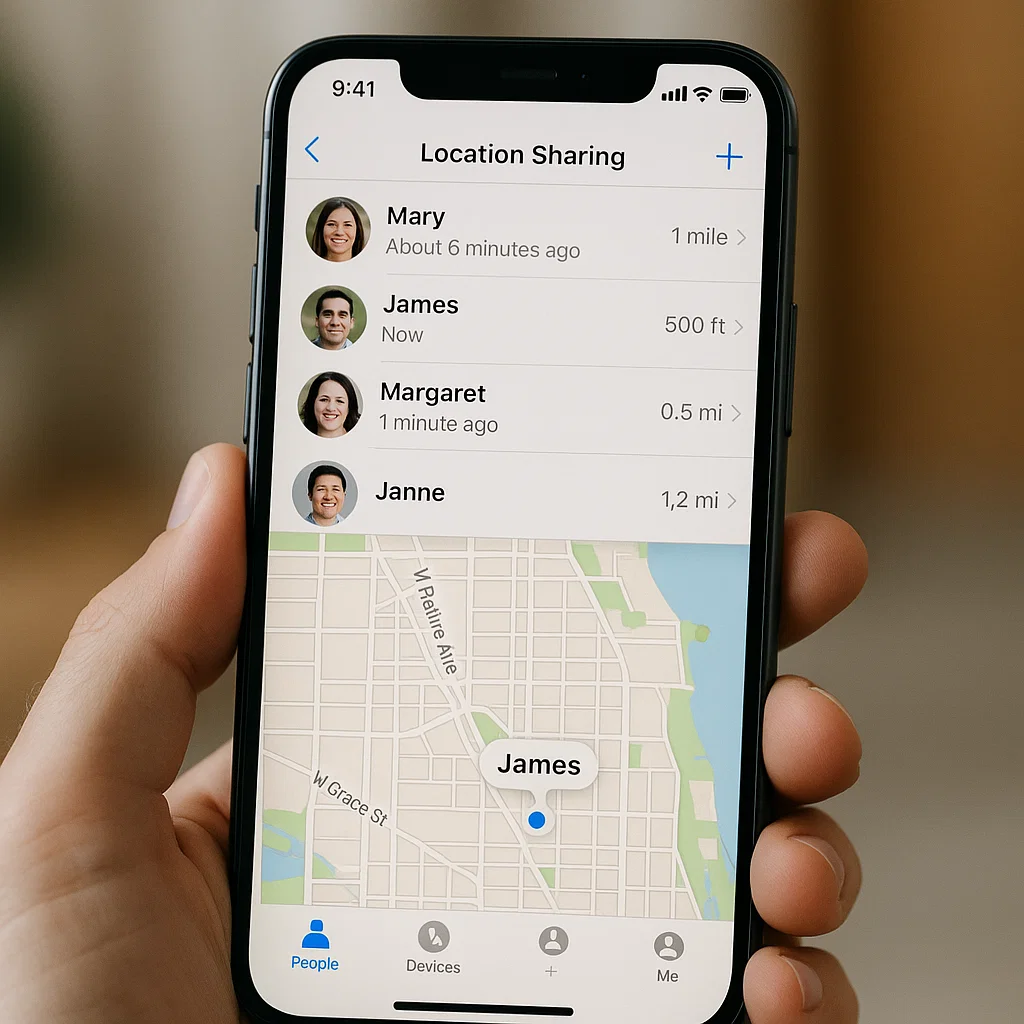
For families invested in the Apple ecosystem, this isn't a futuristic dream. It's a built-in, powerful reality. Having guided countless families in using technology to reduce stress, I can attest that mastering iPhone location sharing for families is one of the most impactful steps you can take. This guide will walk you through everything, from setting up Apple's native tools to knowing when a third-party app might be the right choice, ensuring your family stays connected safely and efficiently.
Why iPhone Location Sharing is a Game-Changer for Modern Families
The benefits of implementing iPhone location sharing for families extend far beyond simply knowing a dot on a map. It fundamentally changes family dynamics for the better:
Reduces Anxiety and "Check-In" Fatigue: It eliminates the need for constant texting, giving both parents and kids a break from the "where are you?" cycle.
Grants Safer Independence: When you can verify a child's location, you feel more comfortable giving them the freedom to walk home from school, go to a friend's house, or drive to an activity.
Streamlines Logistics: Knowing a family member's ETA helps with planning meals, coordinating pickups, and managing busy schedules seamlessly.
Provides a Safety Net: In an emergency or if a phone is lost, the ability to locate a family member or device is invaluable.
Your Foundation: Mastering Apple's Find My App
The cornerstone of iPhone location sharing for families is the built-in Find My app. It's private, secure, and deeply integrated into iOS, making it the perfect starting point. The key to using it effectively is setting up a Family Sharing group.
Step 1: Set Up Family Sharing
Family Sharing is the backbone that allows you to seamlessly share locations, purchases, subscriptions, and more.
Go to Settings > [Your Name] > Family Sharing.
Tap Add Family Member and follow the prompts to invite your family members via iMessage. They will need to accept the invitation.
Once everyone is added, you have a foundation for sharing.
Step 2: Share Locations via Find My
Now, you can start sharing locations within your Family Sharing group.
Open the Find My app on your iPhone.
Tap on the People tab.
To share your own location, tap Share My Location, select a family member, and choose to share for One Hour, Until End of Day, or indefinitely.
To see a family member's location, have them share their location with you through the same process. Once shared, their name and location will appear in your
Peopletab.
The Power of Notifications: Automated Peace of Mind
This is the most powerful feature for busy parents. You can set up automatic alerts so you don't have to constantly check the app.
In the
Find Myapp, tap on a family member's name in yourPeoplelist.Tap Notify Me.
Select When Arrives or When Leaves.
Search for or select a location (like "Home" or "School") and set the geofence radius.
Tap Done.
You will now receive a notification automatically when they come and go. This is perfect for knowing when a child has been dropped off at school or when your partner is finally leaving the office.
Understanding the Limits of Built-In Tools
While the Find My app is excellent, it has some limitations that are important to understand:
It's Apple-Only: The system only works with iPhones, iPads, and Macs. If one family member uses an Android device, they are left out of the circle.
Limited Historical Data: It shows current location but doesn't provide a detailed history of where a device has been over time.
Basic Geofencing: While notifications are great, the geofencing options are relatively basic compared to some third-party apps.
No Additional Controls:
Find Myis for location only. It doesn't include screen time management, app blocking, or other parental controls.
When to Consider a Third-Party App for Enhanced Oversight
For many families, Find My is perfectly sufficient. However, you might want to explore a dedicated parental control app if:
You have a mixed-ecosystem family (some Android users).
You want more detailed location history or more precise geofencing controls.
You desire a single app that combines location sharing with screen time limits, app blocking, and content filtering.
These apps provide a more comprehensive dashboard for your child's digital life, with location being one key component.
Top Third-Party Apps for Comprehensive Family Safety
Here is an analysis of three leading applications that can enhance or supplement your iPhone location sharing for families strategy.
1. mSpy: For Precision Location and Detailed Monitoring
mSpy is a powerful tool that offers exceptionally precise location tracking and a wider suite of monitoring features for parents who need a deeper understanding of their child's whereabouts and activities.

Key Features for Location: Provides real-time GPS tracking, detailed location history, and highly customizable geofencing with instant alerts. Its accuracy is a standout feature.
Beyond Location: It also monitors social media activity, text messages, and call logs, providing context for your child's location and interactions.
Best For: Parents of older teens who are driving and for whom precise location data and broader digital safety are top priorities.
2. Parentaler: For Simple and Effective Location Checks
Parentaler focuses on user-friendliness, offering a straightforward way to manage location alongside essential screen time controls.
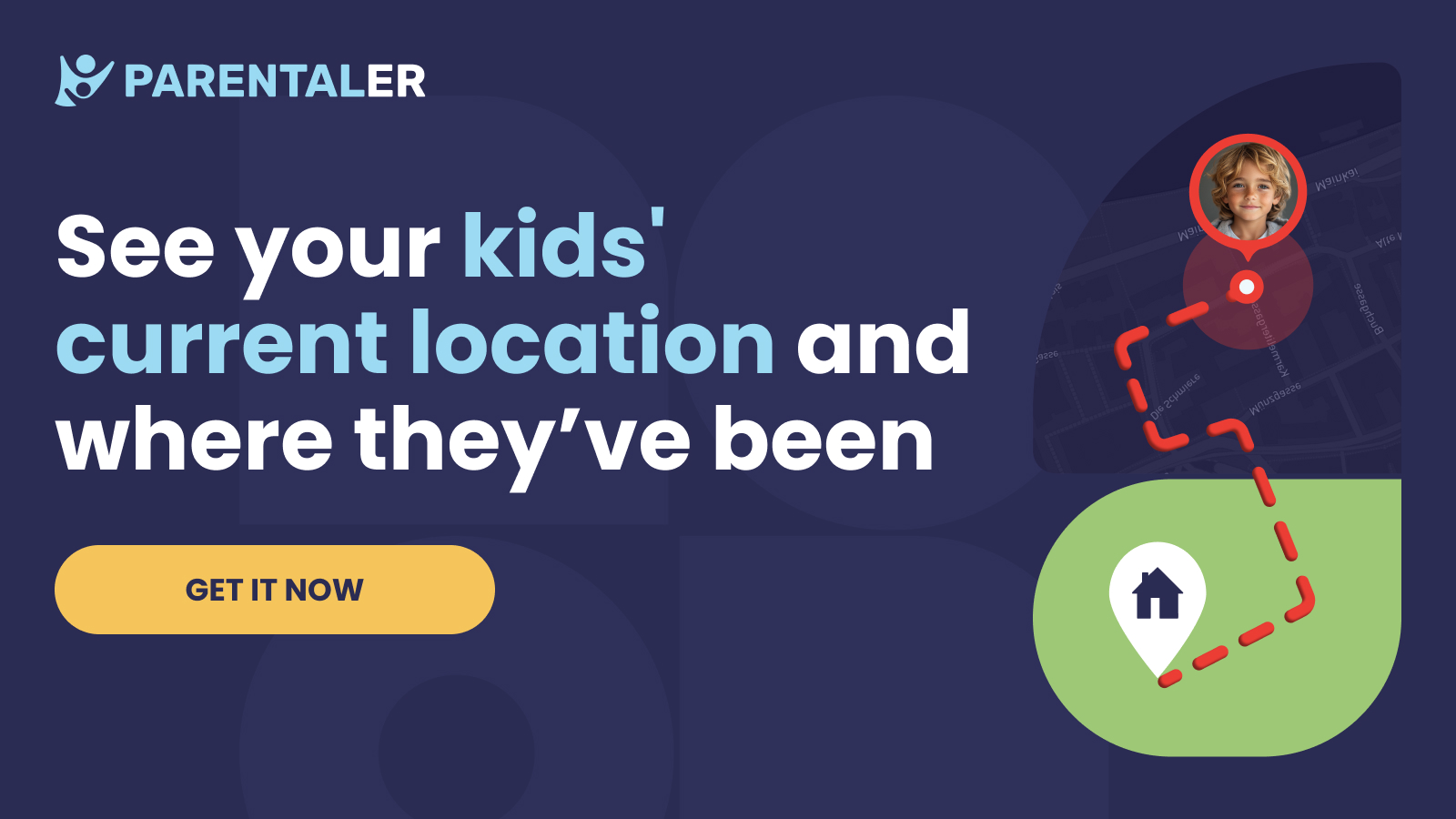
Key Features for Location: Offers clear, real-time location tracking on a simple map interface. It allows for quick location checks and basic geofencing.
Beyond Location: Its strength is in its simplicity for managing screen time schedules and blocking apps, making it a great all-in-one tool for younger children.
Best For: Families who want a no-fuss app that combines reliable location sharing with practical screen time management.
3. Eyezy: The All-in-One Family Management Hub
Eyezy combines robust location tracking with a wide array of other monitoring and control features in a single, organized dashboard.

Key Features for Location: Includes real-time GPS and geofencing. A unique "Places" feature automatically categorizes and logs frequently visited locations, giving you insight into routines.
Beyond Location: It offers social media monitoring, screen recording, and keyword alerts, providing a comprehensive view of a child's digital life alongside their physical location.
Best For: Parents looking for a single, powerful application to manage location, digital habits, and online safety from one central control panel.
Best Practices for Respectful and Effective Location Sharing
To ensure location sharing strengthens trust rather than undermines it, follow these guidelines:
Start with a Family Conversation: Be transparent about why you're enabling location sharing. Frame it as a tool for safety and convenience for everyone.
Establish Boundaries: Discuss when it's appropriate to check each other's locations. Avoid micromanaging or commenting on every small detour.
Lead by Example: Share your own location with your children and partner. This promotes a sense of mutual trust and shared responsibility.
Review and Adapt: As children grow older and demonstrate responsibility, consider adjusting how you use the tools, perhaps relying more on check-ins than constant tracking.
Conclusion
iPhone location sharing for families, whether through the native Find My app or a more robust third-party solution, is a powerful strategy for reducing the friction of daily logistics. It gives you the gift of knowledge, which in turn gives you the gift of peace of mind.
You have the tools at your fingertips to stop wondering and start knowing. Begin with the built-in features, have the important conversations with your family, and step into a more organized and harmonious way of living.
Take the first step toward a more connected family life. Set up Find My today, or explore enhanced solutions for your family's specific needs.
Frequently Asked Questions (FAQs)
1. Can my child stop sharing their location with me on Find My?
Yes, they can. In the Find My app, they can tap on their own device under the "Me" tab and toggle off "Share My Location." This is why a foundation of trust and a clear family agreement about the purpose of sharing is so important. For younger children, you can use Screen Time passcodes to restrict account changes.
2. Will using Find My or another tracking app drain my iPhone battery?
Modern location services are optimized for efficiency. While there will be a minor impact on battery life, it is typically not significant enough to cause problems for daily use. The convenience and safety benefits far outweigh the minimal battery usage.
3. Is our family's location data kept private with these apps?
Apple prides itself on privacy. With the Find My app, your location data is encrypted and anonymous. Reputable third-party apps like mSpy, Parentaler, and Eyezy also use strong encryption to protect your data. Your family's location is shared only within your private, invited circle and is not used for public tracking or advertising.


