The moment your toddler’s chubby finger first swipes a screen is both amazing and terrifying. As a child development specialist with ten years of focus on the impact of technology, I’ve guided countless families through this new frontier. The question isn’t if your young child will interact with digital devices, but how you can make that interaction safe, educational, and balanced.
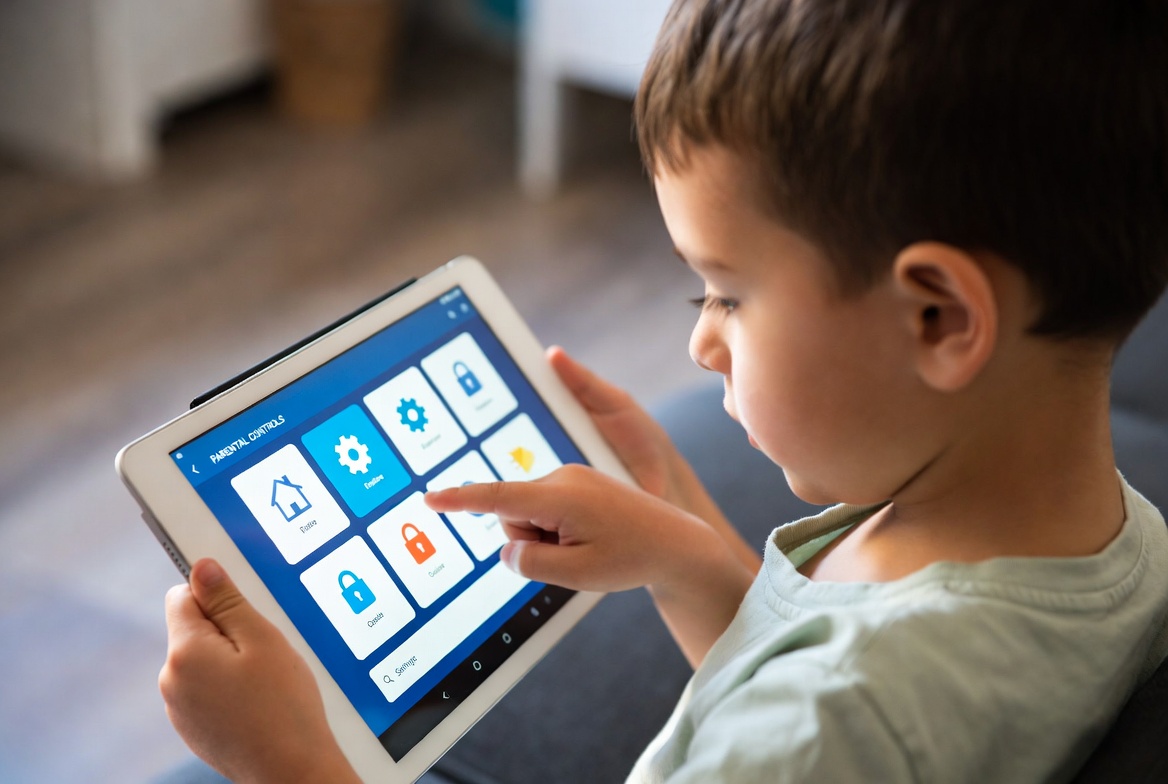
For parents of children under 10, the digital world requires a different kind of gatekeeper than for teenagers. You’re less concerned about social media drama and more about accidental exposure to inappropriate content, managing screen time without constant battles, and ensuring their online experiences are positive. The search for the best parental control app for young kids isn't about sophisticated monitoring; it's about creating a safe, walled garden where they can explore. This guide will walk you through the essential features for this age group and provide a clear analysis of top applications to help you make the perfect choice for your family.
What Makes a Great Parental Control App for the Under-10 Crowd?
The needs of a young child are distinct. A tool that works for a 16-year-old is often overkill and overly complex for a 6-year-old. When evaluating the best parental control app for young kids, prioritize these core features:
Simplicity and Ease of Use: The parent's dashboard should be intuitive. You don't have time to navigate a complicated interface while managing naptimes and snack requests.
Robust Content Filtering: This is your number one priority. The app must effectively block inappropriate websites, ads, and YouTube videos without requiring constant manual adjustments.
Simple Time Management: The ability to set easy schedules—like locking the device during dinner or after bedtime—is more important than complex daily minute counters.
App Management: You need the power to approve which apps can be installed and to block access to specific games or apps you deem unsuitable.
Durability and Tamper-Resistance: The controls should be strong enough that a curious child can't accidentally (or purposefully) disable them.
Foundational First Step: Built-in Operating System Controls
Before investing in a third-party app, you should master the free, built-in tools on your device. They provide a surprisingly strong foundation and are often the best parental control app for young kids for families just starting out.
Apple Screen Time (iOS/iPadOS): For iPhone and iPad families, this is your best friend. You can create a dedicated child account, set "Downtime" for quiet hours, set "App Limits" for specific categories, and use "Content & Privacy Restrictions" to block explicit content and in-app purchases. It's seamlessly integrated and reliable.
Google Family Link (Android): This is Google's answer for managing children's devices. It allows you to approve or block apps, set daily time limits, and remotely lock the device when it's time for a break.
While these are excellent starting points, they can sometimes be less granular than dedicated apps, and their web filtering may not be as comprehensive as what a specialized tool can offer.
In-Depth Review: Top Apps for Young Child Safety
When you're ready for more powerful, specialized control, third-party apps offer enhanced features and often a more user-friendly experience. Here is my analysis of three leading options, viewed through the lens of protecting a young child.
1. Parentaler: For Straightforward, No-Fuss Management
Parentaler stands out for its clean interface and focus on the exact features parents of young children need most, without extra complexity.
Key Features for Young Kids: It offers one-touch device pausing, easy-to-set daily screen time limits, and the ability to create a custom schedule that automatically locks the device at bedtime, during meals, or on school days. Its app blocker prevents kids from downloading or accessing anything you haven't approved.
Why It's a Great Fit: Its simplicity is its superpower. You can manage everything from your own phone in minutes, making it ideal for parents who need effective control without a steep learning curve. It is a strong contender for the best parental control app for young kids due to its focused design.
2. Eyezy: For All-in-One Family Management with a Gentle Touch
Eyezy offers a broader set of features, but its well-organized dashboard makes its powerful tools accessible for managing younger children, while also being ready for when they grow older.
Key Features for Young Kids: Beyond strong screen time scheduling and app blocking, Eyezy includes a powerful web filter to block inappropriate sites. Its "Screen Recording" feature can be useful for understanding how your child actually uses their device, helping you make informed decisions about the apps you allow.
Why It's a Great Fit: For parents who want a single app that can grow with their child, Eyezy is a fantastic choice. It provides the essential guardrails for a young child today and has the social media and message monitoring features you may need in the future.
3. mSpy: For Specific Safety Concerns and Location Peace of Mind
mSpy is known for its powerful monitoring capabilities, which might seem advanced for a young child. However, its location and geofencing features offer a unique kind of safety for families with kids who may travel to and from school or friends' houses.

Key Features for Young Kids: The most relevant feature is its precise, real-time GPS location tracking and geofencing. You can set up a "safe zone" around your home or school and receive an instant alert if your child's device leaves that area. This provides immense peace of mind for a child's physical safety.
Why It's a Great Fit: While its social media monitoring is less relevant for a 7-year-old, its location tracking is unparalleled. If your primary concern is knowing your child's physical whereabouts in addition to managing their screen use, mSpy addresses a critical safety need.
Creating a Healthy Digital Environment Beyond the App
A parental control app is a tool, not a substitute for your guidance. The best parental control app for young kids is one that works in tandem with your active parenting.
Co-View and Co-Play: Whenever possible, sit with your child as they use a device. Talk about what they are watching or playing. This turns passive screen time into an interactive, bonding experience.
Curate High-Quality Content: Use the app to block distracting games, but proactively download and encourage apps from PBS Kids, Khan Academy Kids, or other trusted educational sources.
Establish Clear, Consistent Rules: Use the app to enforce rules you've already discussed as a family, such as "no tablets at the dinner table." This helps children understand the app as a helper, not a punisher.
Conclusion
Choosing the right digital boundaries for your young child is an act of love. It’s about providing them with the freedom to explore and learn within a space you have thoughtfully prepared. Start with the built-in controls on your device. If you find you need more robust filtering, easier scheduling, or peace of mind about location, then a dedicated app is the logical next step.
The goal is to foster a positive and safe relationship with technology from the very beginning. By choosing the right tools and combining them with your engaged parenting, you can confidently hand your child their first device.
Take the first step toward a safer digital experience for your child. Explore these tailored solutions and find the one that brings your family peace of mind.
Find the best parental control app for your young child today.
Frequently Asked Questions (FAQs)
1. At what age should I start using a parental control app?
The moment you hand your child a device that can access the internet—whether it's a tablet, phone, or even a hand-me-down laptop—is the right time to set up controls. For many children, this happens between the ages of 3 and 5. Proactive protection is always better than reactive solutions.
2. Can my young child bypass these apps?
Quality parental control apps like Parentaler, Eyezy, and mSpy are designed to be tamper-resistant. They often require a password to be uninstalled or settings to be changed, which a young child is unlikely to guess or bypass. This is a key advantage over simpler, built-in controls that a persistent child might eventually navigate around.
3. Will these apps slow down my child's device?
Modern parental control apps are designed to run efficiently in the background. You should not notice any significant slowdown in the device's performance. Any minor resource usage is a worthwhile trade-off for the significant safety and management benefits they provide.


