The smartphone in your child’s hand represents one of modern parenting’s most profound dilemmas. On one side is your primal instinct to protect them from a digital world filled with documented risks—predators, cyberbullying, and harmful content. On the other is your desire to raise an independent, trusted individual, which requires granting them a growing sense of privacy. I’ve spent ten years watching parents wrestle with this tension, often feeling that choosing one means sacrificing the other.
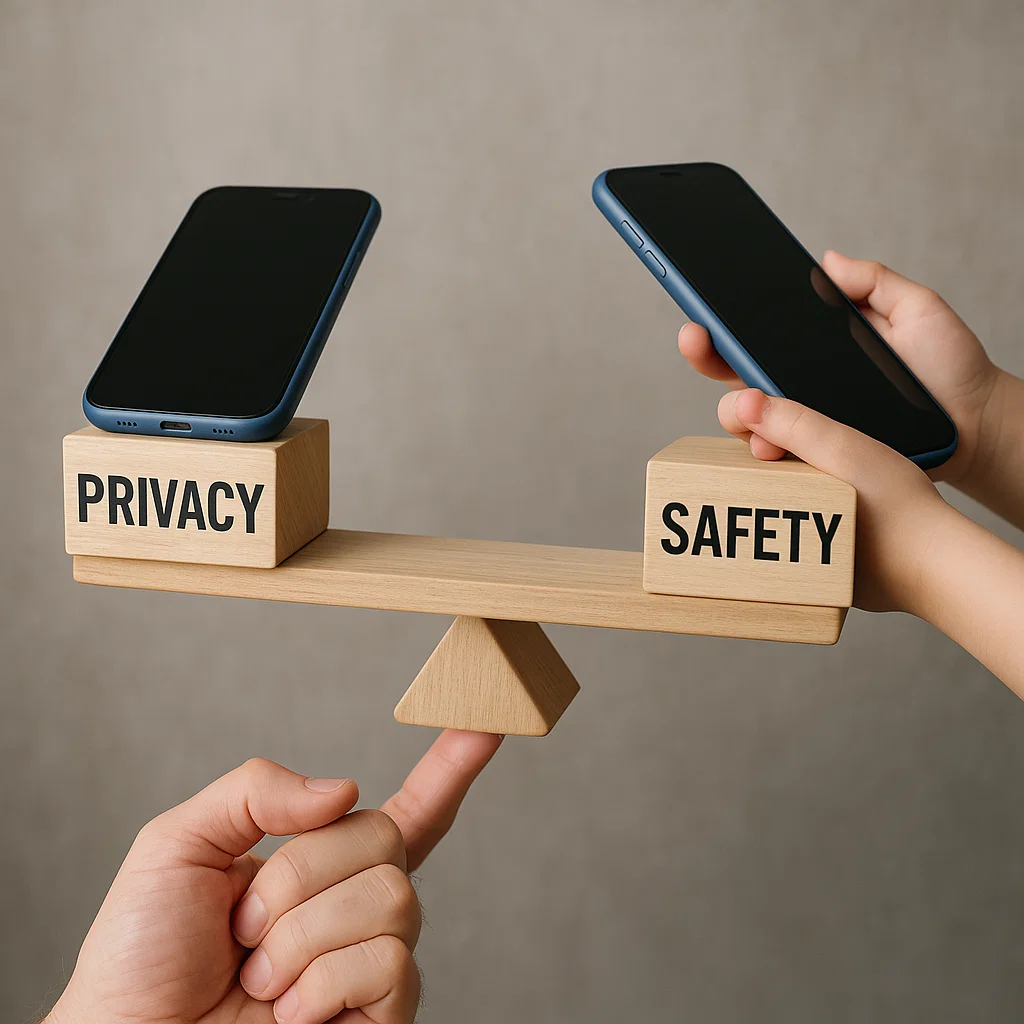
This is a false choice. The goal is not to pick a side, but to integrate both protection and respect into a single, sustainable strategy. Your role is not just that of a guardian who installs digital locks, but also a guide who teaches your child how to use their device responsibly. This article will provide you with a practical framework to balance privacy and safety on kids phones. We will explore how to build trust through transparency, set age-appropriate boundaries, and use technology not as a spy tool, but as a training wheel for digital independence.
Shifting the Mindset: From Spying to Coaching
The first step to finding balance is to reframe your entire approach. The language of "monitoring" and "spying" inherently creates conflict. Instead, adopt the mindset of a coach.
A coach doesn't play the game for the athlete, nor do they ignore them and hope for the best. They provide the rules of the game, the necessary equipment, and constant guidance from the sidelines. They are there to celebrate successes and to step in when the player is in danger of getting hurt. When you view your child's phone through this lens, your actions change. Checking their phone isn't about catching them doing something wrong; it's about ensuring they are using their "equipment" safely and effectively. This mindset is the foundation for knowing how to balance privacy and safety on kids phones.
The Foundation of Trust: Open and Honest Communication
Technology can only enforce rules; it cannot build trust. That work happens through consistent, open dialogue. Before you even implement any technical solutions, you must lay this groundwork.
Initiate a conversation about digital citizenship. Explain that with the privilege of having a phone comes responsibility. Be explicit about your concerns, but also be open to hearing theirs. Key points to cover include:
The "Why" Behind the Rules: "I am not checking your phone because I don't trust you. I am doing it because the internet has risks you might not yet be prepared for, and my job is to help you learn to navigate them."
Defining Privacy vs. Secrecy: Explain the crucial difference. Privacy is about personal space and thoughts—like keeping a journal. Secrecy, especially with strangers online, is dangerous. Make it clear that their online activity cannot be a secret from you.
The Amnesty Clause: Promise your child that if they come to you with a problem they've encountered online—whether they've seen something disturbing or made a mistake—they will not be punished for being honest. This makes you their safest resource.
Establishing a Tiered System of Privacy
Privacy should not be a binary switch that flips on at a certain age. It should be a gradual expansion of freedom, earned through demonstrated responsibility. A tiered system makes this process clear and fair for everyone.
Ages 10-12 (The Training Phase): At this stage, privacy is minimal. Parents should have all passwords, regularly review the device together, and use strict parental controls. The focus is on direct teaching and supervision.
Ages 13-15 (The Guided Phase): As responsibility is shown, grant more privacy. You might move from reviewing the phone with your child to doing occasional, announced check-ins. You can loosen some app restrictions but maintain core safety features like location tracking and web filtering.
Ages 16+ (The Mentorship Phase): The goal is to shift from active monitoring to an advisory role. At this stage, you might disable most monitoring features but retain the ability to check in if you have a specific, serious concern. The trust is largely placed in them, with the understanding that it can be reevaluated if broken.
Leveraging Built-In Tools for Transparent Boundaries
The simplest way to balance privacy and safety on kids phones is to use the built-in features of the device itself. Setting these up with your child is a powerful act of transparency.
For Apple Devices (Screen Time):
Go to Settings > Screen Time. You can set up:
Downtime: For scheduled quiet hours (e.g., during sleep).
App Limits: For daily time allowances on game and social media categories.
Communication Limits: To control who your child can communicate with.
Content & Privacy Restrictions: The most important section, where you can prevent explicit content, password-protect settings, and disable app installation.
For Android Devices (Family Link):
The Google Family Link app allows you to:
Manage the apps your child can use.
Set screen time limits and a device bedtime.
Review their app activity and approve downloads.
Lock their device remotely when it's time for a break.
Using these tools together says, "These aren't my secret rules; these are the parameters we've agreed upon for a healthy digital life."
The Role of Parental Control Apps in a Balanced Approach
While built-in controls are excellent for managing time and spending, dedicated parental control apps can provide a deeper layer of safety insight. The key to using them in a balanced way is, once again, transparency. They should be presented as a safety net, not a hidden camera.
mSpy: For Comprehensive, Open Oversight
mSpy is a powerful tool that provides detailed insight into your child's digital activity. Its strength in monitoring communication can be framed as a protection against external threats, not a violation of personal space.

Key Features for a Balanced Approach:
Social Media Monitoring: Allows you to see interactions on platforms like Snapchat and Instagram, not to read every chat with friends, but to spot communication from strangers or patterns of cyberbullying.
Location Tracking & Geofencing: Provides peace of mind about your child's physical safety, not to track their every move at a friend's house.
Keylogger: Can be used not to invade private thoughts, but to identify searches for harmful content or signs of distress.
The value of mSpy in a balanced strategy is its ability to alert you to significant dangers without requiring you to read every mundane message.
Parentaler: For Clear-Cut Rule Enforcement
Parentaler offers a straightforward approach that aligns well with a tiered privacy system. It helps enforce the clear boundaries you've set together.

Key Features for a Balanced Approach:
App Blocker: Perfect for the "Training Phase" to block inappropriate apps, and can be gradually relaxed as your child matures.
Screen Time Scheduler: Automatically enforces the "Digital Curfew" you've established in your family agreement, removing the need for nightly arguments.
Web Filter: Blocks dangerous content impartially, protecting your child without you having to constantly look over their shoulder.
Parentaler acts as the impartial referee for the rules you've collaboratively created, which helps depersonalize enforcement.
Eyezy: For Holistic Awareness
Eyezy provides a wide array of monitoring features that give parents a general awareness of their child's digital habits, which can inform your coaching conversations.
Key Features for a Balanced Approach:
Social Magnifier: Gives you insight into the social media environment your child is in without exposing every private conversation.
Screen Recording: Can be used as a troubleshooting tool for specific issues rather than constant surveillance.
Phone Analyzer: Provides a high-level overview of device usage, helping you identify concerning trends (e.g., sudden, massive increases in screen time) that warrant a conversation.
Eyezy is well-suited for the "Guided Phase," where the goal is less about control and more about informed mentorship.
The "Why" Over the "What": Responding to Red Flags
When a monitoring tool alerts you to potential trouble, your response will either build or break trust. Focus on the "why" behind the behavior, not just the "what" they did.
If you see a search for inappropriate content, instead of "You're in trouble!," try "I saw you were searching for [topic]. That's a really common thing to be curious about, but it can also lead to some confusing or unsafe places. Let's talk about it."
This approach addresses the safety concern while respecting their developing curiosity, strengthening your role as a guide.
Conclusion:
The ultimate goal of your effort to balance privacy and safety on kids phones is to work yourself out of a job. Every check-in, every conversation, and every enforced boundary is a step toward your child's capable and independent use of technology. The trust you build by being transparent, consistent, and empathetic is the most powerful safety feature of all.
You are not just managing a device; you are raising a future adult. By walking this tightrope with intention, you give them the tools to navigate the digital world long after they've left your home.
Frequently Asked Questions (FAQs)
1. My teenager says monitoring their phone means I don’t trust them. How do I respond?
Acknowledge their feelings, but reframe the purpose. Try saying, "I trust you. I am monitoring because I don't trust the other people you might encounter online or the unexpected situations that can pop up. This is how I help you build the experience needed to handle those situations on your own someday. It's a learning tool, not a punishment."
2. At what age should I stop using parental controls entirely?
There is no specific age. The process should be a gradual "fading" of control based on demonstrated responsibility, not a birthday. As your child consistently makes good choices, communicates openly about their online experiences, and adheres to your family's rules, you can slowly grant more privacy. The shift should be from active manager to trusted advisor.
3. Is it ever okay to monitor my child's phone without them knowing?
While the intention is understandable, secret monitoring is a high-risk strategy. If discovered, it can severely damage your relationship and teach your child that secrecy is an acceptable way to handle concerns. The long-term benefit of an open, trusting relationship almost always outweighs the short-term intelligence gained from secret monitoring. If your concerns are so grave that you feel secret monitoring is necessary, it may be a sign that a broader conversation—or professional help—is needed.


