For over a decade, I’ve sat with thousands of parents, and the conversation almost always starts the same way: "I'm worried about what my child is doing online, but I don't want to spend a fortune on another subscription." This is a completely reasonable concern. In an ideal world, protecting our children from digital harm would be simple, accessible, and free.
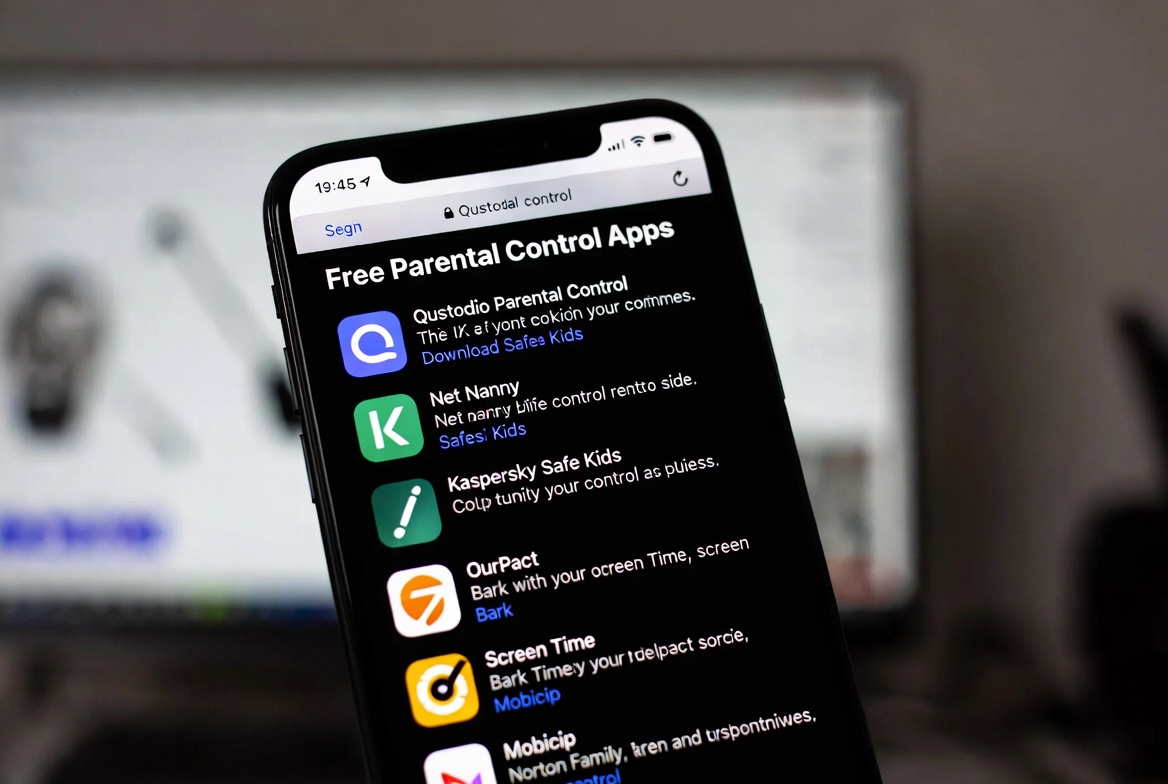
The internet is filled with promises of free parental control apps that work, but the reality is often a frustrating mix of limited features, constant upgrade prompts, and hidden costs. Having tested nearly every tool on the market, I'm here to give you the unvarnished truth. This guide will separate the truly useful free options from the gimmicks and provide a clear path for when investing in a premium solution becomes necessary for your child's safety and your sanity.
The Reality Check: Understanding the "Free" Model
Before we look at specific apps, it's crucial to understand why they are offered for free. Software companies are businesses. If they aren't charging you directly, they are often monetizing in other ways, which can include:
Data Collection: Your family's usage data can be a valuable commodity.
Limited Features: The free version acts as a permanent advertisement for the paid plan, often locking critical safety features behind a paywall.
Advertisements: The app interface itself may be cluttered with ads for other services.
The goal of a free app is to get you to upgrade. Therefore, finding free parental control apps that work for the long term means managing your expectations. They can be excellent starting points, but they rarely provide comprehensive protection for a child navigating the complexities of the modern internet.
The Best Truly Free Options and Their Limitations
Let's be fair: there are some legitimate and effective free tools. They are best suited for families with younger children or for parents who need basic oversight.
1. Built-in Device Features: Your First and Best Free Tool
The most powerful and often overlooked free solutions are already on your devices. Both Apple and Google have invested heavily in built-in parental controls.
Apple's Screen Time (iOS/iPadOS): This is a robust system that allows you to set Downtime, App Limits, and Communication Limits directly from your iPhone. You can also block inappropriate content and create a separate Apple ID for your child that you manage.
Pros: Completely free, deeply integrated into the iOS ecosystem, and cannot be easily deleted by the child.
Cons: Requires a consistent and tech-savvy setup process. The child can sometimes request more time, and monitoring features are less detailed than third-party apps.
Google Family Link (Android/ChromeOS): Google's solution allows you to manage your child's account, approve or block apps, set screen time limits, and track their device location.
Pros: Free and essential for managing Android devices for children under 13. Offers good core controls.
Cons: Many features expire when the child turns 13, and its effectiveness can vary by device manufacturer.
Verdict: Before downloading anything, master the built-in controls on your child's device. For basic time and content management, they are the most reliable free parental control apps that work.
2. Limited-Feature Freemium Apps
Some reputable companies offer a free version of their paid app with permanent, albeit limited, functionality.
Qustodio (Free Plan): This well-known app offers a free version that includes basic screen time scheduling, web content filtering, and app blocking.
What's Free: Basic time limits, web filter, app blocking engine, and SOS panic button.
The Catch: The free version lacks social media monitoring, YouTube tracking, call and SMS logging, and detailed reporting. It's also limited to one device.
FamilyTime (Free Plan): Similar to Qustodio, it provides a taste of its premium features for free.
What's Free: Basic screen time scheduling, app blocking, web filtering, and location tracking.
The Catch: The free features are often on a trial basis or severely limited, pushing you constantly toward the paid plan for practical daily use.
Verdict: These are useful for getting a feel for how parental control apps function. They can handle basic tasks but will constantly remind you of the more powerful tools you're missing.
When a Free App Is No Longer Enough
As your child grows and their digital world expands, the limitations of free tools become a significant safety gap. You should seriously consider a premium solution if:
Your child has social media accounts. Free apps generally cannot monitor interactions on Instagram, Snapchat, or TikTok, which is where cyberbullying and predatory behavior often occur.
You need detailed activity reports. Understanding your child's digital habits requires data. Free apps offer summaries; premium apps show you the specifics.
You want to monitor text messages and calls. For older children, understanding who they are communicating with is a key safety feature, and this is almost exclusively a premium capability.
You need robust, tamper-proof controls. A determined teen can sometimes find ways around free or built-in controls. Premium apps are designed to be more resilient.
A Look at Premium Solutions for Comprehensive Safety
While this article focuses on free options, my duty as an expert is to be honest about what it takes to be truly proactive. Here are three premium solutions that families I work with consistently rely on for complete peace of mind.
1. mSpy: For In-Depth Monitoring and Safety
mSpy is a powerful tool for parents who need a clear window into their child's digital life, especially their social interactions and communications.

Key Features: Monitors social media (Instagram, Snapchat, Facebook), tracks text messages and calls, provides real-time GPS location, and allows you to set geofencing alerts.
Why it's a Premium Upgrade: It offers a level of detail in monitoring that free apps cannot touch, which is crucial for identifying risky behaviors or contacts.
2. Parentaler: For Straightforward Screen Time Management
Parentaler focuses on being a user-friendly but powerful tool for managing screen time and app access without overwhelming parents with complexity.
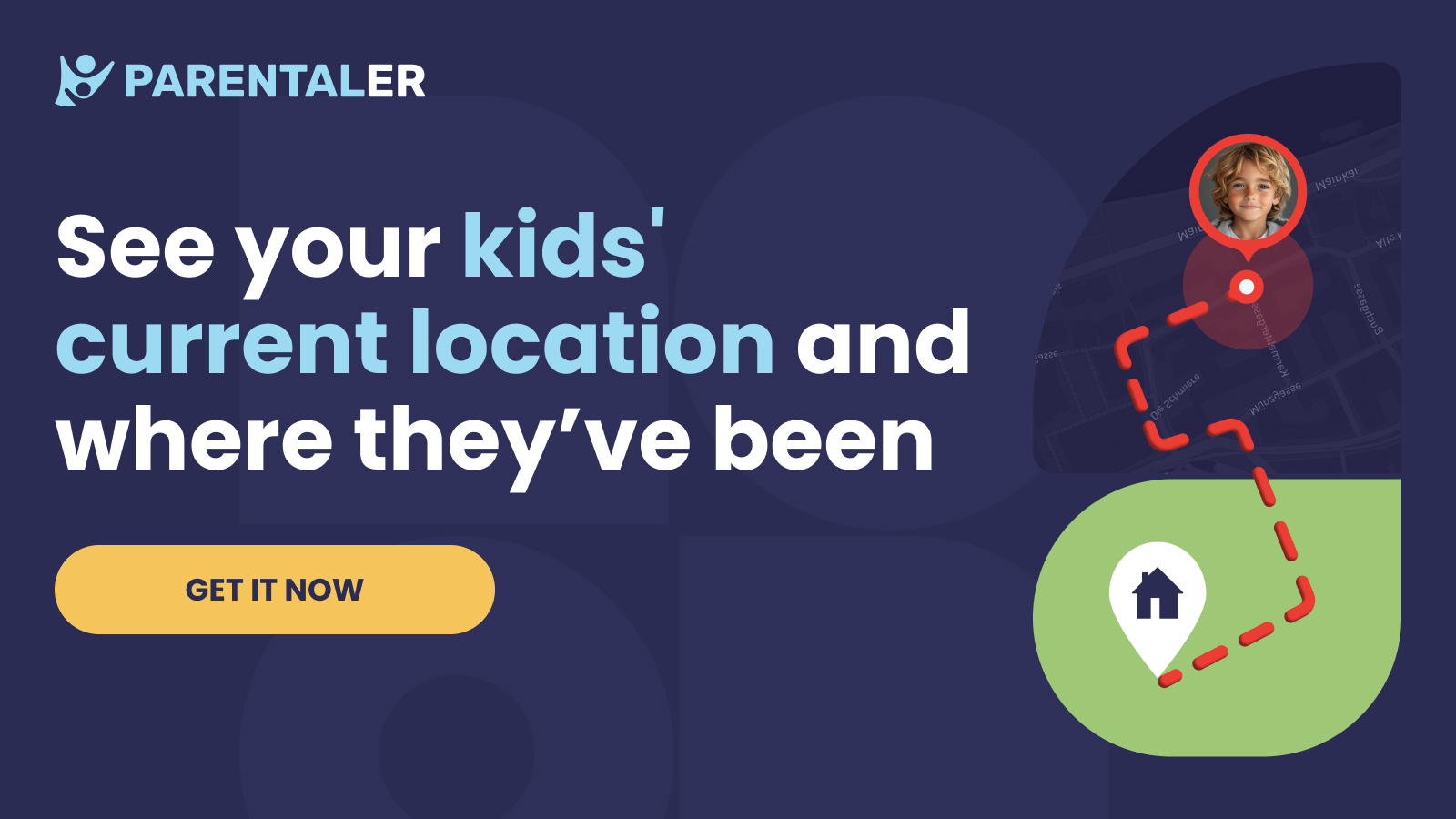
Key Features: Set daily screen time limits, schedule device bedtimes, block specific apps, and monitor web browsing history.
Why it's a Premium Upgrade: It automates enforcement in a way that built-in controls often struggle with, eliminating daily arguments and "just five more minutes" negotiations.
3. Eyezy: The All-in-One Family Management Suite
Eyezy combines a wide array of monitoring tools with practical screen time management, offering a versatile solution for families who want a single dashboard for everything.
Key Features: Includes social media and message monitoring, screen recording, keyword alerts for concerning language, GPS tracking, and screen time scheduling.
Why it's a Premium Upgrade: It effectively replaces the need for multiple apps by bundling safety monitoring and practical usage controls into one service.
Conclusion
Start your journey with the powerful free tools already in your pocket. Use Apple Screen Time or Google Family Link to establish basic boundaries. If you find those limits are not enough—if you're losing sleep over who your teen is talking to online or what they're being exposed to—then it's time to view a premium parental control app not as an expense, but as an investment in your child's safety and your family's well-being.
The goal is not to raise a child in a digital bubble, but to provide guided independence. The right tools, whether free or premium, give you the ability to do just that.
Begin with the free tools today, and when you're ready for deeper insight, explore the premium solutions that can close the safety gap.
Frequently Asked Questions (FAQs)
1. Are there any completely free parental control apps that don't limit features?
In short, no. Developing and maintaining reliable, secure software requires significant resources. Truly "free" apps without limitations are extremely rare and often raise questions about how they are funded, typically through data collection or advertising. The most trustworthy free options are the built-in controls on your device or limited freemium models from reputable companies.
2. Can my child disable or uninstall these apps?
This is a key difference between basic and premium apps. Built-in controls like Apple's Screen Time are difficult to remove without a passcode. Premium apps like mSpy, Parentaler, and Eyezy are designed to be tamper-resistant, often running in stealth mode or requiring your password for removal, making them much more reliable for enforcement.
3. Is it ethical to use a monitoring app on my teen's phone?
This is an important question. The ethics depend on your approach. I advocate for transparency with teenagers. Frame the app as a safety tool, similar to a driver's permit—it allows them more freedom while providing a safety net as they learn to navigate complex environments. For younger children, it's a straightforward matter of protection. Secrecy can erode trust, but open conversations about safety and responsibility can build it.


