The moment your child gets a phone, a new wave of worry sets in. You want to keep them safe from online predators, cyberbullying, and inappropriate content, but you also have a household budget to manage. The thought of adding another monthly subscription fee can feel overwhelming. Many parents believe that robust digital safety is a luxury they can't afford.
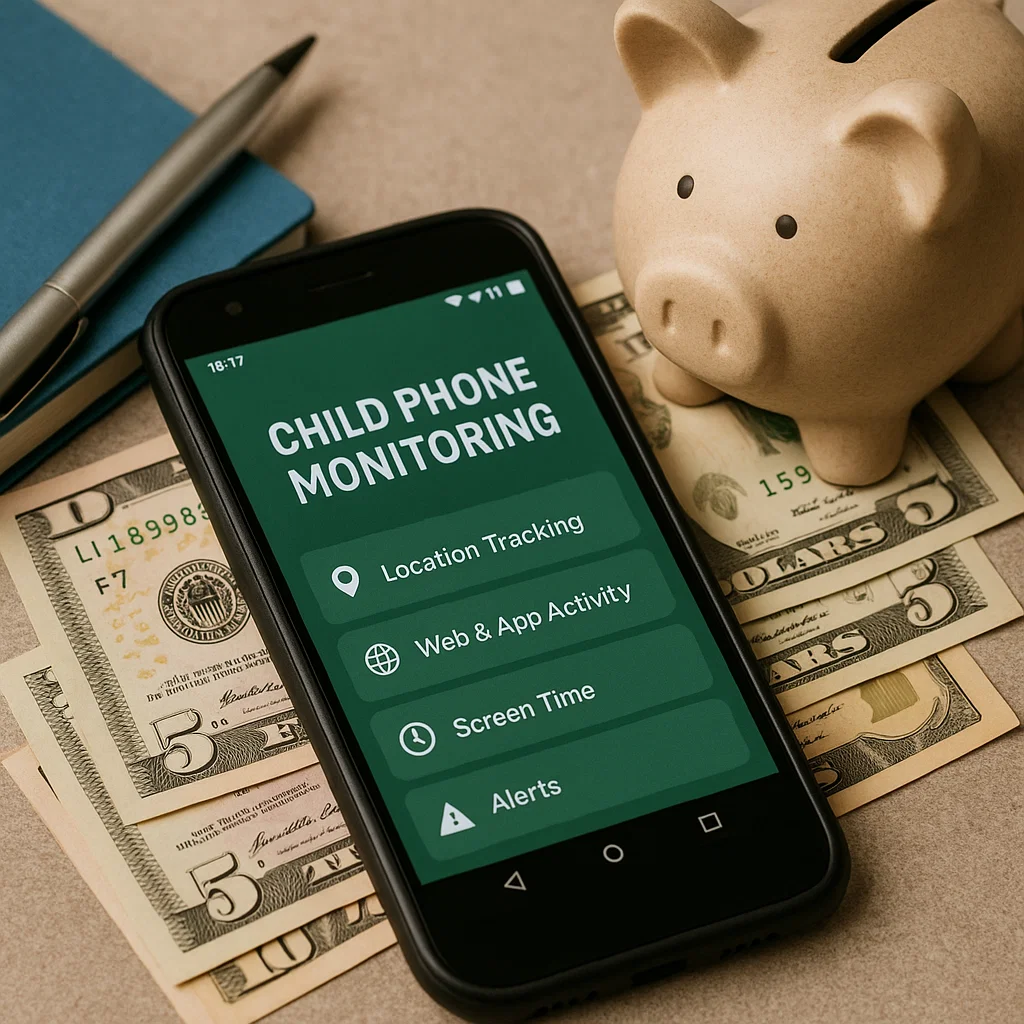
After a decade of helping families navigate this exact challenge, I can assure you this is a myth. Effective protection does not require a massive financial investment. What it requires is knowledge. With the right approach, you can implement a powerful monitoring system that safeguards your child without straining your finances. This guide is dedicated to achieving effective child phone monitoring on a budget, showcasing the best free tools and affordable paid apps that deliver exceptional value and peace of mind.
The Golden Rule: Start with Free Built-in Solutions
Before you spend a single dollar, you must exhaust the powerful, free tools already at your disposal. Both major mobile operating systems offer built-in parental controls that form a solid security foundation.
For Android devices, Google Family Link is your go-to application. It allows you to:
Set daily screen time limits.
Lock the device remotely at bedtime or during homework.
Approve or block apps downloaded from the Play Store.
Set time limits on individual apps.
Track your child’s device location.
For Apple devices, the combination of Screen Time and Family Sharing provides similar, robust controls. You can:
Schedule "Downtime" to block app usage.
Set "App Limits" for specific categories.
Use "Content & Privacy Restrictions" to block explicit content and prevent purchases.
Share location through the Find My app.
These free systems are your first and most important layer of defense. They effectively manage when and for how long a device is used. However, their primary limitation is a lack of depth; they don't show you what your child is actually saying and doing within their apps and messages. This is where affordable third-party apps fill the gap.
What to Look for in an Affordable Monitoring App
When evaluating paid options for child phone monitoring on a budget, you need to identify which features give you the most "bang for your buck." Avoid expensive, enterprise-level solutions and focus on apps that offer:
Clear, Simple Pricing: No hidden fees or confusing tiers.
Key Feature Focus: Strong performance in one or two areas you care about most, like social media monitoring or screen time scheduling.
Family Plans: The ability to cover multiple children under a single subscription.
Free Trial or Money-Back Guarantee: A chance to test the app before fully committing.
The goal is to find an app that complements the free tools, adding the specific visibility you need without redundant features that inflate the price.
mSpy: Affordable Depth for Social Media and Message Monitoring
If your biggest concern is understanding your child's digital social life, mSpy offers an unparalleled depth of insight for its price point. It is arguably the most powerful tool in its class for monitoring communications, which is often a parent's primary anxiety.

Key Budget-Friendly Features:
Social Media Monitoring: Track conversations on WhatsApp, Instagram, Snapchat, and Facebook Messenger. This is critical for spotting cyberbullying or contact with strangers.
SMS and Call Log Tracking: See all text messages and a detailed history of incoming and outgoing calls.
GPS Location Tracking: Monitor your child's location in real-time and review their location history.
Keylogger: This feature records keystrokes, helping you see what your child is searching for and typing.
For parents who need to see the content of their child's interactions, mSpy provides a level of detail that free apps can't match. It addresses the "who" and "what" of your child's digital life, making it a cost-effective solution for targeted, in-depth monitoring.
Parentaler: Streamlined and Cost-Effective Screen Time Management
If your main struggle is managing your child's overall phone usage and ensuring they aren't distracted by games and apps, Parentaler is designed for you. It offers a clean, user-friendly interface that focuses on control and scheduling without unnecessary complexity.

Key Budget-Friendly Features:
App Blocker: Instantly block access to any application with a single tap.
Screen Time Scheduler: Automatically lock the phone during set periods like school hours, homework time, or family meals.
Web Filter: Block inappropriate websites and monitor your child's browsing history.
Contact List Review: See who is in your child's contacts and block unknown numbers.
Panic Alert: A safety feature that lets your child send an immediate alert to your phone.
Parentaler excels at doing a few things very well. It doesn't try to be everything to everyone, which keeps it focused and affordable. It’s the perfect, budget-conscious upgrade from Google Family Link for parents who need more robust app blocking and scheduling controls.
Eyezy: Comprehensive Insight with a Unique Feature Set
Eyezy positions itself as an all-in-one family safety suite, and it brings a unique set of features to the table that can be incredibly valuable for the price. It offers multiple angles of oversight, giving you a more complete picture than standard controls.

Key Budget-Friendly Features:
Invisible Screen Recording: This is Eyezy's standout feature. It takes periodic screenshots of the device's screen, showing you exactly what your child is seeing and doing in their apps.
Plans & Schedule View: Get a visual timeline of your child's location and activity patterns throughout the day.
File Finder and Gallery Access: See what photos, videos, and files are being saved on the device.
Browser History Tracking: Monitor all internet searches and visited websites.
For parents who want to know not just how long their child is on an app, but what they are actually doing inside it, Eyezy’s screen recording is a game-changer. It provides context that other monitoring methods can't, making it a cost-effective tool for gaining comprehensive understanding.
Maximizing Your Budget: A Layered Approach to Safety
The most effective strategy for child phone monitoring on a budget is to use a layered approach. You don't necessarily need one app that does everything. You can combine tools to create a custom safety net.
Foundation Layer (Free): Use Google Family Link (Android) or Screen Time (iOS) for core controls: screen time limits, bedtimes, and app approvals.
Insight Layer (Affordable Paid App): Choose one affordable app based on your top concern.
Choose mSpy for social media and message content.
Choose Parentaler for superior app blocking and scheduling.
Choose Eyezy for overall activity insight and screen recordings.
Communication Layer (Always Free): Maintain an open, ongoing dialogue with your child about online safety. This is the most powerful tool you have, and it costs nothing.
Conclusion
Protecting your child in the digital world is a non-negotiable part of modern parenting, but it shouldn't create financial stress. As we've seen, you can achieve a very high level of safety and oversight by strategically using free tools and selecting a focused, affordable paid application that meets your specific needs.
You have the power to take control. Start by activating the free controls on your child's phone today. Then, honestly assess your family's biggest concerns and explore the budget-friendly options like mSpy, Parentaler, and Eyezy. Investing a small amount in the right tool is a small price to pay for the immense peace of mind that comes from knowing your child is safe online.
Frequently Asked Questions (FAQs)
1. Is there any truly free app that can monitor social media like Snapchat?
Most truly free apps have significant limitations and cannot access private data within social media apps due to platform security. While Google Family Link is excellent for basic controls, it does not monitor the content of messages on Snapchat, Instagram, or WhatsApp. For that level of detail, a dedicated, affordable paid app like mSpy is typically required.
2. Can my child disable or bypass these monitoring apps?
This depends on the app and the device's permissions. Many apps require you to set up parental controls on the device that prevent their uninstallation. A tech-savvy teenager may find ways to work around them, which is why open communication about the purpose of the monitoring is crucial. It's a safety tool, not a secret spy tool.
3. Are these budget-friendly apps safe and legal to use?
Yes, the apps mentioned here are legal for parents to use on devices owned by them for their minor children. They are established companies with a focus on parental controls. It is illegal to use these tools to monitor an adult without their consent. Always download and purchase these apps directly from their official websites to ensure security and legitimacy.


