For over a decade, I've worked with families navigating the complex digital world. If I were to pinpoint a single, most common point of conflict, it would be the smartphone. Not the device itself, but the constant, buzzing, dinging stream of notifications that pull a teenager away from homework, dinner conversations, and even sleep. The result? Distracted, anxious, and often disconnected kids. Parents feel powerless, watching their teens succumb to a force they don't fully understand.
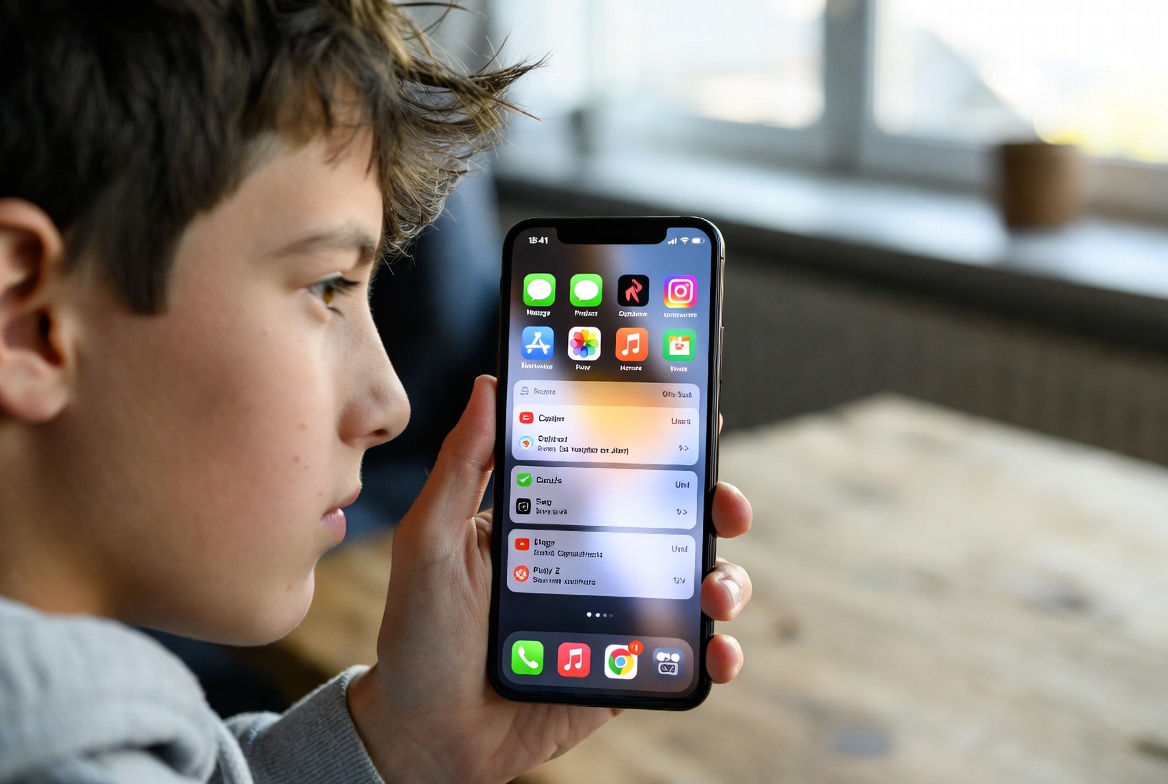
The good news is that you are not powerless. The battle for your teen's attention is not about confiscating the phone; it's about managing the interruptions. This article will provide you with a clear, actionable roadmap to help your teenager take back control. We will explore built-in phone settings, discuss healthy communication strategies, and introduce powerful tools that can make a significant difference in your family's digital life.
Understanding the "Why": The Impact of Notifications on the Teenage Brain
Before we jump into solutions, it's crucial to understand the problem. Notifications are not neutral; they are scientifically designed to capture attention. For a teenager, whose prefrontal cortex (the area responsible for impulse control and decision-making) is still developing, this is a particularly potent challenge.
Each notification triggers a small hit of dopamine, the brain's "feel-good" chemical. This creates a compulsive loop: hear a buzz, check the phone, get a reward. Over time, this conditions the brain to seek out this stimulation, leading to:
Reduced Attention Spans: Constant interruptions fracture the ability to focus deeply on a single task.
Increased Anxiety and Stress: The fear of missing out (FOMO) and the social pressure to respond immediately can be overwhelming.
Sleep Disruption: Notifications at night, especially from social media, interfere with the production of melatonin, the sleep hormone.
Recognizing this neurological impact is the first step in having a productive, empathetic conversation with your teen about the need to manage phone notifications for teenagers.
Start with the Basics: Mastering Built-in Phone Settings
You don't always need a fancy app to start making changes. Both iOS and Android have robust, built-in digital wellness tools.
For iPhones (Screen Time):
Go to Settings > Screen Time.
Tap "Turn On Screen Time" and follow the prompts. You can set this up for your child's device.
Use Downtime to schedule a period where only approved apps and phone calls are allowed. This is perfect for bedtime or study hours.
Set App Limits for specific categories, like Social Networking or Games. Once the time limit is reached, the apps are paused.
Most importantly, use Communication Limits to control who your teen can communicate with during Downtime and always.
For Android (Digital Wellbeing):
Go to Settings > Digital Wellbeing and parental controls.
Use the Dashboard to see which apps are used most.
Set App Timers to limit daily usage on specific apps.
Enable Focus Mode to pause distracting apps during key times, like homework.
Schedule Bedtime Mode to fade the screen to grayscale and silence notifications.
These built-in features are a fantastic, no-cost starting point for establishing basic boundaries.
The Power of Conversation: Setting Family Guidelines Together
Technology is a tool, but lasting change comes from communication. Imposing strict rules without discussion often leads to rebellion. Instead, approach this as a collaborative project.
Sit down with your teenager and discuss:
Phone-Free Zones: Agree on areas where phones are not welcome, such as the dinner table and all bedrooms after a certain hour.
Notification-Free Times: Designate blocks of time, like during homework or the first hour after school, where notifications are silenced.
The "Why": Explain the science behind your concerns. Frame it as a health issue, not a punishment. You're helping them protect their sleep, focus, and mental well-being.
When teens feel heard and are part of the solution, they are far more likely to cooperate.
When You Need More Control: An Introduction to Parental Monitoring Apps
Sometimes, built-in settings and conversations aren't enough, especially if you're dealing with resistance or more serious concerns about online safety. This is where dedicated parental monitoring apps can be invaluable. They offer a deeper layer of insight and control, allowing you to actively manage phone notifications for teenagers remotely.
These tools are not about spying; they are about providing a safety net and enforcing the boundaries you've set together as a family. Let's look at three of the most effective options on the market.
mSpy: Comprehensive Monitoring and Notification Management
mSpy is one of the most established names in the parental control space, known for its extensive feature set.

Key Features:
Social Media Monitoring: Track activity on apps like Instagram, Snapchat, and WhatsApp.
Keylogger: Records every keystroke made on the device, helping you see what your teen is typing and searching for.
GPS Location Tracking: Know your teen's whereabouts in real-time.
Notification Management: This is a critical feature. mSpy allows you to remotely view all incoming notifications—from texts and emails to social media alerts—directly from your own control panel. This gives you complete visibility into what is vying for your teen's attention.
mSpy is a powerful all-in-one solution for parents who need a high level of oversight.
Scannero.io: Location-Based Safety and Geofencing
Scannero.io takes a slightly different approach, focusing heavily on location-based safety and straightforward alert systems.

Key Features:
Number Tracker: Locate a phone number without any app installation required on the target device in some cases.
SMS Tracking: Read incoming and outgoing text messages.
Geofencing: Set up virtual boundaries on a map. You receive an instant notification if your teen enters or leaves a designated area, like school or a friend's house.
Location Alerts: While its notification management for social apps is less comprehensive than mSpy, its strength lies in location alerts, keeping you informed of your teen's movements without constant check-ins.
Scannero.io is an excellent choice for parents whose primary concern is physical safety and knowing their teen's location.
Moniterro: Balanced Monitoring with a Focus on Wellbeing
Moniterro strikes a balance between robust monitoring features and a user-friendly interface, making it a great option for parents who want effective control without overwhelming complexity.

Key Features:
Social Media & Message Tracking: Monitor conversations across a wide range of popular platforms.
Web History & Bookmark Monitoring: See what your teen is searching for and viewing online.
Remote Device Control: Block apps, lock the device remotely, or view the screen in real-time.
Notification Monitoring: Similar to mSpy, Moniterro captures incoming notifications, allowing you to see the flow of interruptions and address any concerning patterns you observe.
Moniterro provides a solid, well-rounded set of tools to help you guide your teen's digital habits.
Creating a Sustainable, Healthy Digital Diet
Ultimately, the goal is not to create a state of constant surveillance. The aim is to guide your teenager toward developing their own healthy digital habits. Use these tools as a scaffold, not a cage.
Over time, as your teen demonstrates responsibility, you can gradually loosen the controls. The conversation should shift from "What are you doing?" to "How do you feel about your phone use?" Encourage them to curate their own notification settings, mute group chats that are overly active, and use "Do Not Disturb" mode independently.
Conclusion
The digital world is a permanent part of our lives, and for our teenagers, it's their social fabric. Our job as parents is not to tear it down, but to teach them how to navigate it safely and sanely. Learning to manage phone notifications for teenagers is a fundamental skill in that journey. It’s about replacing a culture of constant interruption with one of intentional focus and real-world connection.
Start today. Have the conversation. Explore the settings on your teen's phone. And if you need more support, don't hesitate to use the powerful tools available. The peace of mind that comes from knowing your child is safer, less distracted, and more present is invaluable.
Frequently Asked Questions (FAQs)
1. Is it an invasion of my teenager's privacy to use a monitoring app?
This is a valid concern. The approach matters greatly. For younger teens, it's often a matter of safety, similar to holding their hand while crossing the street. For older teens, transparency is key. Have an open conversation about why you are using the app—for their protection, not to spy on their private thoughts. It's about establishing trust and setting clear boundaries for online safety.
2. My teenager is tech-savvy and can easily disable apps or settings. What can I do?
Many advanced parental control apps, like mSpy and Moniterro, are designed to be "stealth" or difficult to remove without a password. They run discreetly in the background. Furthermore, having a consistent family media agreement that outlines the consequences for disabling these safety tools can help reinforce their importance.
3. Will these strategies work if I'm not very tech-savvy myself?
Absolutely. The built-in Screen Time and Digital Wellbeing features are designed to be user-friendly. Furthermore, the dedicated monitoring apps we've featured prioritize a simple, intuitive dashboard for parents. Their customer support teams are also there to help you with setup and any questions you may have. You don't need to be an expert to implement these crucial safety measures.


