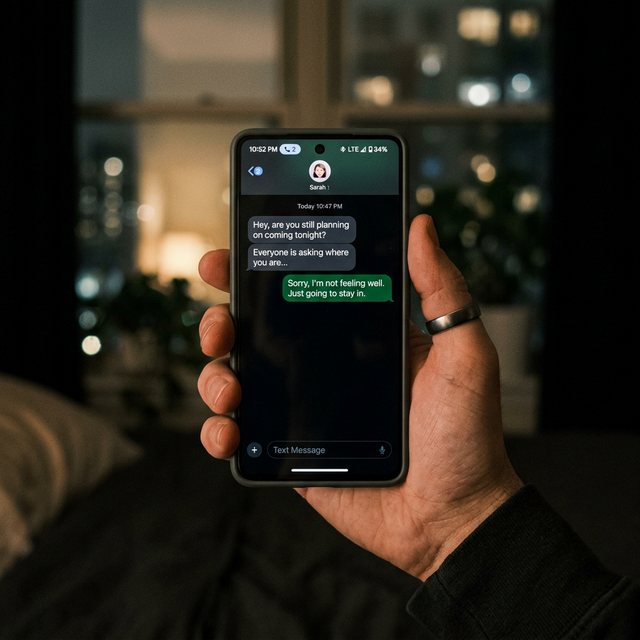
For over a decade, I’ve worked with families navigating the complex world of parenting in the digital age. If I had to name the single biggest source of anxiety for the parents I advise, it would be Snapchat. Its disappearing messages, secretive nature, and constant evolution present a unique challenge. You want to respect your child’s privacy, but you also have a non-negotiable duty to keep them safe from online predators, cyberbullying, and inappropriate content.
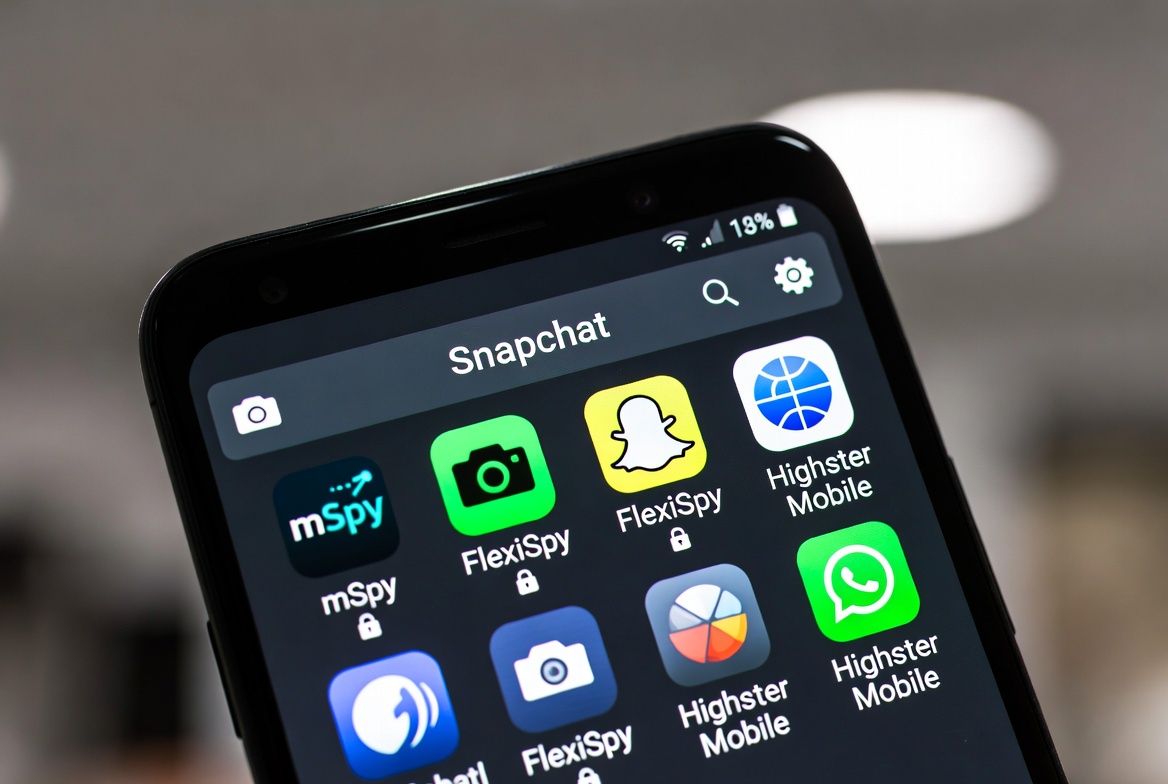
The good news is that you are not powerless. Specialized parental monitoring apps have become sophisticated tools that can provide the visibility you need to guide and protect your child. But with so many options, how do you choose? After a decade of testing and reviewing these services, I’ve distilled my knowledge into this clear, actionable guide to help you find the best Snapchat monitoring app for parents.
If you want the concrete version of that setup — what a consented install can actually pull from Snapchat on iPhone or Android, and what it cannot — our Snapchat tracker guide walks through it step by step.
Why Monitoring Snapchat is a Modern Parenting Essential
Let’s be clear: monitoring your child’s Snapchat is not about spying. It’s about proactive parenting in a digital space designed for ephemerality. Snapchat’ core features—messages that vanish, Stories that last only 24 hours, and a map that can share a user’s precise location—create an environment where risky behavior can feel consequence-free. Those defaults are worth tightening before you look at any monitoring tool, and the Snapchat safety guide for parents walks through the account, privacy and reporting settings one by one.
Children and teens are often not fully equipped to understand the long-term implications of what they share. A seemingly harmless nude photo (sexting) can become a case of child pornography distribution in the eyes of the law. A private story can be a venue for brutal cyberbullying. By using a monitoring app, you are creating a safety net. It allows you to step in when you see signs of danger, opening up a conversation about responsible digital citizenship based on real examples, not just abstract fears.
Key Features to Look for in a Snapchat Monitoring Solution
Not all monitoring apps are created equal. Snapchat’s security measures mean that some apps offer limited functionality. When you are evaluating your options, you should prioritize these non-negotiable features:
Snapchat Message Tracking: The app must be able to capture and display both sent and received Snaps, including text, images, and videos, even after they’ve been "opened" and "disappeared" from your child's phone. For the household-agreement side of the same problem, read How to Monitor Your Child's Social Media Use.
Keylogger Functionality: This is a critical feature. A keylogger records every keystroke made on the target device. Since many conversations on Snapchat happen through the chat function, a keylogger ensures you see what was typed before it was sent, even if the message itself vanishes. We go through the trade-offs in more depth in How to Monitor Snapchat Without Jailbreaking iPhone.
Social Media Monitoring Breadth: While Snapchat may be your primary concern, a good app will also cover other platforms like Instagram, WhatsApp, Facebook, and TikTok. A holistic view of your child's social activity is invaluable.
Icon hiding: For monitoring to be effective the app has to keep reporting in the background; a hidden launcher icon has to be set on the copy of the app on the phone you own.
Geolocation and Geofencing: Knowing your child's real-time location is a fundamental safety feature. Geofencing allows you to set up virtual boundaries and receive alerts when your child enters or leaves a specific area, like their school or a friend's house.
mSpy: The Powerful All-Rounder for Comprehensive Oversight
When parents ask me for a powerful, feature-rich solution, mSpy is often the first name that comes to mind. It has been a leader in the field for years and for good reason. mSpy provides one of the most robust Snapchat monitoring experiences available.

Its key strength lies in its ability to track sent and received Snaps, including the text within them. Combined with its advanced keylogger, you get a nearly complete picture of the conversations your child is having on the platform. Beyond Snapchat, mSpy offers an exhaustive suite of features including call tracking, SMS monitoring, browser history tracking, and the ability to view installed applications.
Who it's for: Parents who need a powerful, all-in-one monitoring solution and are dealing with complex situations or teens who may be at higher risk online.
Eyezy: The User-Friendly Choice with Insightful Social Tools
Eyezy has quickly made a name for itself by focusing on a clean, intuitive user interface without sacrificing powerful features. For parents who may feel overwhelmed by technical dashboards, Eyezy presents information in a clear, easy-to-digest manner.

Its standout feature for Snapchat monitoring is called "Social Spotlight." This tool gathers data from various social media platforms, including Snapchat, and presents the conversations, friends lists, and shared media in a simple layout. It effectively captures those vanishing Snapchat messages, giving you the peace of mind you're looking for. Eyezy also includes a keylogger, location tracking, and a unique "Plans Detector" that scours the device for keywords related to upcoming events or potential risks.
Who it's for: Parents who value a simple, straightforward user experience and want effective Snapchat monitoring without a steep learning curve.
Parentaler: Balancing Monitoring with Open Communication
Parentaler takes a slightly different approach, positioning itself as a tool for fostering trust through transparency. While it operates with the same necessary discretion as other apps, its philosophy encourages parents to have open conversations with their children about the use of the software.
In terms of functionality, Parentaler reliably tracks Snapchat messages, photos, and videos. It provides a detailed log of all Snapchat activity, including timestamps, which is crucial for understanding the context of conversations. Its feature set is solid, covering GPS location, SMS and call logs, and monitoring for other major social platforms. It strikes a good balance between providing essential monitoring data and promoting a healthy parent-child dialogue about digital safety.
Who it's for: Parents who are committed to using monitoring as a starting point for conversation rather than just a covert tool, and who need reliable Snapchat tracking.
Making Your Final Choice: A Side-by-Side Comparison
To help you visualize the differences, here’s a quick comparison of these three top contenders:
Feature | mSpy | Eyezy | Parentaler |
|---|---|---|---|
Snapchat Message Tracking | Excellent | Excellent | Very Good |
Keylogger | Yes | Yes | Yes |
Social Media Range | Very Wide | Wide | Wide |
Ease of Use | Good | Excellent | Very Good |
Geofencing | Yes | Yes | Yes |
Overall Vibe | Powerful & Comprehensive | Simple & Insightful | Balanced & Conversational |
A Final Word on Ethics and Trust
Investing in the best Snapchat monitoring app for parents is a significant decision that comes with ethical weight. I always counsel parents to consider their child's age and maturity. For a young teen just starting on social media, comprehensive monitoring is a reasonable safety measure. For an older, more responsible teen, you might choose to use the app more as a spot-check tool.
The ultimate goal of any monitoring should be to build trust and educate your child, not to control them through fear - and if you are going to look at what a product captured, reading a c
The Seven-Day Trial Is the Only Review That Matters
Finally, read the refund terms before you subscribe rather than after - what each plan includes is the page to check, and the renewal date is the detail most people miss. If the answers you want already exist in a free, official channel, what Snapchat's own tools can see is the cheaper place to start, and you can always add a paid layer later, once you know exactly which gap you are paying to close.
hild's Snapchat messages safely is the companion skill to choosing the product. Use the insights you gain as teaching moments. Let the app be the "bad cop" that provides the facts, so you can be the "good cop" who offers guidance, support, and understanding.Conclusion: Empower Your Parenting in the Digital World
The digital world is your child's playground, and just like any playground, it requires watchful eyes. Choosing to use a monitoring app is a responsible and loving act. Whether you opt for the robust power of mSpy, the user-friendly insights of Eyezy, or the communication-focused approach of Parentaler, you are taking a crucial step to safeguard your child.
You don't have to feel helpless against the fleeting nature of Snapchat. With the right tool, you can gain the clarity you need to guide your child safely through their online social life. Don't wait for a problem to arise before you take action.
Frequently Asked Questions (FAQs)
1. Will my child know they are being monitored?
When installed correctly, all three apps—mSpy, Eyezy, and Parentaler—able to hide their launcher icon, though Settings still lists the app. However, many experts, including myself, recommend having an open conversation with your child about online safety and informing them that you are using such a tool to help guide and protect them, especially for older teens.
2. Do I need physical access to my child's phone to install these apps?
Yes, for most features, especially advanced Snapchat monitoring, you will need one-time physical access to your child's Android device. For iPhones, the process may only require their iCloud credentials, depending on the app and the specific features you need, due to Apple's stricter security protocols.
3. Is it legal for me to monitor my child's phone?
Yes, it is generally legal for a parent or legal guardian to monitor the phone activity of their minor child. You own the phone and are responsible for your child's well-being. Laws can vary by location, so it's always best to check your local regulations, but these tools are designed specifically for this legal purpose.