If you're the parent of a teen or tween, you've likely seen the ghost icon. It’s on their phone screen, their friends' phones, and probably in the back of your mind, causing a nagging sense of worry. For over a decade, I've worked with families navigating the digital world, and no single app generates more questions and anxiety than Snapchat. Its disappearing messages and dynamic features can feel like a parent's kryptonite.
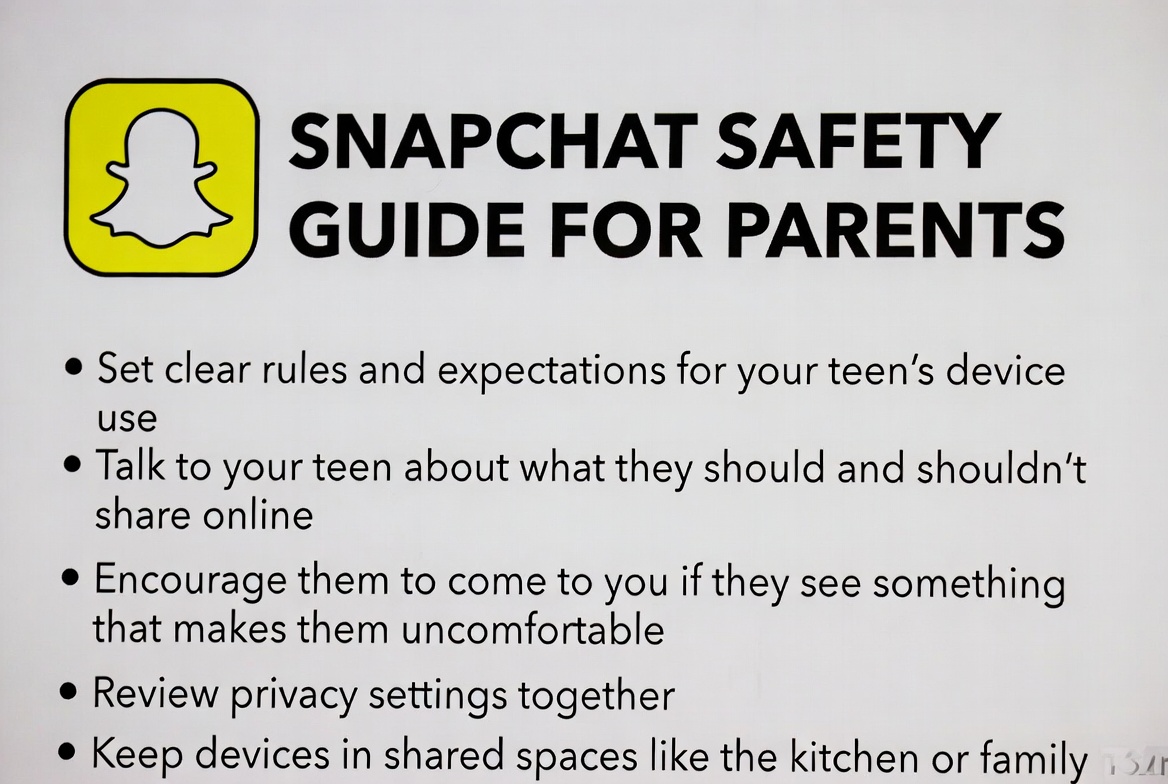
But here’s the truth: you don't have to feel powerless. With the right knowledge and tools, you can transform that anxiety into actionable strategy. This comprehensive Snapchat safety guide for parents is designed to do just that. We will move beyond fear and provide you with a clear, step-by-step plan covering everything from open conversations and built-in settings to powerful monitoring solutions that give you real peace of mind.
Why Snapchat Requires Your Attention
Before we dive into solutions, it's crucial to understand the unique landscape of Snapchat. Unlike Facebook or Instagram, Snapchat's core appeal is impermanence. Messages, photos, and videos are designed to vanish after being viewed. While this can feel fun and low-pressure for teens, it also lowers inhibitions and can encourage risky behavior.
A study from the Pew Research Center highlights that a majority of teens use Snapchat, and it's a primary hub for their social communication. The combination of disappearing content, the Snap Map (which shares location), and constant new features creates an environment where dangers like cyberbullying, contact from strangers, and exposure to inappropriate content can flourish without a clear digital footprint. This is precisely why a proactive Snapchat safety guide for parents is so essential.
The Foundation: Starting the Conversation with Your Child
Technology is not a substitute for conversation; it's a supplement. Your first and most important step is to talk with your child. Avoid an accusatory tone. Instead, frame the discussion around safety and curiosity.
Ask, Don't Accuse: Try questions like, "What do you and your friends like most about Snapchat?" or "Have you ever seen anything on there that made you feel uncomfortable?"
Establish Clear Rules: Discuss time limits, appropriate sharing, and the permanent consequences of temporary actions (e.g., screenshotting).
Be a Safe Harbor: Assure your child they can always come to you if they see something upsetting or feel pressured, without immediate punishment.
This open dialogue builds the trust necessary for any technical safety measures to be effective.
Mastering Snapchat's Built-In Privacy Settings
Snapchat has its own suite of privacy controls. Taking 15 minutes to walk through these with your child is a powerful first line of defense.
Who Can Contact Me & View My Story: Go to Settings > Privacy Controls. Set both "Contact Me" and "View My Story" to "My Friends" instead of "Everyone." This prevents strangers from sending direct Snaps or seeing your child's public updates.
Location Sharing with Snap Map: This is a critical one. Go to the Snap Map screen (pinch the camera screen) and click the gear icon. Here, you can activate "Ghost Mode," which hides their location from everyone. If they want to share it, restrict it to "My Friends" or, even better, a custom "Only These Friends" list.
Manage Who Can See Me in Quick Add: In Settings, go to "Who Can..." > 'See Me in Quick Add' and turn this off. This prevents their profile from being suggested to a wide network of friends-of-friends.
Understanding Snapchat's "Family Center"
In response to safety concerns, Snapchat introduced a feature called Family Center. This is a built-in parental dashboard that allows you to connect with your teen's account.
What Family Center Shows You:
A list of their Snapchat friends.
A list of accounts they have messaged with in the last seven days.
Its Key Limitations:
You cannot see the content of any messages. You only see who they are talking to, not what they are saying.
Your teen must accept your invitation to join Family Center.
While a positive step, Family Center has significant blind spots, making it a starting point rather than a complete solution.
When You Need More Insight: The Role of Monitoring Apps
For many parents, knowing who their child is talking to isn't enough; they need context. This is where reputable third-party monitoring apps become invaluable. They fill the gaps left by Family Center, providing a deeper understanding of your child's digital interactions. Let's examine three of the most effective tools.
mSpy: For Comprehensive, In-Depth Oversight
When parents need the most powerful and detailed overview, mSpy is often the top recommendation. It goes far beyond basic monitoring to provide a deep view into Snapchat activity.

Its key strength is its ability to track both sent and received Snaps, including text, images, and videos, even after they've been opened. Combined with its advanced keylogger (which records every keystroke), you get a nearly complete picture of conversations. Beyond Snapchat, mSpy offers a full suite of features including GPS location tracking, geofencing, and monitoring for calls and other social apps.
Who it's for: Parents who need a powerful, all-in-one solution and are dealing with complex situations or teens who may be at higher risk.
Eyezy: The User-Friendly Choice for Clear Insights
Eyezy has quickly made a name for itself by focusing on a clean, intuitive user interface without sacrificing power. For parents who feel overwhelmed by technical dashboards, Eyezy presents information in a clear, easy-to-digest manner.

Its standout feature for social media is "Social Spotlight." This tool gathers data from Snapchat and other platforms and presents conversations and shared media in a simple layout. It effectively captures vanishing Snapchat messages and includes a keylogger and location tracking. It’s designed for clarity and ease of use.
Who it's for: Parents who value a simple, straightforward user experience and want effective Snapchat monitoring without a steep learning curve.
Parentaler: Balancing Safety with Open Communication
Parentaler takes a thoughtful approach, positioning itself as a tool for fostering trust through transparency. While it operates with the necessary discretion, its philosophy encourages parents to have open conversations with their children about its use.

In terms of functionality, Parentaler reliably tracks Snapchat messages, photos, and videos with detailed timestamps. Its feature set is solid, covering GPS location, SMS, and other major social platforms. It strikes a good balance between providing essential monitoring data and promoting a healthy parent-child dialogue about digital safety.
Who it's for: Parents who are committed to using monitoring as a starting point for conversation and who need reliable, comprehensive tracking.
Red Flags: What to Watch For in Your Child's Behavior
Even with monitoring, it's vital to be aware of behavioral changes. These can be the first signs of trouble online:
Secrecy: Suddenly turning the phone away or becoming defensive when you enter the room.
Emotional Shifts: Appearing upset, angry, or withdrawn after using their phone.
Sleep Changes: Staying up very late to be on the app.
Avoiding Social Situations: A decline in interest in real-world activities and friendships.
Creating Your Family's Snapchat Safety Plan
A practical Snapchat safety guide for parents must end with a clear action plan. Here is a simple checklist to get you started:
Have "The Talk": Initiate an open, non-confrontational conversation.
Set Up Privacy Controls Together: Walk through the settings on their phone.
Enable Family Center: Connect your accounts for basic oversight.
Choose a Monitoring App: Select a tool like mSpy, Eyezy, or Parentaler for deeper insight.
Establish Phone-Free Zones: Designate times (like dinner) and places (like bedrooms) where phones are not used.
Schedule Regular Check-ins: Make digital safety an ongoing conversation, not a one-time lecture.
Conclusion
Navigating Snapchat doesn't require you to be a tech expert. It requires you to be a proactive, engaged parent. By combining open communication, built-in privacy settings, and the powerful insight provided by dedicated monitoring apps, you can create a robust safety net for your child.
This Snapchat safety guide for parents provides the roadmap. You now have the knowledge to move from a place of worry to a position of confident oversight. Your child's digital well-being is worth the effort.
Frequently Asked Questions (FAQs)
1. Is it legal for me to monitor my child's Snapchat?
Yes, it is generally legal for a parent or legal guardian to monitor the smartphone and social media activity of their minor child. You own the phone and are responsible for your child's welfare. These monitoring tools are designed for this specific, legal purpose.
2. My child says I'm invading their privacy. How should I respond?
Acknowledge their feelings, but explain the difference between privacy and safety. Privacy is about personal space, like a diary. Safety is about protection from external threats. Frame your monitoring as a safety measure, similar to requiring a seatbelt in a car, because the digital world has real risks. For older teens, you can negotiate boundaries, such as only spot-checking rather than constant surveillance.
3. Can these monitoring apps see messages that have already disappeared?
These apps are designed to capture messages as they are sent and received, before they are opened and disappear from the app. They work in real-time or near real-time. They cannot retroactively recover messages that were deleted from the app before the monitoring service was active on the account.


