It happens to the best of us. You sit down with the best intentions, textbook open, notes ready. Then, a notification buzzes. You think, "I'll just check it quickly." Forty-five minutes later, you're deep in a social media feed or group chat, your study momentum completely gone. For students today, the biggest obstacle to academic success isn't a difficult subject; it's the constant pull of the smartphone in their pocket.
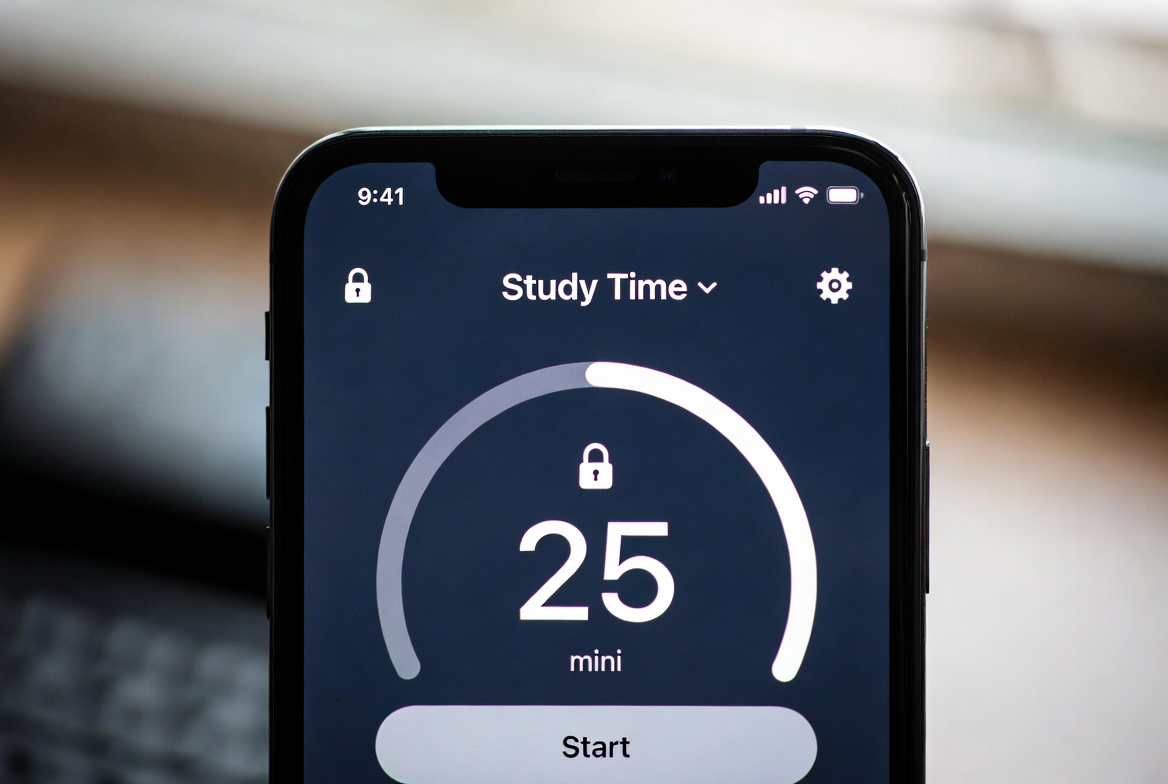
As an educational consultant with a decade of experience helping students and families create productive learning environments, I've seen this scenario play out thousands of times. The solution isn't just about willpower—it's about creating a structure that supports focus. One of the most effective strategies I recommend is learning how to lock apps during study time. This article will provide a clear, step-by-step guide, from built-in phone settings to powerful third-party applications, to help you or your student build unwavering focus and achieve academic goals.
Why Willpower Alone Isn't Enough for Study Focus
The human brain is wired to seek out novel stimuli. Every ping, buzz, and notification is a potential distraction that triggers a dopamine response, making it incredibly difficult to resist. For a student trying to concentrate on complex material, this constant interruption fragments their attention and severely reduces the quality of their learning.
Research from the University of California, Irvine, found that it takes an average of 23 minutes to return to the original task after an interruption. Locking apps isn't about punishment; it's about creating a dedicated, distraction-free zone. It's the digital equivalent of going into a quiet library—you're physically removing the temptation, which frees up mental energy for the task at hand.
Method 1: Utilizing Built-in Phone Features (A Good Start)
Most modern smartphones have developed robust digital wellbeing features. They are a great, free starting point for anyone beginning their journey to better focus.
For Android Users (Digital Wellbeing & Parental Controls): Android devices have a "Focus Mode" that allows you to select which apps to pause for a set period. You can also set a schedule for this mode to activate automatically during your regular study blocks.
For iPhone Users (Screen Time): Apple's Screen Time feature includes "Downtime" and "App Limits." You can schedule Downtime to allow only phone calls and specific apps you choose to approve. For more granular control, you can set individual daily limits for specific app categories.
While these built-in tools are useful, they have limitations. They can sometimes be easily bypassed by a determined user (especially the "Ignore Limit" option on iOS), and they often lack the robust, remote management features that parents might need for younger students.
Method 2: The Power of Dedicated Parental Control Apps
For a more comprehensive and tamper-resistant solution, dedicated parental control apps are the gold standard. They are specifically designed to enforce boundaries and provide peace of mind. When you need a definitive answer for how to lock apps during study time without loopholes, these applications deliver.
These apps allow you to create a structured environment where the temptation is completely removed. The student cannot override the lock, ensuring the scheduled study time is protected. This is especially valuable for helping students build consistent habits, as the external structure eventually leads to improved internal self-discipline.
Top Applications for Locking Apps During Study Hours
Here is an analysis of three leading applications that excel at app blocking and schedule enforcement, based on my extensive testing and client feedback.
1. mSpy: For Comprehensive Oversight and Control
mSpy is known for its extensive monitoring capabilities, but its app blocking and scheduling features are equally powerful for creating a distraction-free study environment.
Key Features: Beyond simply blocking apps, mSpy allows you to schedule specific time periods where the entire device or selected apps are inaccessible. Its geofencing feature can even trigger app locks when the student arrives at school or the library.
Best For: Situations requiring a high level of oversight alongside app blocking, particularly for teenagers who may need more structured boundaries.
2. Parentaler: For Simple and Effective Time Management
Parentaler excels in user-friendliness, making it an excellent choice for parents who want a straightforward, no-fuss solution to manage study time.

Key Features: The app allows you to set a precise daily schedule for study time. With a few taps, you can lock the device or block specific distracting apps like games and social media during these hours. The interface is intuitive and easy to manage remotely.
Best For: Families with younger students or those who prefer a simple, effective tool dedicated to time and app management without complex extra features.
3. Eyezy: For All-in-One Device Management
Eyezy combines powerful app blocking with a suite of other management tools, offering a versatile solution for overall digital wellness.

Key Features: Eyezy lets you remotely lock the device or block any app you select. You can create custom schedules that automatically enforce these rules during predetermined study sessions. Its dashboard provides a clear view of the device's usage patterns.
Best For: Parents looking for a single application that handles app locking, screen time scheduling, and provides insights into how the device is being used.
Creating a Effective Study Time Schedule
Knowing how to lock apps during study time is only half the battle. Implementing a sensible schedule is key to making it work.
Involve the Student: Have a conversation about the goal. Frame it as a tool for success, not a punishment. Work together to identify their most distracting apps and agree on realistic study blocks.
Start with Consistency, Not Long Hours: Instead of a single 4-hour block, schedule shorter, focused sessions (e.g., 50-minute study blocks with 10-minute breaks). This makes the app-locking less daunting and aligns with proven productivity techniques like the Pomodoro method.
Automate the Process: Use the scheduling feature in your chosen app to automatically lock apps during study times every weekday. Consistency helps build a strong habit and eliminates the daily debate over when to start studying.
Beyond App Locking: Cultivating a Productive Mindset
Technology is a powerful aid, but the ultimate goal is to foster intrinsic motivation. Use the distraction-free time created by app locking to help the student experience the benefits of deep focus.
Connect Study to Goals: Remind them what they are working toward—a better grade, college admission, or simply the confidence of understanding the material.
Celebrate Success: Acknowledge completed study sessions without distractions. Positive reinforcement strengthens the desire to maintain good habits.
Model Good Behavior: Parents can also commit to phone-free periods, showing that this is a valuable practice for everyone.
Conclusion
In an age of endless digital interruptions, the ability to focus is a superpower. Learning how to lock apps during study time is a practical, highly effective strategy to reclaim that power. It’s an investment in better grades, reduced stress, and the development of a disciplined mindset that will serve students well beyond the classroom.
Don't let another study session be derailed by a notification. Choose the method that best fits your needs, set your schedule, and experience the transformation that comes with truly focused work.
Frequently Asked Questions (FAQs)
1. Can students bypass these app locks?
Built-in phone features can sometimes be bypassed. However, dedicated parental control apps like mSpy, Parentaler, and Eyezy are designed to be tamper-resistant. They often require administrator permissions that prevent the app from being easily uninstalled or deactivated without the parent's password.
2. Is it better to lock individual apps or the whole phone during study time?
This depends on the student's needs. If they require specific educational apps (e.g., a calculator, dictionary, or e-book reader), locking individual distracting apps like social media and games is the best approach. If the study material is entirely offline, locking the entire phone can provide the deepest level of focus.
3. Will this method work for a college student?
The approach is the same, but the dynamic changes. For college students, the conversation must be about self-management. They can use built-in features themselves or agree to use a parental control app as an accountability tool. The focus shifts to them taking ownership of their own productivity and using these tools to support their goals.


