I’ll never forget the 12-year-old client who showed me a TikTok video with millions of views that left me speechless. It wasn't the content itself that was shocking, but the realization that this was the unfiltered digital environment our children navigate daily. For over a decade, I've worked with families to bridge the gap between worried parents and their tech-savvy kids, and no platform generates more questions than TikTok.
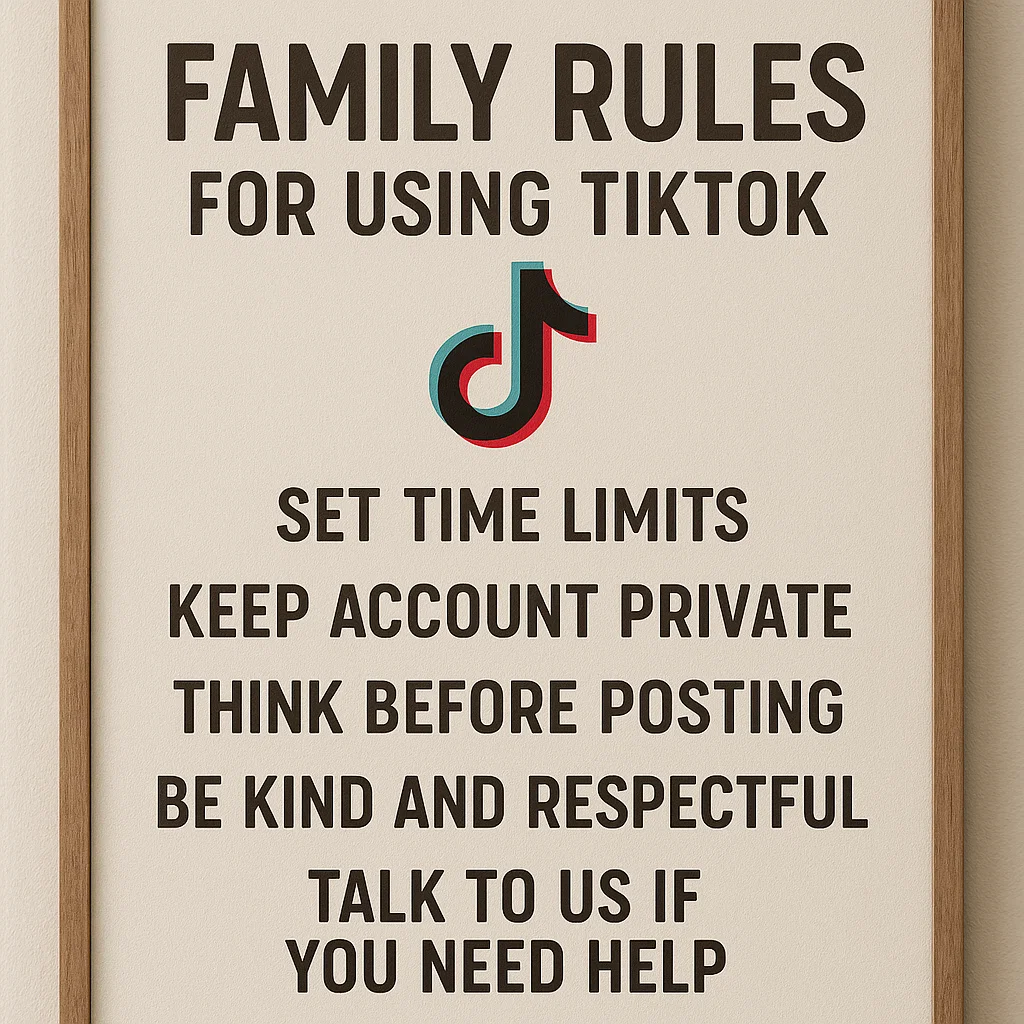
The solution isn't to ban the app outright—this often backfires—but to create a framework for its safe use. Establishing clear family rules for using TikTok is one of the most important digital safety steps you can take today. This comprehensive guide will provide you with a practical blueprint to create, implement, and enforce rules that protect your child while respecting their growing independence.
Why Your Family Needs Specific TikTok Rules
TikTok isn't just another app; it's a cultural force with a powerful algorithm designed to maximize engagement. While it offers creativity and connection, it also presents unique challenges including exposure to inappropriate content, privacy concerns, and the potential for excessive screen time that impacts sleep and schoolwork.
A study from the Pew Research Center found that two-thirds of teenagers use TikTok, with about one-sixth saying they use it "almost constantly." These family rules for using TikTok aren't about restricting your child's fun—they're about providing guardrails that allow them to explore their interests safely. Just as you taught them to look both ways before crossing the street, these rules teach essential digital citizenship skills.
The Foundation: Collaborative Rule Creation
The most effective rules are those created with your child, not just for them. An authoritarian approach often leads to secretive behavior and resentment. Instead, schedule a "digital family meeting" where everyone can share their perspective.
Start with open-ended questions:
"What do you enjoy most about TikTok?"
"Have you ever seen anything on the app that made you uncomfortable?"
"What do you think would be fair limits for using it?"
When children help create the rules, they're more likely to understand their importance and follow them. This collaborative process transforms the dynamic from "you're punishing me" to "we're working together to stay safe."
Essential Privacy and Safety Rules
These foundational rules protect your child's personal information and wellbeing:
1. Account Must Be Private
Ensure your child's account is set to private, not public. This means only approved followers can see their content. Review this setting together in the app's privacy settings.
2. No Personal Information in Profiles or Videos
Usernames and bios should not include their full name, age, school, or location. Similarly, videos should not reveal identifiable landmarks near your home or school uniforms with logos.
3. Stranger Danger Applies Online
Establish a clear rule: do not accept follower requests from people they don't know in real life, and never agree to move a conversation to another platform.
4. The "Grandparent Rule" for Content
A helpful guideline: if they wouldn't want grandma to see it, they shouldn't post it. This simple test helps children think critically before sharing content.
Screen Time and Usage Boundaries
These rules prevent TikTok from interfering with other important activities:
1. Time Limits Are Non-Negotiable
Set specific daily time allowances for TikTok use. A common approach is 30-60 minutes on school nights and slightly more on weekends. Be clear about when time resets each day.
2. Designated TikTok-Free Zones and Times
Establish clear boundaries:
No phones during family meals
No devices in bedrooms after a certain time
No TikTok until homework and chores are completed
Phones charged overnight outside bedrooms
3. The "Scroll-Free Before School" Rule
Implement a morning rule where TikTok cannot be accessed before school. This prevents the app from setting a distracted tone for the day.
Content and Behavior Guidelines
These rules address how your child engages with the TikTok community:
1. Think Before You Post
Encourage your child to consider how their content might affect others. Discourage videos that could embarrass, bully, or harass others, even as a joke.
2. Critical Thinking About Content
Remind your child that not everything on TikTok is real or beneficial. Challenge them to question exaggerated claims, dangerous challenges, and heavily filtered realities.
3. The "Tell Us" Rule
This may be the most important rule: promise your child they can always come to you if they see something upsetting on TikTok without immediately losing their privileges. This keeps communication open when problems arise.
Implementing TikTok's Built-In Safety Features
Before exploring third-party tools, maximize TikTok's native parental controls through "Family Pairing":
Link your account to your teen's account
Set daily screen time limits directly in the app
Enable Restricted Mode to filter inappropriate content
Limit who can send messages to your teen
Make their account private
While these features are helpful, they have limitations. Determined teens can sometimes bypass them, and they don't provide you with visibility into what your child is actually experiencing on the platform.
When You Need More Support: Parental Control Apps
For many families, implementing family rules for using TikTok requires additional tools that provide more robust monitoring and enforcement. These applications offer peace of mind by helping you consistently uphold the boundaries you've established together.
mSpy: Comprehensive Monitoring for Maximum Safety
When parents need detailed insight into their child's digital activity, mSpy provides powerful monitoring capabilities.

Key Features for TikTok Management:
Monitor TikTok messages and interactions
Track time spent on the app
Set alerts for specific activities
Comprehensive social media monitoring across platforms
Who it's for: Families who need thorough oversight and want to ensure their TikTok rules are being followed.
Eyezy: User-Friendly Insights and Control
Eyezy offers a balanced approach with an intuitive interface that makes monitoring straightforward for parents.

Key Features for TikTok Management:
Social media activity tracking
Screen time management
Easy-to-understand reports
Keyword alerts for concerning content
Who it's for: Parents who want effective monitoring without technical complexity.
Spynger: Focused Monitoring Solution
Spynger provides reliable monitoring with an emphasis on core features that matter most to parents.
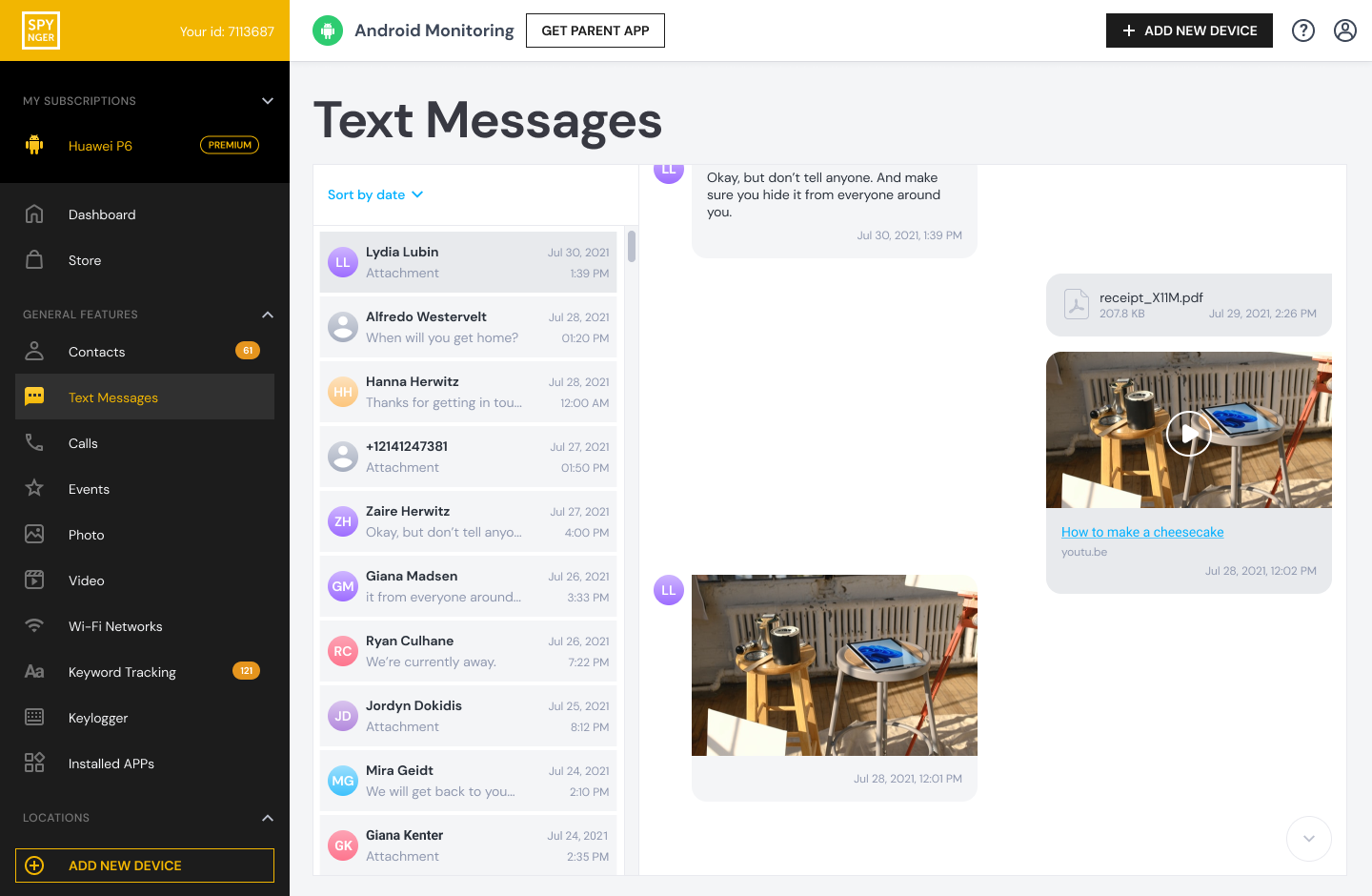
Key Features for TikTok Management:
Social media usage tracking
Screen time limits
App blocking capabilities
Straightforward dashboard
Who it's for: Families looking for essential monitoring features without unnecessary complexity.
Maintaining Open Communication and Trust
Technology can help enforce rules, but trust keeps them working. Schedule regular check-ins to discuss your child's TikTok experience without interrogation. Ask about trends they're following, creators they enjoy, and any concerns they might have.
Remember that mistakes will happen. When they do, focus on teaching rather than punishing. Use violations as learning opportunities to reinforce why the rules exist in the first place.
Adapting Rules as Your Child Grows
The family rules for using TikTok should evolve as your child matures. A 13-year-old needs different supervision than a 16-year-old. Regularly review and adjust the rules together, granting more autonomy as your child demonstrates responsibility.
Conclusion
Creating family rules for using TikTok isn't about control—it's about preparing your child for digital independence. By establishing clear expectations, implementing appropriate safety measures, and maintaining open communication, you're not just restricting an app; you're teaching vital digital citizenship skills that will serve your child for life.
The goal is to raise children who can navigate online spaces safely, think critically about content, and balance their digital and real-world lives. Your proactive approach today will help shape their healthy relationship with technology tomorrow.
Frequently Asked Questions (FAQs)
1. At what age is TikTok appropriate for children?
TikTok's terms of service require users to be at least 13 years old. However, age alone shouldn't determine readiness. Consider your child's maturity, ability to follow rules, and understanding of online safety before allowing access. Many experts recommend waiting until high school.
2. What should I do if my child breaks the TikTok rules?
Stay calm and use it as a teaching moment. Discuss what happened, why the rule exists, and what they learned from the experience. Consequences should be proportional and related to the violation, such as temporarily losing TikTok privileges. The goal is learning, not just punishment.
3. How can I check if my child has a secret TikTok account?
Look for the app on their device, check their screen time reports for TikTok usage, and search their name on TikTok. Parental control apps like mSpy or Eyezy can provide more comprehensive monitoring. However, the healthiest approach combines reasonable oversight with strong communication and trust.


