For over a decade, I've consulted with parents navigating the tricky waters of raising kids in a digital world. Time and again, one question rises to the top, especially from iPhone users: "How can I actually keep my child safe on Snapchat?" The platform's fleeting messages and dynamic features can feel like a parent's worst nightmare, leaving you feeling shut out and worried.
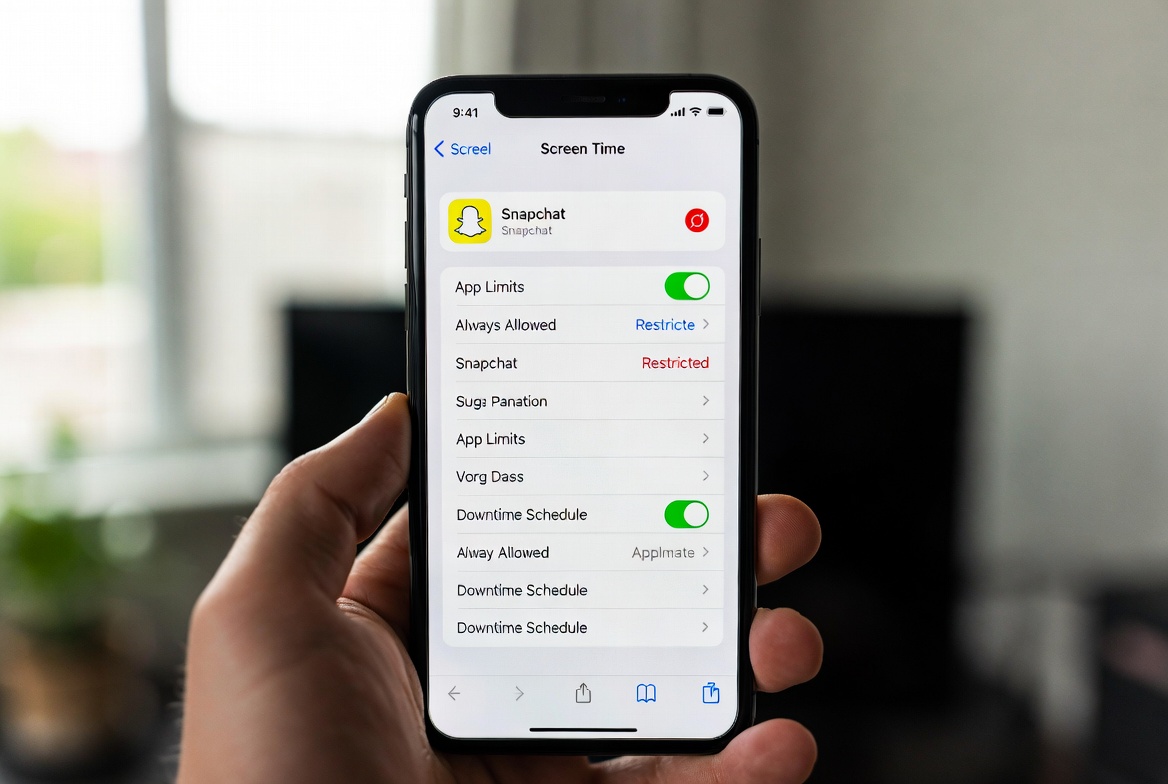
The good news is that the landscape is changing. Snapchat has introduced its own set of built-in parental controls, and when combined with robust third-party solutions designed for iOS, you can build a formidable safety net. This guide will provide you with a clear, step-by-step blueprint. I will walk you through exactly how to use Snapchat's native "Family Center" and then show you how to go further with dedicated monitoring apps to truly set Snapchat parental controls on iPhone effectively.
Why Snapchat Presents a Unique Challenge for Parents
Snapchat isn't like other social media platforms. Its core appeal—disappearing messages—is also its primary risk. This feature can encourage kids to share content without considering long-term consequences, making it a potential venue for cyberbullying, contact from strangers, and exposure to inappropriate material. According to a recent survey, over 60% of teens use Snapchat, and it's often their go-to app for daily communication with friends.
The ephemeral nature of Snaps means that evidence of harmful interactions can vanish before a parent ever sees it. This doesn't mean you are powerless. It simply means your approach to safety needs to be proactive and layered. Understanding how to set Snapchat parental controls on iPhone is no longer optional; it's an essential part of modern parenting.
Using Snapchat's Built-In "Family Center"
In response to pressure for better safety tools, Snapchat launched its own parental supervision feature called Family Center. It's a good first step, but it's crucial to understand what it can and cannot do.
How to Set Up Family Center:
Both You and Your Child Need the App: You and your teen must have Snapchat installed on your iPhones and be connected as friends on the platform.
Access the Settings: Tap your Bitmoji or profile icon in the top-left corner, then tap the gear icon to access Settings.
Find Family Center: Scroll down to "Privacy Control" and select "Family Center."
Invite Your Teen: Tap "Invite Teen" and select your child from your friends list. They will need to accept the invitation from their app.
What Family Center Lets You See:
Friend List: A list of who your teen is friends with on Snapchat.
Contact List: A list of users your teen has contacted and who has contacted them within the last 7 days. Crucially, you cannot see the content of any messages.
Content & Privacy Settings: You can view your teen's privacy and safety settings within the app.
The Limitations of Family Center:
While a positive development, Family Center has significant blind spots. You are essentially seeing a list of contacts and the fact that communication happened, but you have no context. You cannot read messages, see shared photos or videos, or monitor group chats. This is why many parents seek additional tools to fill these critical gaps.
The Power of Third-Party Monitoring Apps for iPhone
This is where dedicated parental control applications become invaluable. Due to Apple's strict privacy policies, these apps for iPhone work differently than on Android. They typically use your child's iCloud credentials to sync data, offering a powerful way to set Snapchat parental controls on iPhone that go far beyond Family Center.
Let's examine three of the most effective solutions I've tested.
mSpy: The Comprehensive Monitoring Powerhouse
mSpy is one of the most established and powerful names in the monitoring space. For iPhone users, it leverages iCloud backup data to provide a surprisingly detailed view of your child's Snapchat activity.

Its strengths include the ability to monitor a wide range of data, including iMessages, call logs, GPS location, and of course, Snapchat. While it may not capture every single vanishing Snap in real-time due to iOS limitations, it uses advanced techniques to log keystrokes and access cached data, providing a much more comprehensive picture than Family Center alone. mSpy is for the parent who needs the most robust data possible and is comfortable with a feature-rich, detailed dashboard.
Who it's for: Parents who need a powerful, all-in-one solution and want the deepest possible insights into their child's iPhone activity, including Snapchat.
Spynger: The Stealthy and Efficient Specialist
Spynger has built a strong reputation for its reliability and user-friendly approach on the iOS platform. It is designed to work seamlessly with iCloud syncing, requiring only your child's Apple ID and password to begin monitoring.
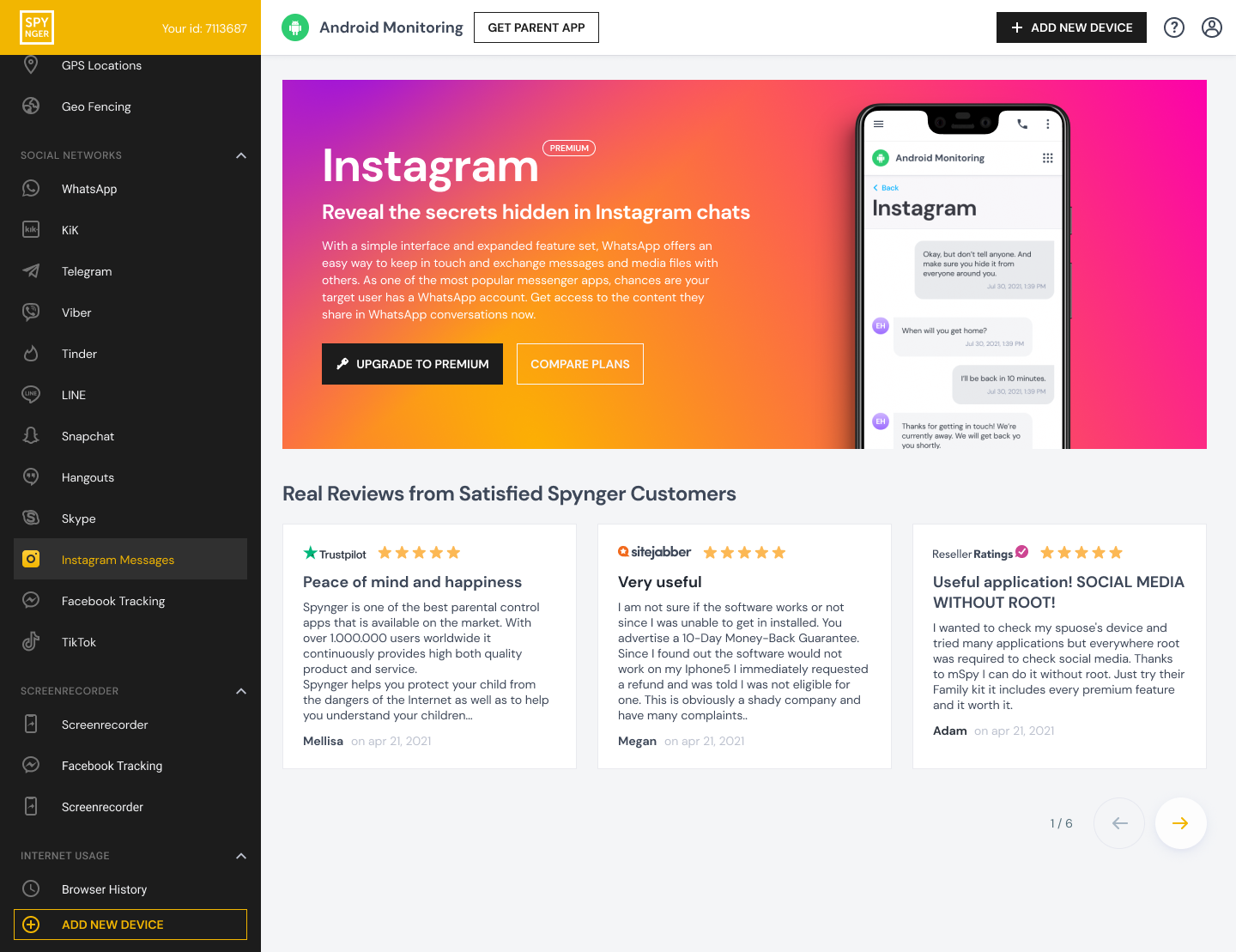
Spynger excels at providing a clear overview of social media activity, including Snapchat. It can show you contact lists, message timestamps, and other relevant data pulled from the device's backups. Its interface is straightforward, making it easier for parents who are less tech-savvy to navigate and understand the information presented. If your goal is to set Snapchat parental controls on iPhone without a complex setup, Spynger is an excellent choice.
Who it's for: Parents looking for a reliable, efficient, and easy-to-use monitoring tool that works effectively with iPhone's iCloud system.
Scannero: The Modern and Affordable Option
Scannero is a newer entrant that has quickly gained popularity by offering a modern interface and a strong set of core features at a competitive price point. It follows the same iCloud-based monitoring model, making it a viable option for iPhone users.

Scannero allows parents to monitor location, text messages, and social media apps like Snapchat. It focuses on delivering key information clearly and concisely. For parents who want essential oversight without an overwhelming number of features, Scannero strikes a good balance between functionality, cost, and ease of use.
Who it's for: Budget-conscious parents who need effective Snapchat and location monitoring without the complexity of a premium, feature-packed service.
Creating a Layered Defense: Built-In + Third-Party
The most effective safety strategy is a layered one. I always advise parents to use both Snapchat's Family Center and a dedicated monitoring app.
Start with Conversation: Talk to your child about online safety and explain why you are using these tools. Frame it as a safety measure, not a punishment.
Enable Family Center: Use this as your first line of defense to see who your child is talking to.
Supplement with a Monitoring App: This is your second, more powerful layer. It fills the gaps left by Family Center, giving you context and insight into the content of the conversations.
This combined approach respects the platform's available tools while acknowledging their limitations and proactively addressing them.
The Ethical Considerations of Monitoring
Using these tools comes with a significant responsibility. It's essential to:
Check Local Laws: Always ensure you are complying with local regulations regarding digital monitoring of a minor.
Prioritize Trust: For older teens, consider having an open conversation about the use of monitoring software. The goal is to guide them toward responsible independence, not to control them indefinitely.
Use Information Wisely: The data you gather should be used to start conversations and offer guidance, not to punish without context.
Conclusion
The feeling of anxiety about your child's Snapchat use is valid, but it doesn't have to be permanent. You now have a clear, expert-approved plan. You've learned how to use Snapchat's own Family Center and discovered powerful third-party apps like mSpy, Spynger, and Scannero that can help you set Snapchat parental controls on iPhone effectively.
By taking these steps, you are not being invasive; you are being a responsible parent in a complex digital age. You are building the safety net your child needs to explore social media with a layer of protection.
Frequently Asked Questions (FAQs)
1. Can I monitor my child's Snapchat without them knowing?
The third-party apps mentioned (mSpy, Spynger, Scannero) are designed to operate discreetly via iCloud syncing and do not require a visible app on your child's iPhone. However, many child safety experts recommend having an open conversation with your child about online monitoring to build trust, especially with older teenagers.
2. Do these third-party apps require jailbreaking my child's iPhone?
No. The apps recommended in this guide for iPhone monitoring are designed to work without jailbreaking. They utilize your child's iCloud credentials to sync and access data, which is a safe and non-intrusive method that preserves the device's warranty and security.
3. Why can't I see the actual message content with Snapchat's Family Center?
This is a deliberate privacy design choice by Snapchat. Family Center is intended to be a supervision tool that balances a parent's need for insight with a teen's expectation of privacy in their conversations. It shows you "who" and "when" but not "what," which is why supplementing it with a more robust monitoring app is often necessary.


