The iPhone is a gateway to the world for your child. It connects them to friends, information, and entertainment. But for a parent, it can also feel like a locked door behind which hidden conversations and potential dangers reside. Cyberbullying, contact with strangers, and exposure to inappropriate content are real concerns in the digital age. As a child safety consultant with over a decade of experience, I’ve seen firsthand the relief on parents' faces when they find a balanced way to stay informed.
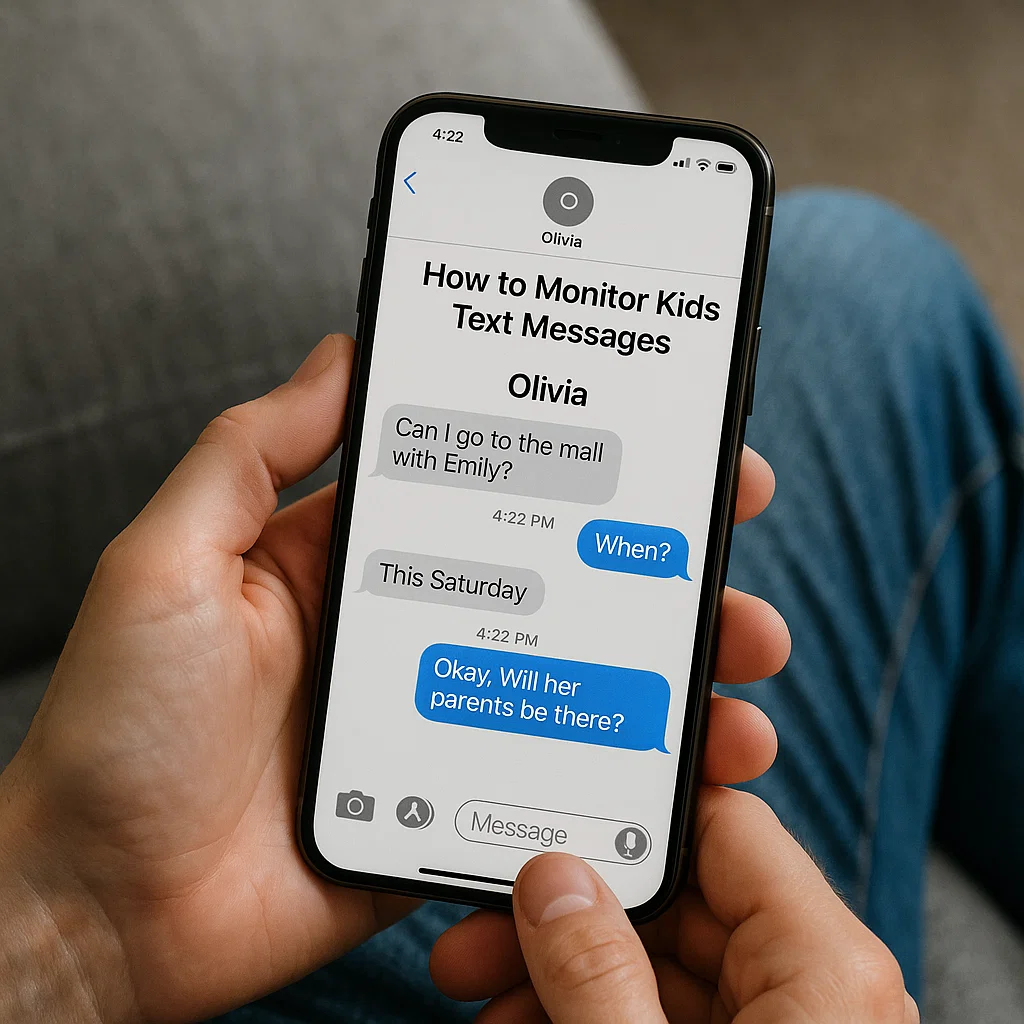
The question isn't just whether you should monitor your child's text messages, but how to do it in a way that protects them without breaking their trust. This guide will provide a clear, honest look at the methods available. We will explore the native iPhone features and delve into third-party applications to give you a complete picture of how to monitor kids text messages on iPhone effectively and responsibly.
Understanding the "Why": Safety Over Snooping
Before we discuss the "how," it's crucial to establish the "why." The goal of monitoring is not to eavesdrop on every trivial chat with friends. It is to create a safety net. Consider these statistics: According to the Pew Research Center, a majority of teens have experienced some form of cyberbullying. Furthermore, texts are a primary medium for sexting and communication with potential predators.
Framing this as a safety issue, much like teaching them to wear a seatbelt, is essential. Your intention should be to guide and protect, not to control. This mindset will also guide your conversations with your child, which is the most critical step of all.
The Foundational Step: The Trust and Transparency Conversation
Surreptitiously installing monitoring software on your child's phone is a recipe for resentment and a severe breach of trust if discovered. The most effective approach begins with an open dialogue.
Choose a Calm Time: Don't have this conversation when you're in a conflict.
Lead with Concern: Explain that your primary motivation is their safety in an increasingly complex digital world.
Set Clear Boundaries: Explain what you will be monitoring and why. For example, "We will be checking your text messages to ensure you're not talking to strangers or being exposed to bullying."
Listen to Their Concerns: Acknowledge their feelings about privacy. This is a negotiation, not a decree.
Establishing these guidelines upfront transforms the process from spying into a shared family safety strategy.
Built-in iPhone Features: Your First Line of Defense
Apple provides several robust, native tools that can help you keep tabs on your child's activity without immediately resorting to third-party apps. These are excellent starting points for many families.
Screen Time and Communication Limits
Introduced in iOS 12, Screen Time is a powerful feature for managing your child's device.
What it Monitors:
Communication Safety: This feature, available in later iOS versions, can automatically detect and blur nude photos in Messages and warn children before they view or send them. It can also provide helpful resources.
Communication Limits: You can restrict who your child can communicate with (via phone, FaceTime, and Messages) during certain hours and at all times. This is effective for limiting contact to only known, trusted contacts.
Activity Reports: You can see overall phone usage, but not the specific content of messages.
Limitations: While it controls who they talk to and offers some content protection, it does not allow you to read the full content of their text message conversations.
Family Sharing and iCloud Message Syncing
If your family uses iCloud and you all share an Apple ID ecosystem, there is a method to see their messages.
How it Works:
You can set up your child's iPhone to forward their iMessages and SMS to one of your own Apple devices (like an iPad or Mac) that is signed into the same iCloud account. This requires using a shared Apple ID for messages, which is not Apple's recommended practice and can cause confusion with iCloud data syncing.
Limitations: This method is technically complex, can be easily disabled by a tech-savvy child, and muddies your own iCloud experience. It is not a reliable or seamless long-term solution for learning how to monitor kids text messages on iPhone.
Third-Party Monitoring Apps: A Comprehensive Solution
For parents who need more detailed insight than Apple's native tools provide, dedicated parental control apps are the most effective solution. They are specifically designed to offer transparency and detailed reporting. Here are three of the leading options.
mSpy: The Industry Standard for Detailed Monitoring
mSpy is one of the most well-known names in the parental control space, and for good reason. It offers a deep level of insight into a child's digital life, particularly their communications.

Key Features for Text Monitoring:
Full Message Access: Read all incoming and sent SMS and iMessages.
Contact Details: See the names and phone numbers associated with each conversation.
Timestamp Tracking: Know exactly when each message was sent or received.
Social Media Integration: Also monitors popular messaging apps like WhatsApp, Snapchat, and Instagram DMs.
Best For: Parents who have agreed with their teen on a need for comprehensive oversight, perhaps after a specific safety incident or for a rehabilitative trust-building period.
Eyezy: A User-Friendly Option with Powerful Insights
Eyezy offers a modern, clean interface that makes monitoring straightforward. It consolidates data in an easy-to-understand dashboard, making it less overwhelming for parents.

Key Features for Text Monitoring:
Messages Viewer: Access the full content of text messages and iMessages.
Social Magnifier: This feature extends monitoring beyond standard texts to capture conversations from social media platforms.
Keystroke Capture: Records every keystroke made on the device, which can reveal messages typed in notes apps or search queries.
Best For: Parents who want a powerful monitoring tool but prefer a simple, intuitive interface that doesn't require a technical background to navigate.
Spynger: Discreet and Extensive Monitoring
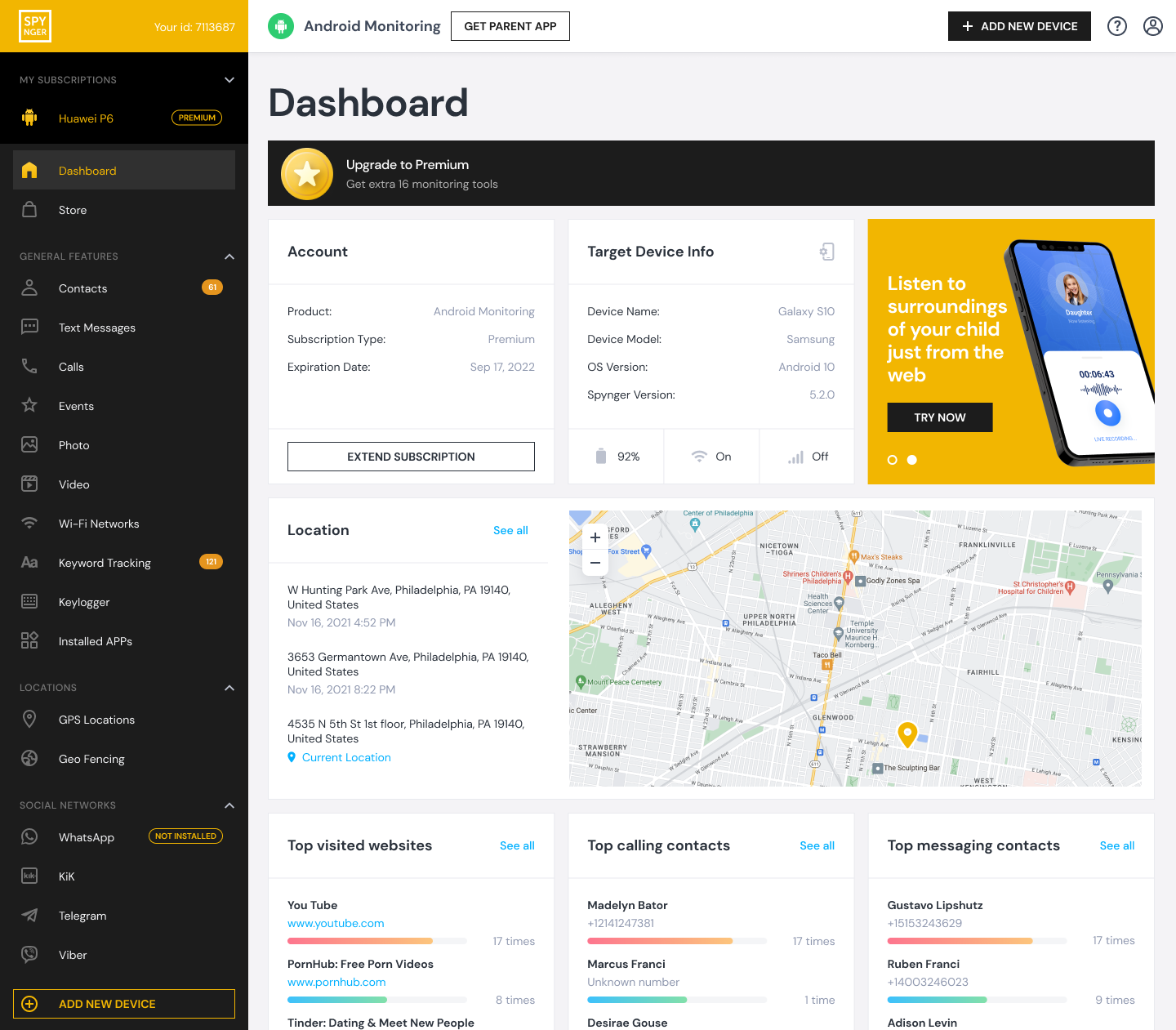
Spynger is designed to provide extensive data while maintaining a low profile on the target device. It offers a wide range of features that cover virtually every aspect of phone use.
Key Features for Text Monitoring:
SMS & iMessage Tracking: Monitors all traditional text-based communications with full content and contact details.
Stealth Mode: Operates invisibly on the target iPhone, which can be a critical feature for parents of at-risk teens who would otherwise disable the app.
Multi-Platform Support: Tracks messages from a vast array of instant messaging apps beyond the default Messages app.
Best For: Situations where a parent has significant concerns about their child's safety and believes that overt monitoring would be circumvented or could escalate a risky situation. This requires careful ethical consideration.
The Ethical Dimension: Using Data Responsibly
Having access to your child's private messages is a significant responsibility. The data you gather should be used to start conversations, not to punish arbitrarily.
Look for Patterns, Not Gossip: Focus less on mundane chat with friends and more on red flags: communication with unknown adults, signs of bullying, or discussions about risky behaviors.
Confront with Care: If you find something concerning, approach your child with empathy. Say, "I saw a message that worried me. Can we talk about what's going on?" This reinforces that the tool is for safety, not for catching them doing something wrong.
Gradually Increase Privacy: As your child demonstrates responsible digital behavior over time, consider scaling back the monitoring. The end goal is to raise a digitally literate adult who can manage their own safety.
Conclusion
Learning how to monitor kids text messages on iPhone is a modern parenting skill that balances the need for safety with the respect for a child's growing independence. There is no one-size-fits-all answer. For some, Apple's built-in Screen Time will be sufficient. For others, the detailed reporting of an app like mSpy, Eyezy, or Spynger will provide the necessary peace of mind.
The most powerful tool, however, remains open communication. Use technology as a support for your parenting, not a replacement for it.
Ready to take the next step? I encourage you to have the conversation with your child first. Then, review the features of the tools discussed to find the one that best aligns with your family's safety agreement. Your proactive approach today can prevent a crisis tomorrow.
Frequently Asked Questions (FAQs)
1. Is it legal to use these apps to monitor my child's iPhone?
Yes, it is generally legal for a parent or legal guardian to monitor the smartphone activity of their minor child. The legal context changes once the child becomes a legal adult (18 years old in most places).
2. Will my child know the monitoring app is installed?
It depends on the app and your settings. Apps like mSpy and Eyezy can often be configured to run discreetly. However, as discussed, being transparent with your child is the healthiest approach for your long-term relationship.
3. Can these apps monitor messaging apps like WhatsApp and Snapchat?
Yes, the advanced apps mentioned—mSpy, Eyezy, and Spynger—are specifically designed to capture data from popular third-party messaging applications. This is a key reason parents choose them over Apple's native solutions, which are generally limited to iMessage and SMS


