It starts innocently enough—a quick check of Instagram, a scroll through TikTok. But then 30 minutes vanish, then an hour. For parents, watching this happen to their children is incredibly frustrating, especially when homework is waiting or it's time for family dinner. As a digital wellness consultant for the past decade, I've seen how the one-two punch of TikTok and Instagram can dominate a young person's attention, pulling them away from what truly matters.
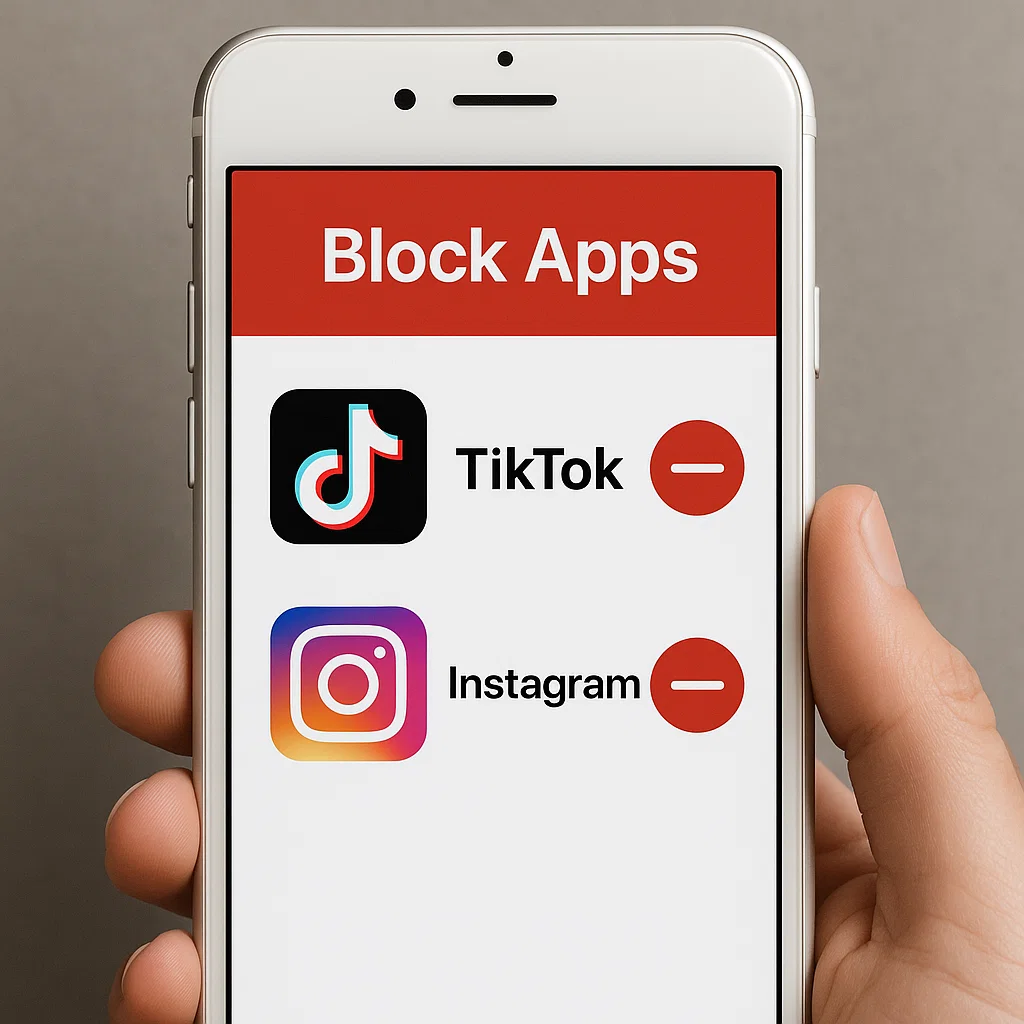
The challenge isn't just limiting one app; it's managing the combined gravitational pull of these two social media giants. What parents really need is a single, powerful solution—an app to block TikTok and Instagram together. Trying to manage them separately with built-in tools is an endless game of whack-a-mole. This guide will cut through the confusion and show you the most effective tools that give you back control, ensuring your child's screen time is balanced and productive.
Why Blocking TikTok and Instagram as a Pair is So Important
TikTok and Instagram (particularly its Reels feature) are built on the same psychological principle: infinite, algorithmically-driven scrolling. When a user gets bored with one, they simply switch to the other, creating a near-endless cycle of passive consumption. This isn't just anecdotal; research from non-profits like Common Sense Media consistently shows that teens cycle between a handful of top apps, with TikTok and Instagram being the most common pair.
This constant switching fragments attention and makes it nearly impossible for the developing brain to engage in deep, focused work—the kind required for homework and learning. By using an app to block TikTok and Instagram together, you are not just restricting access; you are creating the necessary conditions for focus, creativity, and real-world connection to flourish.
The Problem with Built-in Phone Controls for This Task
Both iOS and Android offer built-in screen time controls. They are a good first step, but they fall short for this specific goal. Here’s why:
They Work in Silos: You can set a 30-minute limit for TikTok and a 30-minute limit for Instagram. A savvy user can then use 30 minutes on each, for a total of one hour of social media scrolling. They don't see these apps as part of a combined "distraction catego
No Context: These tools tell you how long the apps were used, but they give you no insight into what your child was doing ory."
Easy to Bypass: Built-in controls often allow users to "Ignore Limit" or "Ask for More Time." They can also be reset if a child knows the device passcode.n them. This is a critical blind spot for safety.
For true, unified control, you need a dedicated solution designed specifically for this purpose.
What to Look for in a Blocking App
When you're evaluating an app to block TikTok and Instagram together, it must have these non-negotiable features:
Unified App Blocking: The ability to group and block multiple apps simultaneously with a single command.
Flexible Scheduling: The power to create custom schedules (e.g., blocking during school hours and homework time) that automatically enforce your rules.
Tamper-Resistant Design: The app should be secure against deletion or bypass by the device user.
Remote Management: The ability to block or unblock apps instantly from your own phone or computer, no matter where you are.
Insightful Reporting: Visibility into usage attempts, not just successful logins, to understand behavior patterns.
Top Contender #1: mSpy – The Powerhouse for Total Control
When parents ask me for the most powerful and comprehensive solution, mSpy is consistently at the top of my list. It’s more than a blocker; it's a full-featured monitoring suite that gives you complete command over your child's digital environment.

Why it's a great app to block TikTok and Instagram together:
One-Touch Blocking: You can remotely block both TikTok and Instagram instantly from your dashboard, or set a schedule that blocks them automatically during specified times.
Website Filtering: This is a crucial feature. It doesn't just block the apps; it can also block access to the Instagram and TikTok websites through the phone's browser, closing a major loophole.
Advanced Monitoring: Beyond blocking, mSpy lets you see what is happening within these apps—monitoring messages and interactions—before you decide to block them, providing valuable context.
Stealth Operation: Once configured, it runs discreetly, preventing your child from simply turning off the controls.
Who it's for: Parents who need an unbreakable, all-in-one solution and want the deepest possible level of control and insight.
Top Contender #2: Eyezy – The User-Friendly and Smart Manager
Eyezy has carved out a strong reputation by making powerful features accessible to every parent. Its clean, intuitive interface is perfect for those who want results without a technical headache.
Why it's a great app to block TikTok and Instagram together:
Simple Scheduling: Eyezy’s "Screen Time Scheduler" lets you visually create a timetable where you can block the entire phone or specific app categories. Setting up a block for TikTok and Instagram during school hours takes just a few taps.
Instant App Blocker: Find TikTok and Instagram in the app list and block them with a single toggle switch.
Social Spotlight: This feature is a game-changer. It consolidates activity from multiple social platforms into one feed, so you can see the context of your child's social media use, helping you make informed decisions about blocking.
Magic Alerts: Get notified if your child types specific keywords related to bullying, depression, or other risks, adding a layer of safety beyond simple blocking.
Who it's for: Parents who want an effective, straightforward, and easy-to-use tool that gets the job done without complexity.
Top Contender #3: Parentaler – The Balanced and Trust-Focused Solution
Parentaler takes a thoughtful approach, combining strong blocking capabilities with a philosophy that encourages communication. It’s designed for parents who want to enforce boundaries while building trust.
Why it's a great app to block TikTok and Instagram together:
Reliable App Blocking: Parentaler provides dependable scheduling and instant blocking for TikTok, Instagram, and other distracting apps.
Usage Reports: You receive clear reports showing how much time is spent on each app. This data is perfect for having a constructive conversation with your child about their digital habits.
Location-Based Rules: A unique feature that can automatically block apps when your child's phone is at a specific location, like their school.
Focus on Dialogue: The app is built to help you use technology as a starting point for talks about responsibility, rather than as a purely punitive measure.
Who it's for: Parents who want to enforce limits but also use the tool as a way to foster open communication and teach digital citizenship.
Implementing Your Blocking Strategy with Success
Choosing the right app is only half the battle. How you implement it determines its long-term success.
Have a Conversation First: Before you install anything, talk to your child. Explain that you are not punishing them, but rather helping them manage their focus and time. Frame the app as a tool for the whole family's well-being.
Start with a Schedule, Not a Total Ban: A complete block can feel like a punishment. Instead, start by blocking the apps during key focus times: school hours, homework time, and an hour before bed. This teaches balanced habits.
Use the Data for Good: If your app provides reports, use them to check in. "I noticed you tried to access Instagram a lot during homework time last night. Was there something specific you were checking?" This opens a dialogue.
Beyond Blocking: Fostering Healthy Digital Habits
An app to block TikTok and Instagram together is a powerful tool, but it should be part of a broader family media plan.
Lead by Example: Model the behavior you want to see. Put your own phone away during meals and conversations.
Create Phone-Free Zones: Establish areas like the dinner table and bedrooms as device-free.
Offer Alternatives: Encourage hobbies, sports, and reading to fill the time freed up by limiting social media.
Conclusion
The endless scroll between TikTok and Instagram doesn't have to control your child's time and attention. You now have a clear path forward. Whether you choose the comprehensive power of mSpy, the user-friendly intelligence of Eyezy, or the communication-focused balance of Parentaler, you have the power to create a healthier digital environment.
The right app to block TikTok and Instagram together is more than just a piece of software; it's a commitment to helping your child develop a balanced and responsible relationship with technology.
Frequently Asked Questions (FAQs)
1. Is it legal to use these apps on my child's phone?
Yes, it is generally legal for a parent or legal guardian to monitor and control the smartphone use of their minor child. You own the device and are responsible for your child's welfare. These tools are created for this specific, legal purpose.
2. Can my child uninstall the blocking app?
Reputable apps like mSpy, Eyezy, and Parentaler are designed to be tamper-resistant. They often run in stealth mode without a visible icon and require a password to be uninstalled or configured. This makes it very difficult for a child to remove them without your knowledge.
3. Will blocking these apps just make my child use them more secretly?
This is a valid concern, which is why the approach matters. A sudden, punitive block can lead to secretive behavior. The most effective strategy combines the technical block with open communication. Explain why you are setting these limits—to help them focus, sleep better, and reduce anxiety. When the rules are framed as a safety and wellness measure, and when you model good behavior yourself, resistance is significantly lower.


