If you’re a parent trying to manage work, school schedules, extracurricular activities, and a household, you know the feeling. It’s 5:15 PM, you’re finishing up a task, and you realize you have no idea if your child left soccer practice, if your partner picked up the dry cleaning, or if your teen is actually at the library studying. The mental load of coordinating a family is immense, and the "where is everyone?" question can be a constant source of low-grade stress.
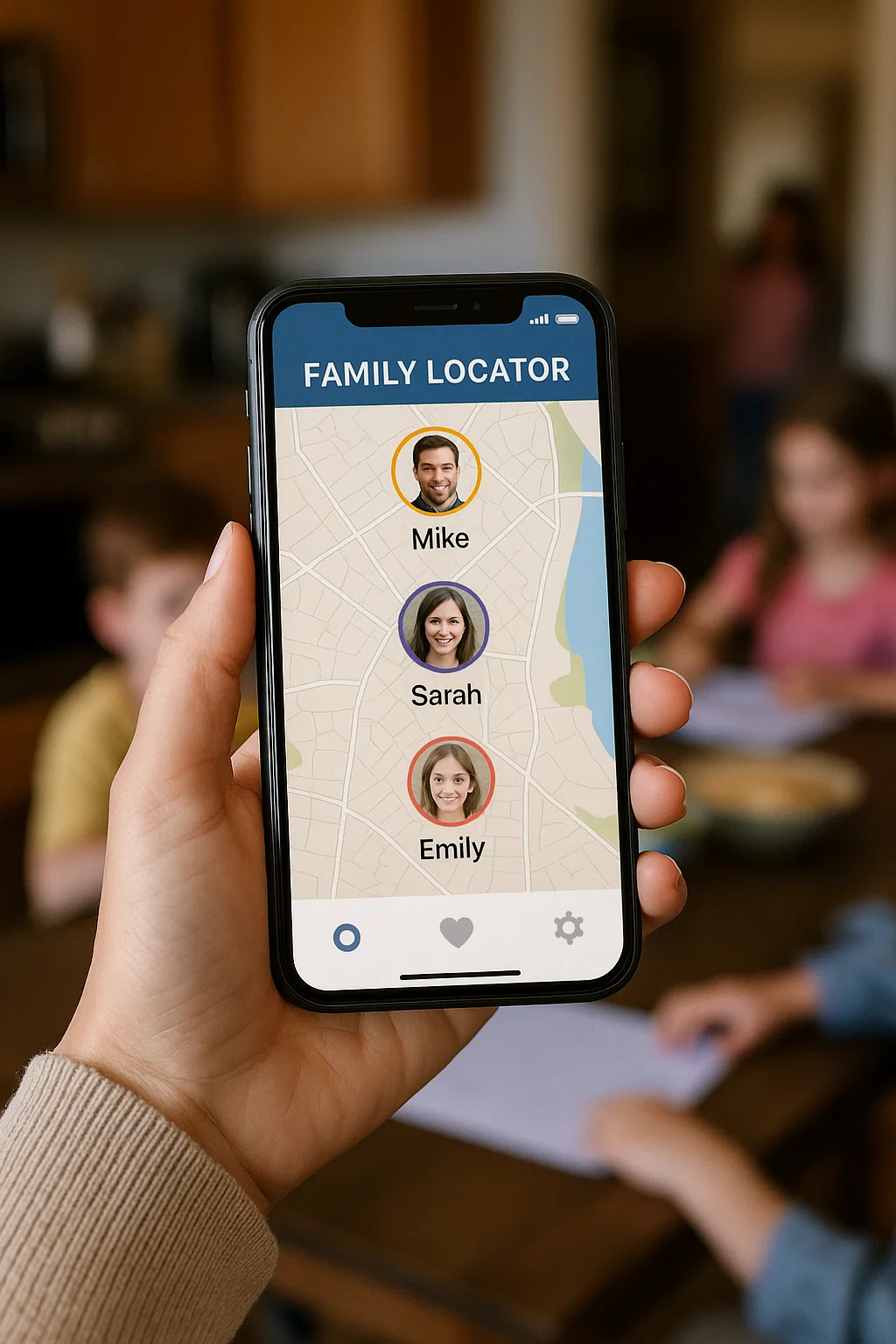
After a decade of helping families create more harmonious and efficient homes, I’ve seen one tool consistently make a dramatic difference: a reliable family locator app for busy parents. This isn't about surveillance; it's about coordination and peace of mind. It’s the digital equivalent of a family command center that fits in your pocket. This guide will help you cut through the clutter and find the right app to streamline your family's logistics, reduce your anxiety, and give you back precious mental energy.
More Than Just a Dot on a Map: What a Great Family Locator App Does
A quality family locator app for busy parents does much more than just show you a location. It acts as a central hub for your family's daily flow. The best ones offer a combination of these essential features:
Real-Time Location Sharing: The core function. You can see where everyone is on a private map, instantly.
Geofencing (Location Alerts): This is a game-changer for busy schedules. You can set up virtual boundaries around key places like "Home," "School," or "Grandma's House." The app will automatically send you a notification when a family member arrives or leaves, eliminating the need for constant "did you get there?" texts.
Check-In and Status Updates: Some apps allow family members to manually check in with their status or a quick message, like "Done with practice" or "Stopping for gas."
Battery and Connectivity Status: Knowing that a family member's phone is out of battery or has no service provides context if you can't see their location, preventing unnecessary worry. We go through the trade-offs in more depth in Peace of Mind in Your Pocket.
Cross-Platform Compatibility: The app should work seamlessly across both iOS and Android devices to include every family member.
The Built-In Contenders: Free and Simple Starting Points
Before investing in a third-party app, it’s wise to explore the free options that may already be on your family's phones.
For Apple-Only Families: Find My
If your entire household uses iPhones, iPads, and Macs, the built-in Find My app is a powerful and privacy-focused starting point.
How It Works: Using Family Sharing, you can easily share locations between family members. Everyone's devices appear in the
Peopletab.Key Feature for Busy Parents: Notifications. You can set it to notify you when a specific family member leaves or arrives at a location. This is perfect for automatically knowing when your child has been dropped off at school or when your partner is finally leaving the office. The step-by-step version of this is in A Complete Guide to iPhone Location Sharing for Families.
Limitation: It only works within the Apple ecosystem. If one family member uses an Android phone, they are left out.
For Mixed-Device Families: Google Maps Location Sharing
Google Maps offers a simple, no-fuss way to share your location with anyone who has a Google account.
How It Works: You can share your real-time location for a set period or indefinitely with specific contacts through the Google Maps app.
Key Feature for Busy Parents: Universality. Since Google Maps is on virtually every smartphone, it's an easy way to include Android and iPhone users in the same circle.
Limitation: It lacks the automated geofencing alerts and dedicated family management features of other apps, requiring more manual checking.
When to Upgrade: The Case for a Dedicated Family Locator App
The built-in tools are great for basic location sharing, but a dedicated family locator app for busy parents truly shines when you need to automate coordination and add layers of safety. You should consider an upgrade if:
You find yourself constantly texting "Where are you?" or "Did you get there?"
You need automatic alerts for arrivals and departures without manually checking a map.
You want a single app that combines location with other helpful family features.
Top-Tier Apps Designed for Busy Families
Based on extensive testing and feedback from the families I coach, here are three dedicated applications that excel in making family coordination effortless.
1. Eyezy: The All-in-One Family Manager
Eyezy is a versatile choice that goes beyond simple location tracking to offer a comprehensive suite of features that busy parents will appreciate.

Key Features for Busy Families: Its real-time location tracking is precise and reliable. The standout feature is its "Places" log, which automatically categorizes and records frequently visited locations, giving you a clear, at-a-glance understanding of your family's routines without constant monitoring.
Beyond Location: Eyezy also includes screen time monitoring and app blocking, which can be managed remotely. This means you can handle digital boundaries and physical location from one single dashboard.
Best For: The parent who wants a powerful, all-in-one tool to manage both their family's physical whereabouts and their digital habits.
2. mSpy: For Precision and Peace of Mind
While mSpy is known for its monitoring capabilities, its location features are exceptionally robust, making it a top-tier family locator app for busy parents who prioritize precision and safety.

Key Features for Busy Families: mSpy offers incredibly accurate, real-time GPS tracking. Its geofencing feature is highly customizable, allowing you to draw exact boundaries on a map and receive instant, reliable alerts. It also maintains a detailed location history.
Beyond Location: For parents with older children, its additional features like social media insight can provide context for their location, adding another layer of awareness.
Best For: Parents who want the most accurate and reliable location alerts and a comprehensive view of their child's safety, both online and offline.
3. Spynger: For Icon Hiding and Reliable Location Updates
Spynger provides a strong set of location-tracking features with a focus on reliability and icon hiding, which is great for checking in without being intrusive.
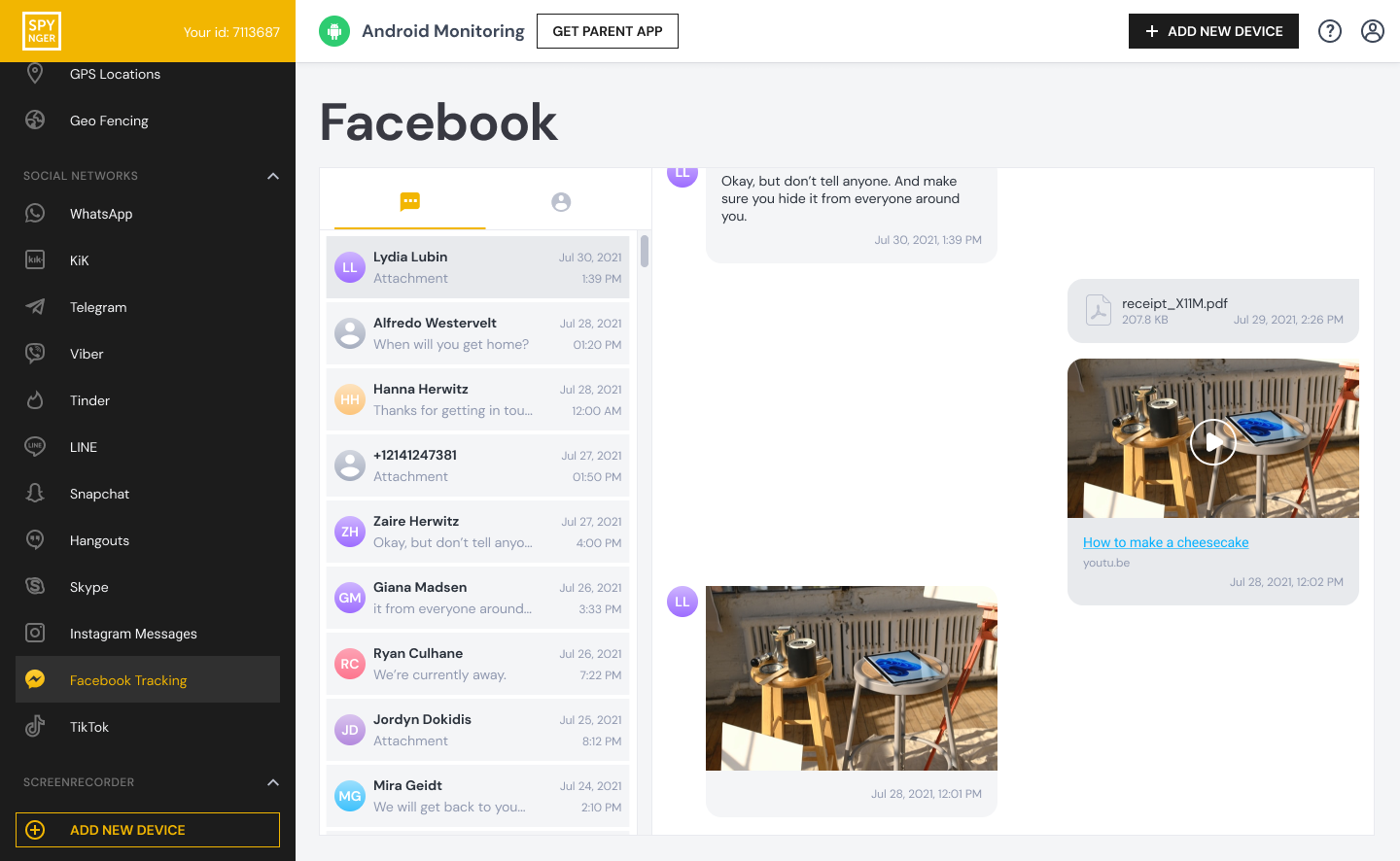
Key Features for Busy Families: Delivers reliable location data and geofencing alerts. Its interface is designed to provide the information you need clearly and efficiently.
Beyond Location: It includes monitoring for various forms of communication, which can be useful for understanding the full context of your family's day.
Best For: Parents who value a straightforward, reliable locator app that focuses on delivering accurate location data and alerts without unnecessary complexity.
Implementing Your Chosen App for Maximum Harmony
Introducing a new app successfully requires a good strategy. Follow these steps to ensure smooth adoption:
Frame it as a Family Tool: Present the app as something that benefits everyone. "This will help us all coordinate better so we spend less time texting and more time doing fun things."
Set Up Geofences Together: Involve the family in setting up the key locations for alerts. This makes them active participants.
Respect Privacy and Autonomy: Use the app for logistics and safety, not for micromanaging every minute of your teen's day. Establish trust by not commenting on every small detour.
Before You Call: A Protocol for the Late Dot
The dot is at the school and the bus was due at twenty to five. It is now a quarter past, and you are holding a phone with a map on it, deciding whether to be worried or angry. Neither impulse is much use until you know what you are looking at.
Read the timestamp on the pin before you read the pin. Most locator apps show how old the position is, either as a line under the address or as a grey pin. A location updated ninety seconds ago and one updated twenty-five minutes ago are two different problems, and the second usually means the phone is asleep, indoors or out of signal rather than a child who has gone somewhere unexpected.
Then look at what the app knows about the device itself. Battery level, connection state and last-seen time together tell you whether you are looking at a phone that is off or a phone that is simply quiet. Any locator worth paying for surfaces at least one of those; if yours only shows a map, you are being handed a number without its age, which is worse than no number.
Send an ordinary message next. Not where are you, which is an accusation in three words, and not a demand for a call. A plain sentence that assumes a boring answer gets answered, and an answered message is worth more than a fresher pin.
If no answer comes, widen the circle to the people who each hold a piece of the evening: the friend's parent, the coach, the school office, the sibling who left ten minutes earlier. One of them usually has the fact you are missing.
The last step is the one to agree in advance. Decide, in a calm week, how many minutes late is late enough to escalate for each route and each child, and write the number down. Then the decision is already made when the dot is late, and you are not inventing policy with shaking hands. That single number is the core of any fair set of GPS tracking rules for teenagers, because the whole family can see it before anything goes wrong.
Two maps will eventually disagree. The locator and the phone's own finding feature sample at different intervals, and a hundred metres of difference is normal. Pick one as the reference and stop comparing, or every late evening becomes an argument about which app is right.
When it resolves, spend two minutes without a penalty. Ask what happened, say what you were worried about, and leave it there. A child who expects a punishment for being late will start pre-empting the check instead of calling you, and a protocol that teaches that is worse than no protocol at all.
Conclusion
In the whirlwind of modern parenting, a reliable family locator app for busy parents is more than a convenience—it's a strategic tool for reclaiming your time and reducing your mental load. It transforms the chaotic "where is everyone?" into calm, automated knowledge.
You have the power to turn coordination from a source of stress into a seamless part of your day. Evaluate your family's needs, explore the options, and take the step toward a more organized and peaceful family life.
Ready to simplify your family's coordination? Compare these top-rated family locator apps and find your perfect fit.
Frequently Asked Questions (FAQs)
1. Will a family locator app significantly drain our phone batteries?
Modern family locator apps are designed to be very efficient with battery usage. While they will use some power, the impact is generally minimal and should not noticeably affect your phone's battery life under normal use. The peace of mind and time saved far outweigh the minor battery consumption.
2. My teenager is resistant to the idea. How can I get them on board?
Focus on the mutual benefits. Explain that it means more freedom for them because you’ll feel comfortable saying "yes" to more plans since you can verify they're safe. Also, offer a compromise—perhaps you only use the check-in feature or limit location sharing to times when they are out past dark or in an unfamiliar place.
3. Are these apps secure? Is our family's location data safe?
Reputable apps like Eyezy, mSpy, and Spynger use strong encryption to protect the data they transmit and store. Your family's location information is shared only within the private circle you create and is not used for public or advertising purposes. Always review the privacy policy of any app you choose to understand how your data is handled.