
What Does HMU Mean?
HMU means "hit me up."
Teenagers usually use it as a quick version of "message me later." It often appears when friends are making plans without a fixed time.
Harmless vs. Red Flag Contexts
HMU is not a warning sign by itself. Ask who sent it, where it appeared, and what followed. A classmate discussing gaming is different from an unknown adult commenting under a public photo.
Harmless Contexts (Friends and Plans)
- Example 1: "I'm home after six. HMU if you want to play Xbox."
- Example 2: "HMU when you finish homework and I'll send the address."
Both examples have a known person, a clear reason to reply, and no pressure to move the conversation somewhere private.
Look at the conversation, not one word
If your family uses parental controls, agree on what you may review. An isolated "HMU" does not justify assuming the worst.
Review parental-control optionsRed Flag Contexts (Strangers and DMs)
Pay attention when an unknown account pushes a child into direct messages or asks for a photo, location, school name, or secret. Those actions matter more than HMU.
- Example 1: A new account repeatedly comments "HMU" under a teenager's public photos, then asks why they have not replied.
- Example 2: A public Snapchat post says "bored, someone HMU," allowing replies from people the teenager may not know. That exposure can increase contact from scammers or online predators.
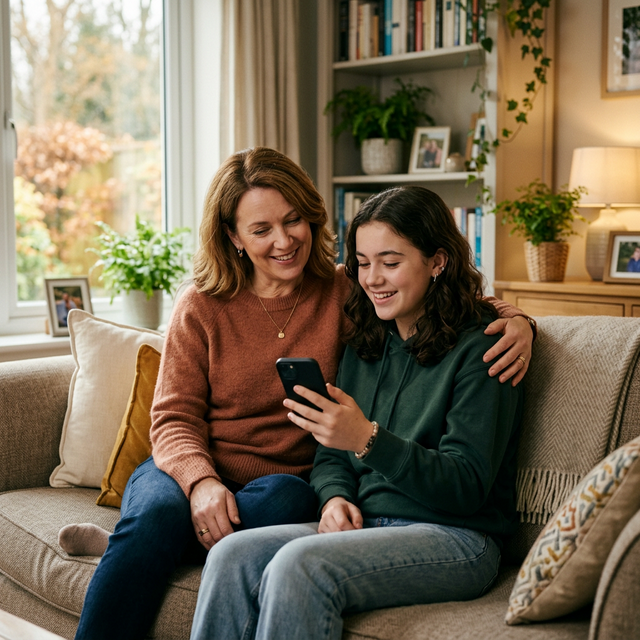
Talk through one real example together instead of delivering a general lecture about slang.
Parent Checklist: Setting Boundaries
If requests come from strangers, review the account settings together. Menu names can change after app updates.
- Review Privacy Settings: On Instagram, open the profile menu, then Settings and activity > Account privacy, and switch on Private account. Review the follower list together.
- Control Who Can Message: In Instagram's Settings and activity, open Messages and story replies > Message controls. Limit requests from people your child does not follow.
- Teach High-Risk Avoidance: Ask your child to contact a specific friend directly instead of posting an open invitation. Block and report accounts that apply pressure or request personal details.
Be clear about any checks you plan to make and why. If you use social media monitoring apps, use them only on a device you own or are authorized to supervise, and follow the law where you live.
Agree on boundaries before using a dashboard
Decide which risks justify a review, what remains private, and when you will revisit the arrangement as your child gets older.
Compare parental dashboardsFor more terms, use our Teen Slang & Emoji Dictionary. If your family has agreed to alerts for specific risks, our keyword alerts guide explains the setup and its limits.


