It’s 10:30 PM. You’ve said goodnight, but a faint blue glow still seeps from under your child’s door. The quiet taps and swipes tell you they’re still connected—to games, to social media, to a world that never sleeps. This nightly battle is one of the most common frustrations for modern parents. As a family digital wellness consultant with ten years of experience, I’ve seen firsthand how this constant connectivity erodes sleep quality, impacts mood, and disrupts family routines. The good news? The solution is simpler than you think.
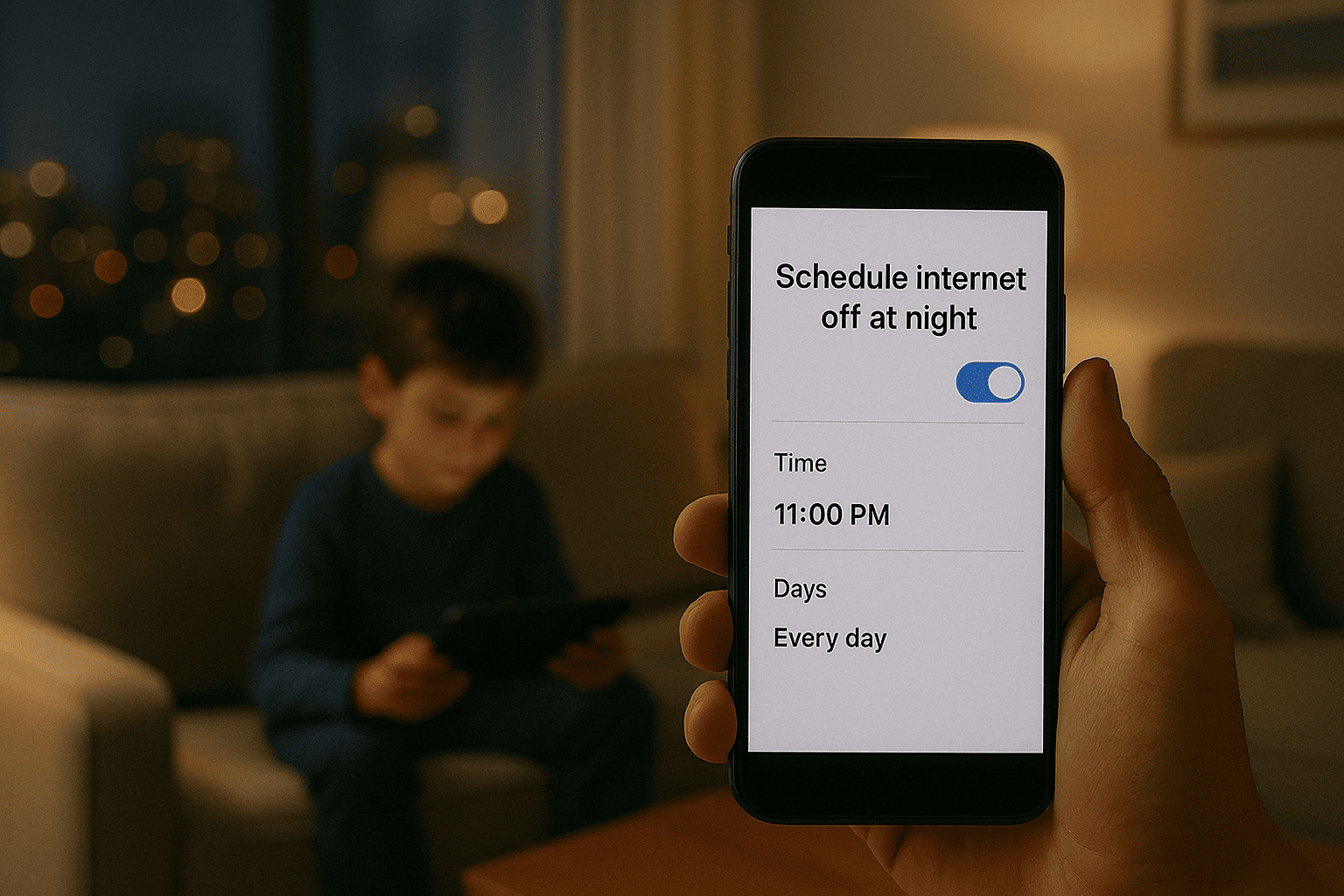
Finding a reliable app to turn off internet at night is a powerful step toward reclaiming your family’s rest and well-being. This isn’t about punishment; it’s about creating a healthy boundary that protects one of our most vital resources: sleep. This guide will walk you through every option, from the free tools already on your phone to sophisticated parental control applications that offer total peace of mind. My goal is to help you find the perfect tool to silence the digital noise and ensure your home gets the rest it deserves.
Why a Digital Sunset is Non-Negotiable for Health
The science is clear and unequivocal. The blue light emitted by screens suppresses melatonin production, the hormone responsible for regulating sleep-wake cycles. A study from the National Sleep Foundation consistently links screen use before bed to delayed sleep onset, reduced sleep duration, and poorer sleep quality. For children and teenagers, whose brains are still developing, this is particularly damaging, affecting everything from academic performance to emotional regulation. Using an app to turn off internet at night enforces a necessary "digital sunset," allowing natural sleep processes to take over. It eliminates the temptation to scroll endlessly and helps establish a calm, pre-bedtime routine.
Your Built-in Solution: Native Device Schedulers
Before investing in a third-party application, it’s wise to explore the powerful, free tools built directly into your devices. Both Apple and Google have integrated robust parental controls that can effectively manage nighttime access.
For iOS: Mastering Screen Time & Downtime
Apple’s Screen Time feature is a comprehensive system for managing device use, and its "Downtime" function is your key to a quiet night.
What it is: Downtime allows you to schedule a block of time where only phone calls and apps you specifically choose to allow (like a music app or a specific educational tool) will be available. All web browsers, social media, and games are blocked.
How to Set It Up: Navigate to Settings > Screen Time. If you're setting it up for a child in your Family Group, select their name. Tap "Downtime," switch it on, and set a schedule (e.g., 9:00 PM to 7:00 AM). During this period, the affected apps will be grayed out and inaccessible.
The Verdict: It’s a highly effective, free solution for creating a predictable internet curfew on iPhones and iPads.
For Android: Google Family Link's Bedtime Mode
Google’s answer to this challenge is equally straightforward and is managed through the Google Family Link app.
What it is: The "Bedtime schedule" feature in Family Link allows you to set a time when your child’s device will be locked. Unlike Apple's Downtime, this typically locks the entire device, making it unusable except for emergency calls.
How to Set It Up: Open the Family Link app on your phone, select your child, and tap "Controls." Then, navigate to "Bedtime" and set your desired schedule. You can often set different times for weekdays and weekends.
The Verdict: This is a brute-force but incredibly effective method. There's no ambiguity—when bedtime arrives, the phone is off-limits.
When to Consider a Dedicated Parental Control App
The built-in tools are excellent, but they have limitations I’ve observed with countless families. They are platform-specific (an Apple setting doesn't affect an Android tablet), and they can sometimes be bypassed by a determined child. Furthermore, they lack broader oversight. You can see that the phone was used, but not necessarily what your child was doing before the cutoff time. This is where a dedicated app to turn off internet at night shines, offering cross-platform consistency, tamper-resistant controls, and deeper insights.
Top-Tier Apps for Unbreakable Digital Bedtimes
These third-party applications are engineered specifically for parental control, providing a more robust and feature-rich solution.
mSpy: For Comprehensive Oversight and Control
mSpy is a powerful all-in-one monitoring and control solution, ideal for parents who want detailed reports alongside powerful blocking features.

Internet and App Blocking: You can remotely block specific apps (like TikTok or Chrome) or schedule a complete internet lockout.
Screen Time Scheduling: Set precise schedules for when the device can and cannot be used, perfectly tailoring it to your family's nighttime routine.
Keylogger and Usage Reports: Understand what your child is doing online before the shutdown, providing context for their habits.
Geofencing: Get alerts when your child leaves or arrives at a specific location, like home after school.
mSpy is the right choice if you want the highest level of detail and control, ensuring that the app to turn off internet at night is part of a broader safety strategy.
Eyezy: User-Friendly Management and Insights
Eyezy focuses on delivering powerful controls through an intuitive and easy-to-understand dashboard, making it less overwhelming for parents.
Screen Time Scheduler: Easily create time-based schedules to block the phone or specific apps during set hours.
Magic Alerts: Receive notifications based on specific keywords or locations, giving you peace of mind beyond just screen time.
Social Media Viewer: See what your child is posting and sharing on their connected social accounts.
One-Touch Phone Lock: Instantly lock the device from your own phone—perfect for enforcing unplanned quiet time.
Eyezy is perfect for parents who want robust functionality without a steep learning curve, making digital boundary setting simple and effective.
Parentaler: Straightforward and Reliable Locking
Parentaler excels at providing the core features of parental control in a straightforward, no-fuss package. Its reliability is its greatest strength.
Remote Phone Lock: This is the standout feature. With a single tap in your parent app, you can lock your child's device instantly, making it the ultimate app to turn off internet at night on demand.
App Blocker: Individually block distracting applications like games or social media.
Web Filter: Block inappropriate websites to create a safer browsing environment.
Location Tracking: Keep tabs on your child’s physical whereabouts for added safety.
If your primary goal is reliable, simple, and effective device locking without extra complexity, Parentaler is an excellent choice.
Choosing the Right Tool for Your Home
Your choice depends on your specific family dynamics:
For Basic, Free Scheduling: Start with Apple Screen Time or Google Family Link.
For Maximum Detail and Control: Choose mSpy for its comprehensive monitoring.
For Ease of Use and Powerful Features: Eyezy offers a great balance.
For Simple, Reliable Device Locking: Parentaler is direct and effective.
Beyond the App: Fostering Healthy Habits
Technology is a powerful tool, but it works best when paired with conversation. Explain to your child why uninterrupted sleep is important. Frame the use of an app to turn off internet at night as a family health policy, not a personal punishment. Encourage other pre-sleep activities like reading a physical book or listening to calm music. This combination of technical boundaries and open communication builds trust and fosters lifelong healthy habits.
Conclusion
The cost of poor sleep is too high to ignore. You have the power to create a calmer, more restful home environment by managing digital access after hours. You are now equipped with the knowledge to choose the perfect tool, from built-in settings to powerful apps like mSpy, Eyezy, and Parentaler.
Don't let another night of disrupted sleep go by. Take action today. Choose a solution, implement it, and watch as your family enjoys deeper sleep, brighter mornings, and a healthier relationship with technology.
Frequently Asked Questions (FAQs)
1. Will turning off the internet at night block emergency calls?
No. Whether you use a built-in tool or a dedicated parental control app, these functions only block data and app access. The ability to make and receive standard phone calls, including calls to emergency services, always remains active.
2. Can my child disable the app or the schedule?
Built-in controls can sometimes be bypassed if a child knows the parent's passcode. Dedicated apps like mSpy, Eyezy, and Parentaler are designed to be tamper-resistant. They often run in stealth mode and will send an alert to the parent's device if the app is uninstalled or disabled.
3. Is it better to turn off the Wi-Fi router or use an app?
Turning off the home Wi-Fi is a blunt instrument that affects everyone in the house and is easy to forget. A dedicated app targets a specific child's device, works on both Wi-Fi and cellular data, and operates on a automated schedule, providing a much more precise and reliable solution.


