If you’re the parent of a teenager, you’ve likely felt that knot of anxiety in your stomach. It’s the modern-day version of waiting up for the car to pull into the driveway, only now the worries are constant and live in their pocket. From cyberbullying and inappropriate content to simple, endless scrolling that replaces sleep and homework, a smartphone can feel like a Pandora's box of risks.
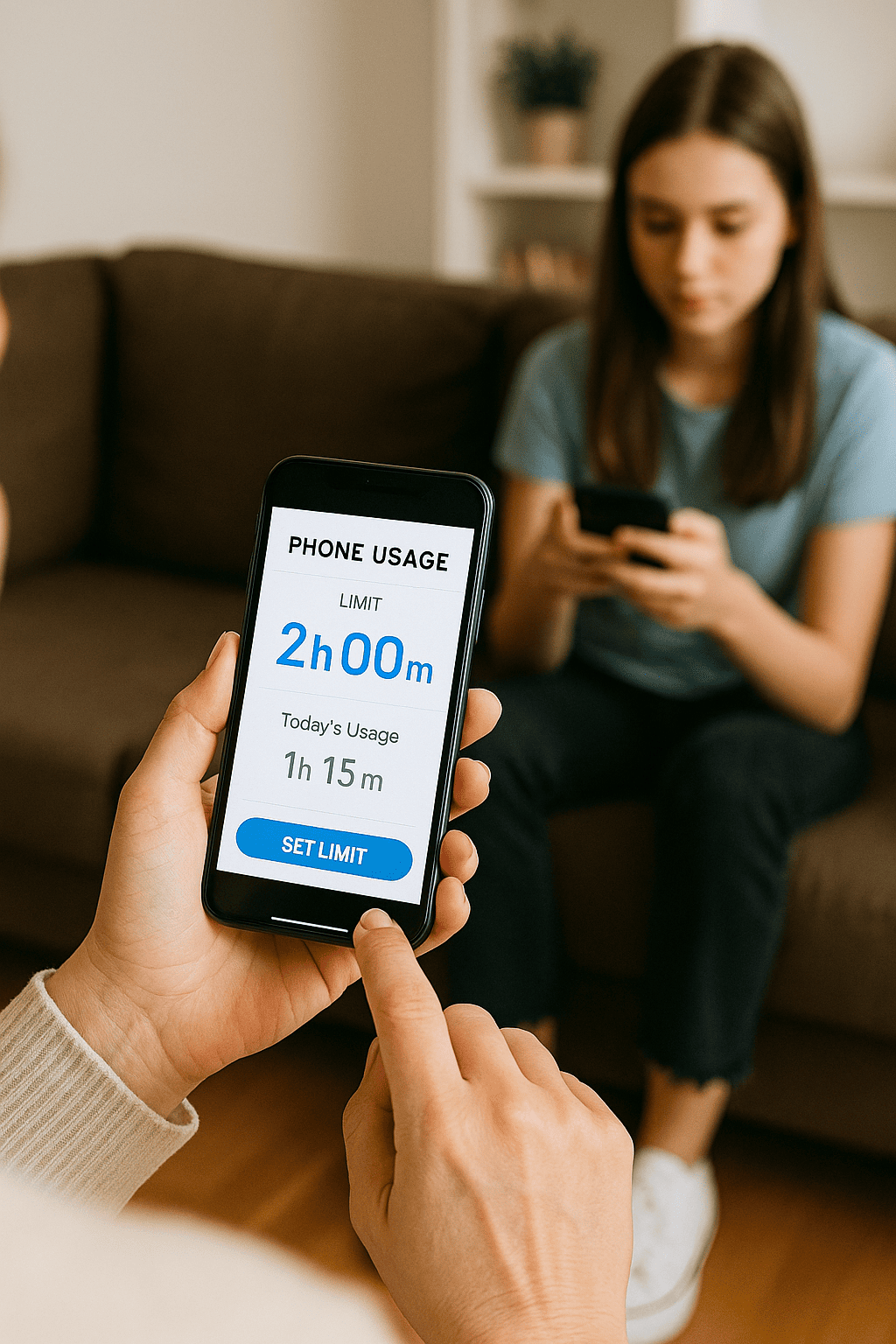
Having guided families through digital transitions for over ten years, I’ve learned one crucial lesson: control isn't about restriction; it's about guidance. The goal isn't to spy, but to mentor. A well-chosen phone usage control app for teens is the most effective tool to bridge the gap between giving your teen independence and ensuring their safety and well-being. This article will cut through the noise, providing a clear framework for what to look for and a detailed review of top applications to help you make an informed decision for your family.
Why Generic Parental Controls Aren't Enough for Teenagers
Smartphones have built-in screen time features, so why invest in a dedicated app? The answer lies in the unique challenges of parenting a teen. Built-in controls are often basic, easily bypassed by a tech-savvy adolescent, and lack the nuanced features needed for this specific age group.
A dedicated phone usage control app for teens is designed with their developing independence in mind. It moves beyond simple time limits to address complex issues like driving safety, social media monitoring, and location tracking. These apps provide a safety net that allows you to grant more freedom because you have verified oversight, reducing your anxiety and helping your teen make better choices online and in the real world.
Essential Features in a Teen-Focused Control App
When evaluating a potential app, it should act as a comprehensive digital co-parent. Based on my experience, here are the non-negotiable features to prioritize:
Robust Screen Time Management: Look for more than just daily limits. The best apps allow you to create custom schedules that automatically lock the phone during school hours, at bedtime, or during family dinners.
App Blocking and Web Filtering: The ability to block specific apps (like games or social media) during focus times is crucial. Equally important is robust web filtering that blocks adult and harmful content without slowing down their browsing.
Real-Time Location Tracking and Geofencing: For a parent, knowing your teen is safe is paramount. GPS tracking provides peace of mind. Geofencing takes it a step further by sending you an instant alert when your teen arrives at or leaves a designated location like school, work, or a friend's house.
Social Media and Communication Monitoring: This is a sensitive but critical area. A quality app will let you monitor interactions on platforms like Instagram, Snapchat, and WhatsApp for signs of cyberbullying, predatory behavior, or shared inappropriate content.
Driving Safety Features: Distracted driving is a leading cause of death for teens. Some apps offer features that can automatically silence notifications or send an alert if the phone is being used while the vehicle is in motion.
In-Depth Review: Top Phone Usage Control Apps for Teens
After extensive testing and feedback from the families I work with, I’ve identified three applications that stand out for their specialized features and reliability.
1. mSpy: For Comprehensive Digital Oversight and Safety
mSpy is one of the most powerful and detailed monitoring tools on the market. It is designed for parents who need a deep, granular understanding of their teen's digital life, especially when specific safety concerns exist.
Key Features: Offers extensive social media and message monitoring (including deleted texts), call tracking, GPS location tracking with geofencing, and even keylogger functionality to see what is typed. It provides a nearly complete picture of device activity.
Best For: Parents of teens who may be at higher risk or who require a thorough overview to address serious behavioral concerns. It’s a powerful tool for ensuring online safety.
2. Scannero: For Location-Based Peace of Mind
Scannero specializes in one of the most fundamental parental worries: "Where is my child?" Its strength lies in its focused and reliable location-tracking capabilities.
Key Features: Provides accurate, real-time GPS location tracking. A standout feature is the ability to get a location update via SMS, which works even if the phone does not have an active internet connection. This is a fantastic fail-safe for areas with poor data service.
Best For: Parents whose primary concern is knowing their teen's physical whereabouts reliably. It’s an excellent choice for basic, highly effective location tracking.
3. Moniterro: For Balanced Monitoring and Time Management
Moniterro offers a strong balance between comprehensive monitoring and practical screen time controls. It provides the essential oversight parents need without being overwhelmingly complex.
Key Features: Includes social media and message monitoring, web history tracking, and GPS location. It also incorporates solid screen time management tools, allowing you to set schedules and limits to encourage a healthy digital balance.
Best For: Families looking for an all-in-one solution that covers both safety monitoring (social media, location) and practical phone usage control, like managing daily screen time and app usage.
Implementing the App: A Strategy for Trust and Success
How you introduce the app is as important as the app itself. A heavy-handed approach can breed resentment, while a collaborative one builds trust. Follow this strategy:
Initiate an Open Conversation: Have a calm, honest discussion about online risks. Frame the app as a safety tool for the entire family, not a punishment. Explain that its purpose is to help them learn responsible digital citizenship, much like a driver's permit allows practice with supervision.
Collaborate on the Rules: Involve your teen in setting the boundaries. What are reasonable screen time limits? When should the phone be off-limits? When they have a voice, they are more invested in the outcome.
Install the App Together: Be transparent. For teens, secret installation is often perceived as a breach of trust. Walk them through the features you plan to use and why.
Use Data for Dialogue, Not Dictation: If you see concerning activity through the app, use it as a conversation starter, not an accusation. "The app showed you were on Instagram until 2 AM. I'm worried about your sleep. Can we talk about it?"
Review and Adapt: As your teen demonstrates responsibility, gradually loosen the restrictions. The ultimate goal of using a phone usage control app for teens is to work yourself out of a job, empowering them to self-regulate.
The Bigger Picture: Balancing Safety with Independence
A control app is a powerful tool, but it is not a substitute for your relationship. It should be part of a broader strategy that includes ongoing education about digital footprints, online privacy, and critical thinking. The app provides the data and the guardrails, but you provide the wisdom and guidance.
Use this technology to create a safer environment where your teen can make mistakes and learn from them while the consequences are still manageable. This balanced approach builds the trust and skills they need to navigate the digital world independently once they leave your home.
Conclusion
Navigating your teen's digital world is one of the most complex challenges of modern parenting. But you don't have to choose between their safety and their independence. By selecting the right phone usage control app for teens, you can provide a crucial safety net that fosters open communication, teaches responsibility, and gives you the peace of mind you deserve.
Take the first step today. Assess your family's specific needs, explore the options, and choose a path that leads to a healthier, more trusting digital life for your teen.
Frequently Asked Questions (FAQs)
1. Is it ethical to monitor my teen's phone without them knowing?
While technically possible with some apps, I strongly advise against secret monitoring for teenagers. Transparency is the foundation of trust. A hidden app, if discovered, can severely damage your relationship. The more effective approach is to have an open conversation about the dangers online and position the app as a shared tool for safety, not a spy device.
2. My teen is very tech-savvy. Can't they just disable the app?
Reputable apps like the ones reviewed are designed to be difficult to uninstall or bypass without the parent's password. They often run in stealth mode or require administrator permissions that prevent easy removal. The technical barrier is high, but maintaining an open dialogue about why the app remains is the best long-term deterrent.
3. At what age should I stop using a control app?
There is no magic number. The process should be a gradual transition of trust and responsibility. As your teen consistently demonstrates good judgment, responsible time management, and open communication about their online experiences, you can begin to scale back the monitoring. The goal is to phase out the app by the time they are ready for full independence, typically around late high school or college.


